
Mix and Match Products for WooCommerce
Allow customers to create personalized product bundles by mixing and matching from a range of options, and offer discounts based on their selections to drive sales


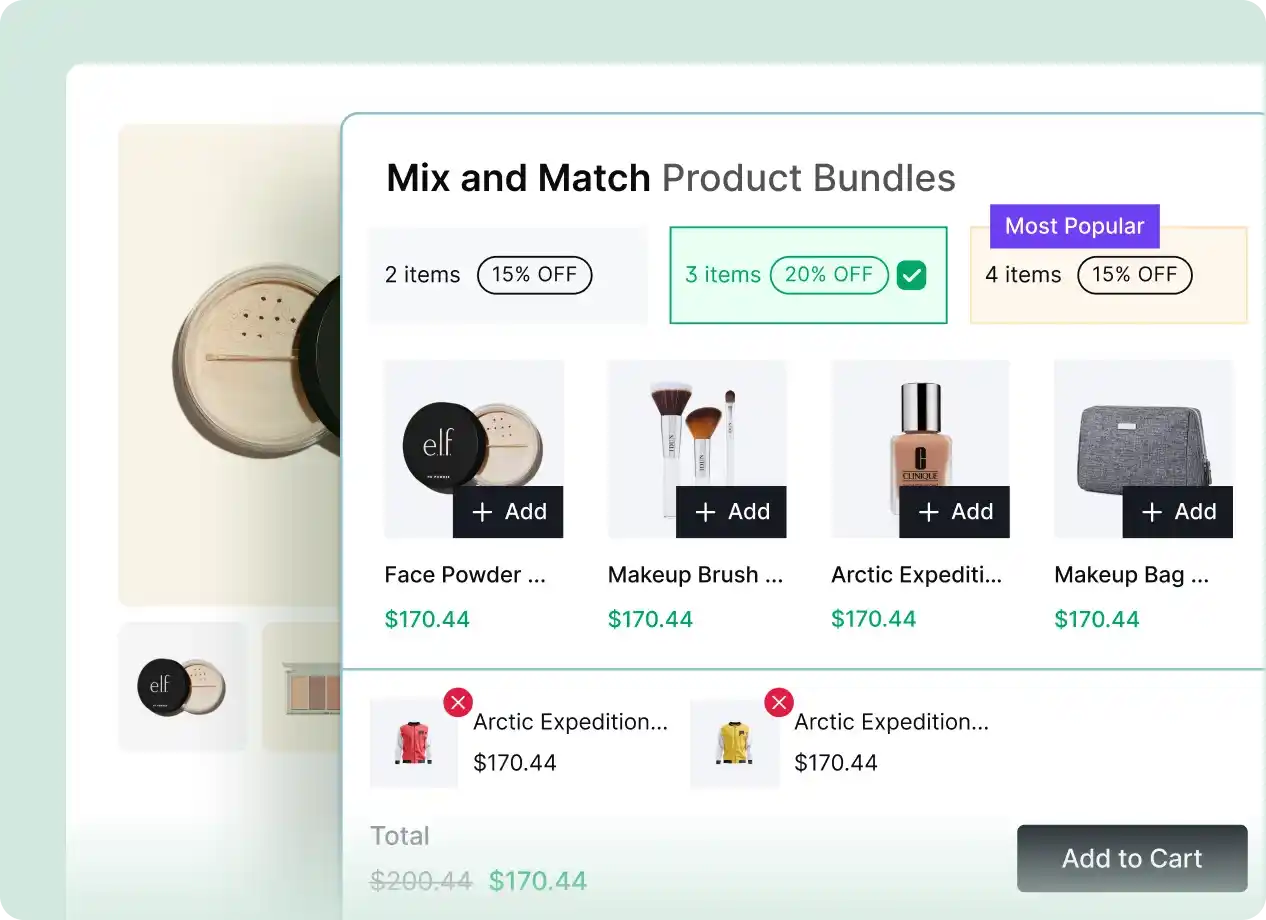
Display Mix and Match Bundles Across Key WooCommerce Pages
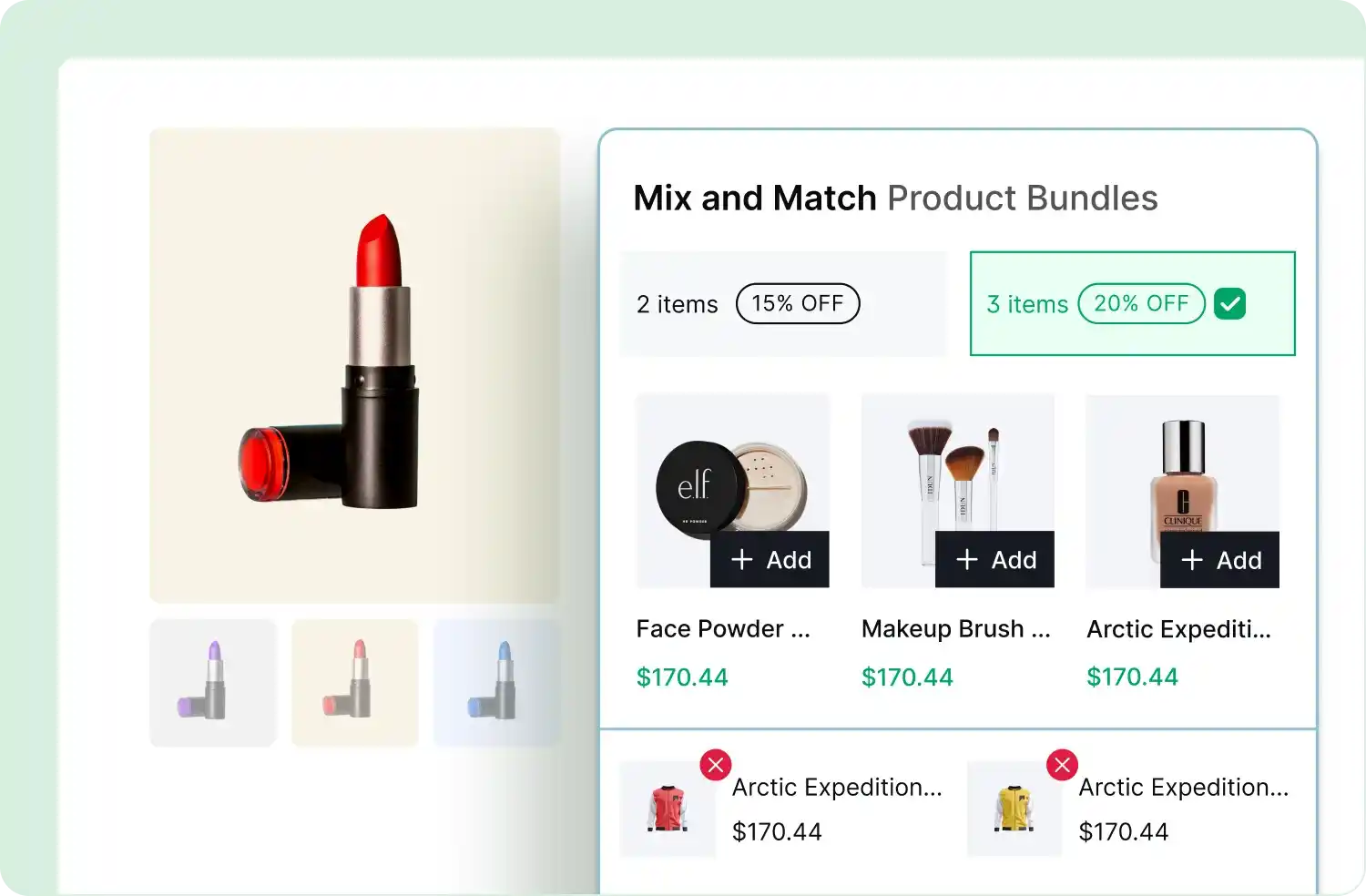
Display Mix & Match bundle offers on key pages like product, cart, checkout, and thank-you pages, ensuring they catch shoppers’ attention and drive conversions

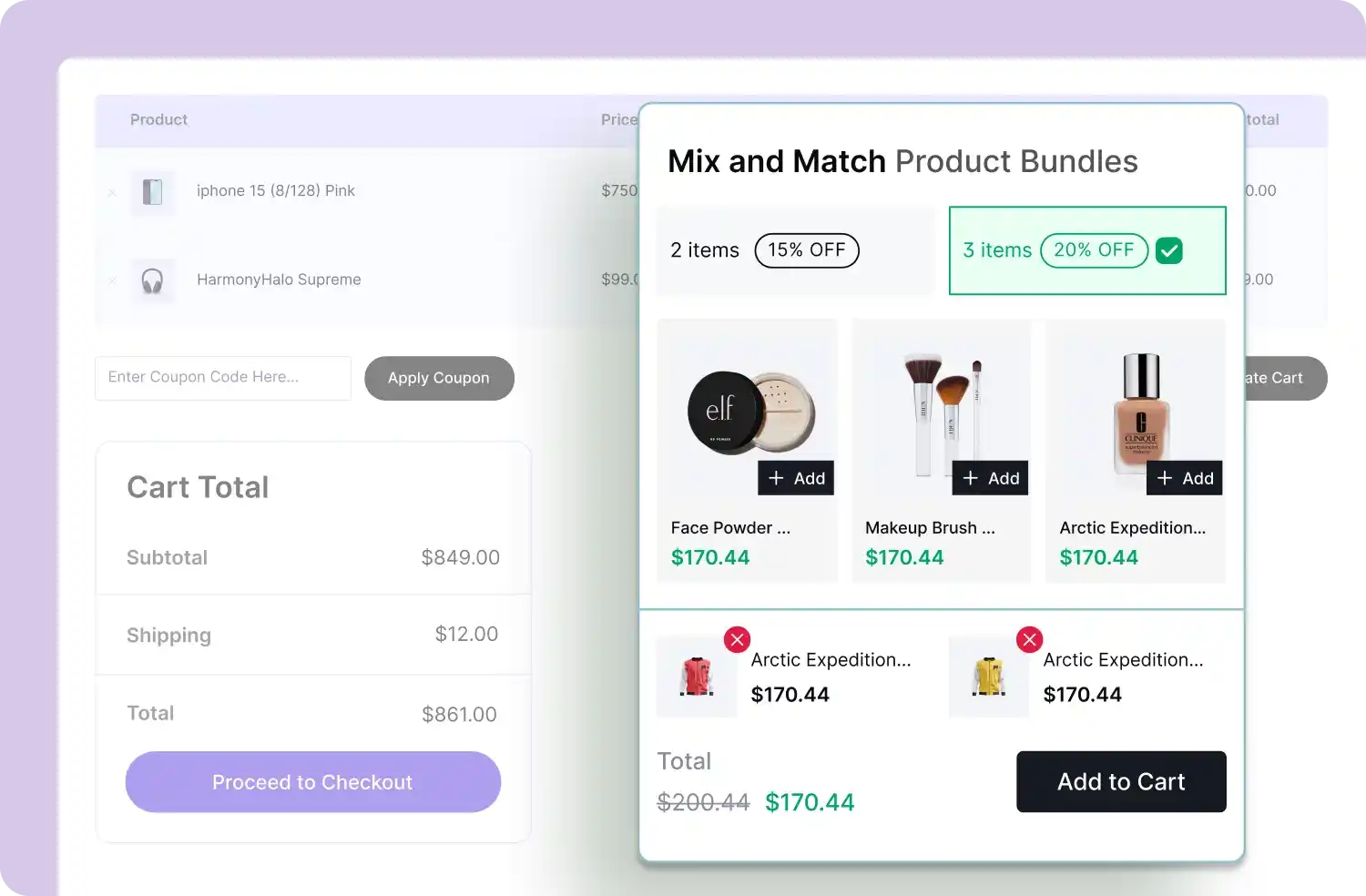
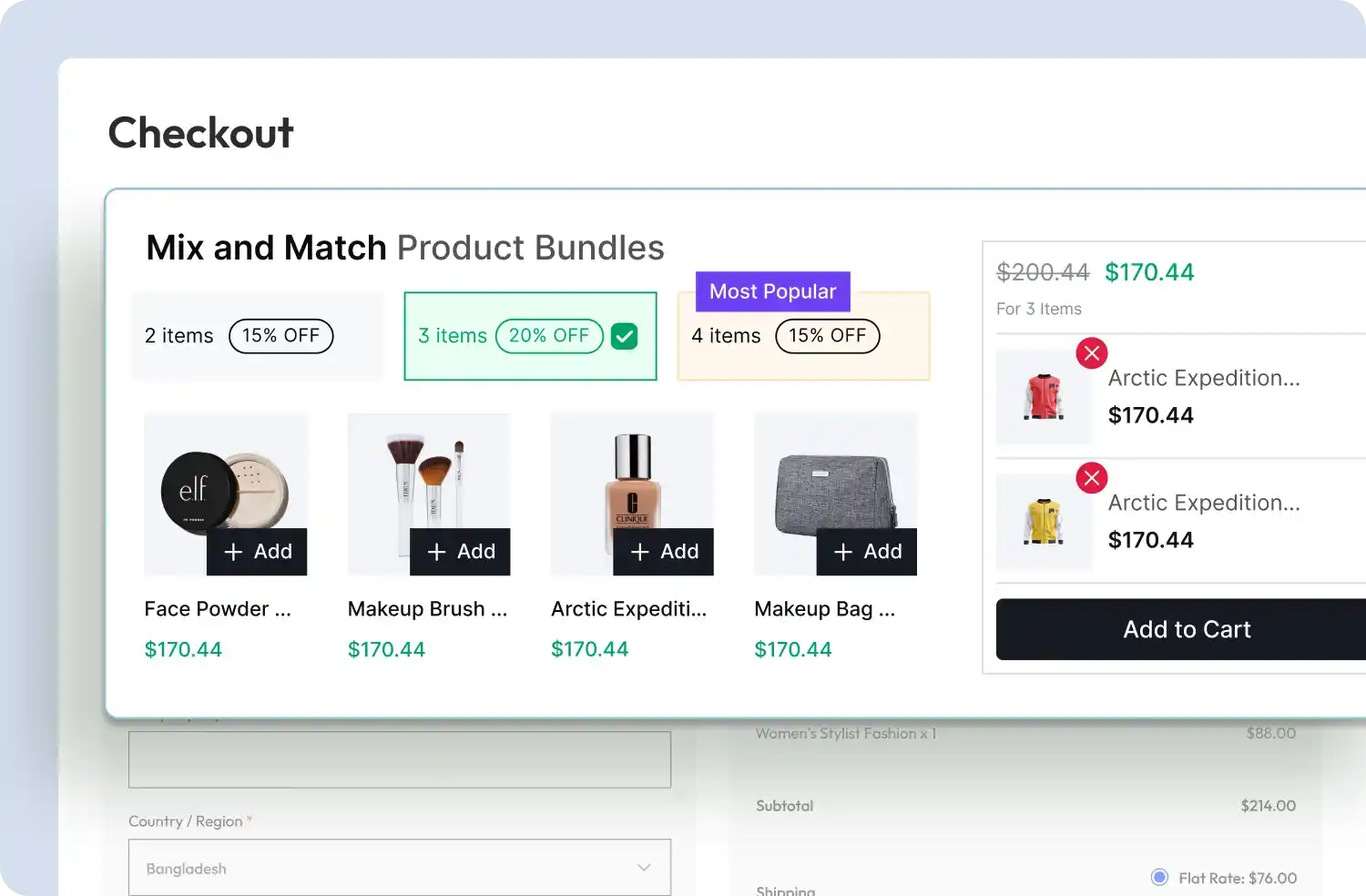
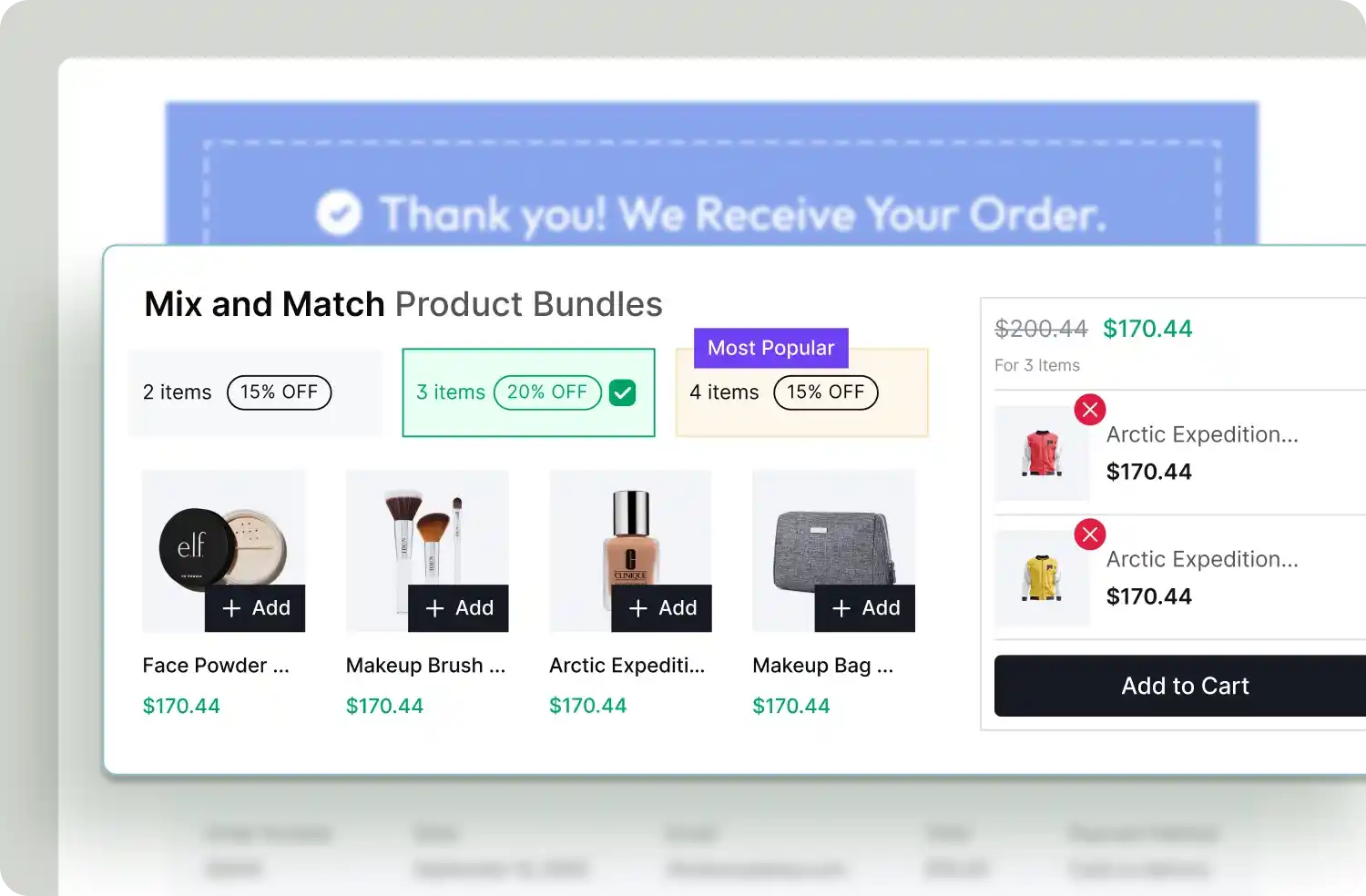
Flexible Display Options for Mix & Match Bundles
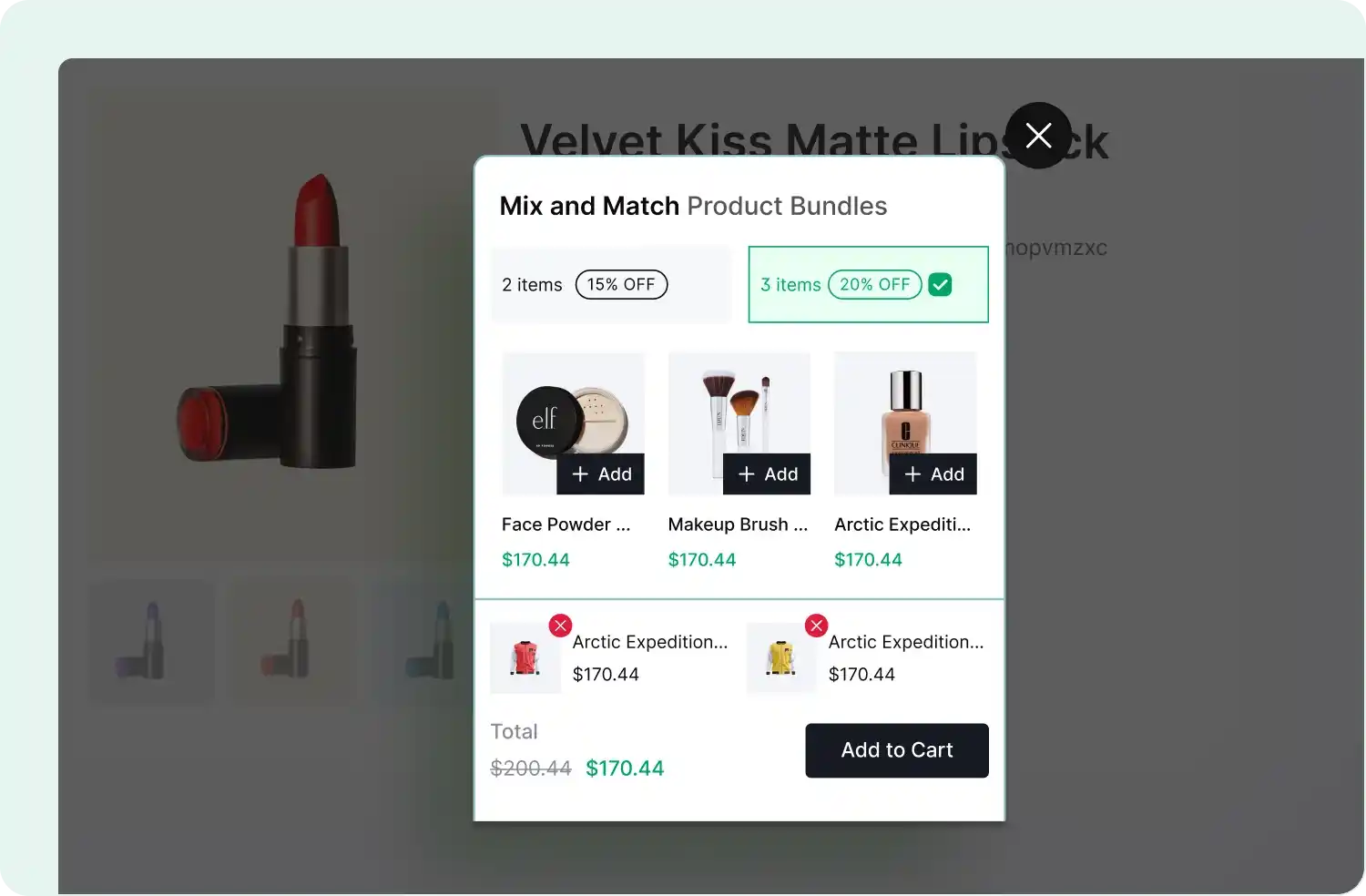
Show Mix & Match bundle offers directly on product pages, grab attention with pop-ups, or keep them visible with floating displays to boost engagement
Choose Products for Your Mix & Match Bundles
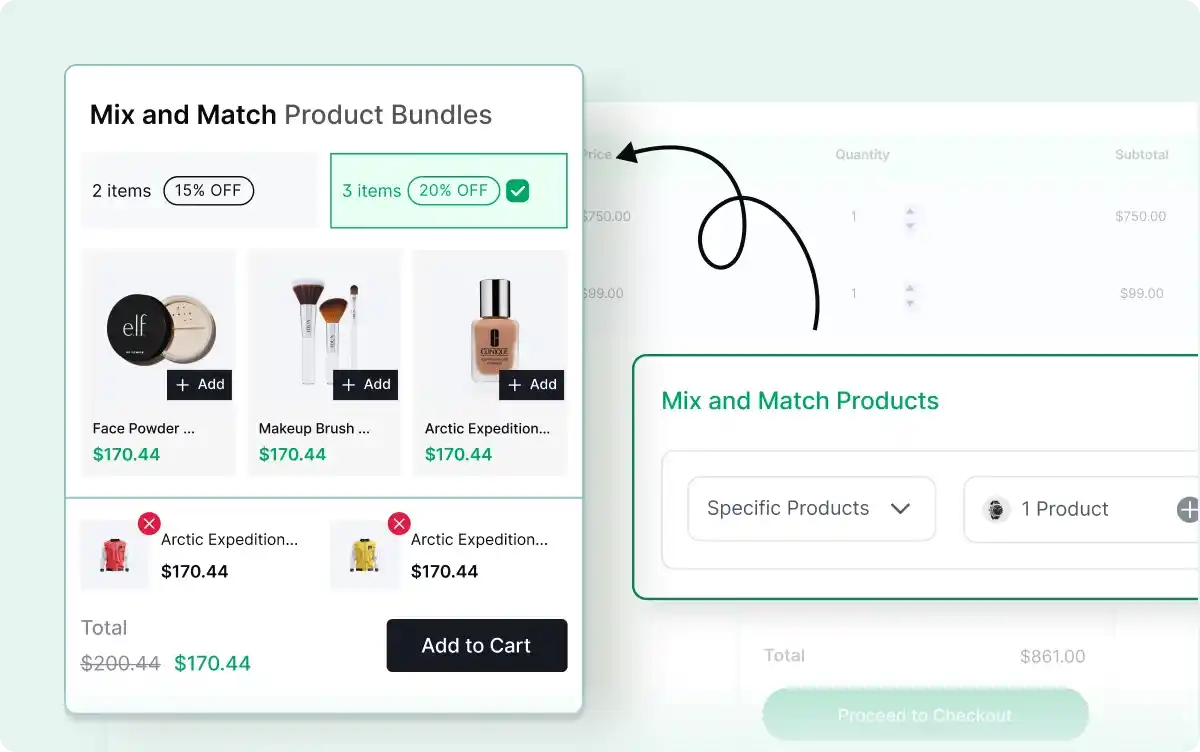
Select the products customers can mix and match to create personalized bundles, offering flexibility and boosting your average order value.
Make Selected Items Mandatory
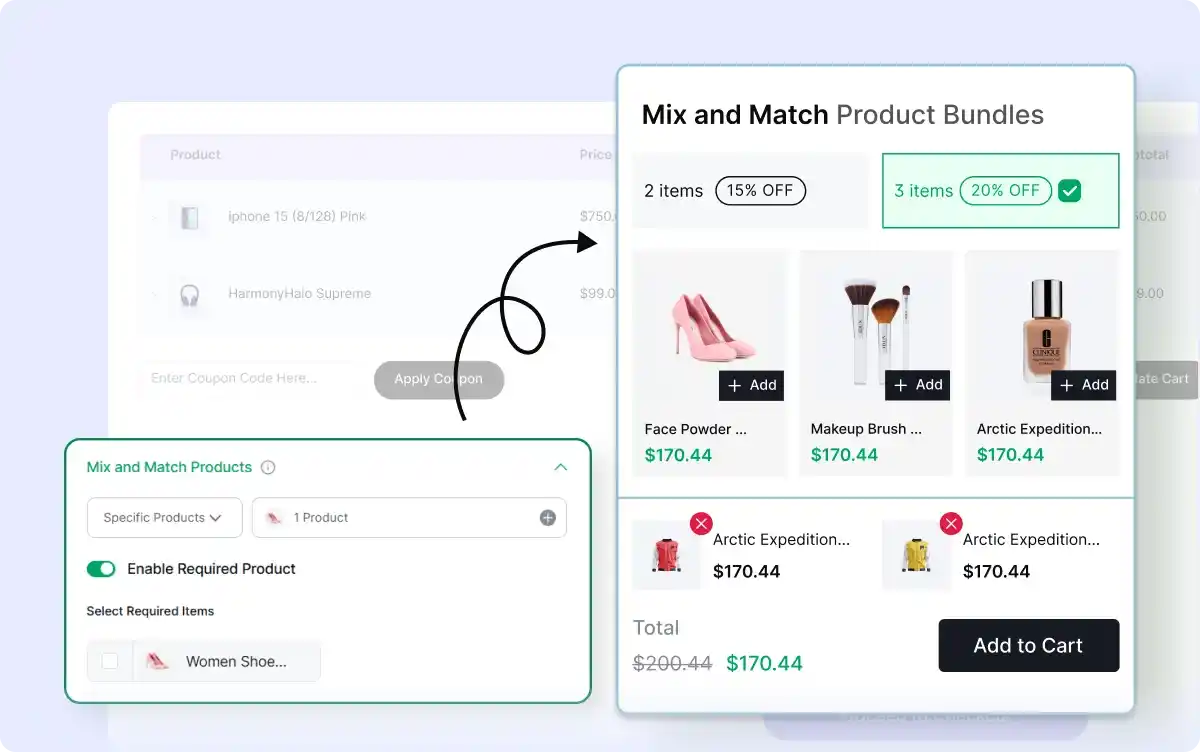
Ensure key products are always included in a Mix & Match bundle, guiding customer choices while offering flexibility in other selections.

Set Pre-Selected Items in Bundles
Highlight specific products in your Mix & Match bundles by pre-selecting them, guiding customers while maintaining flexibility for customization.
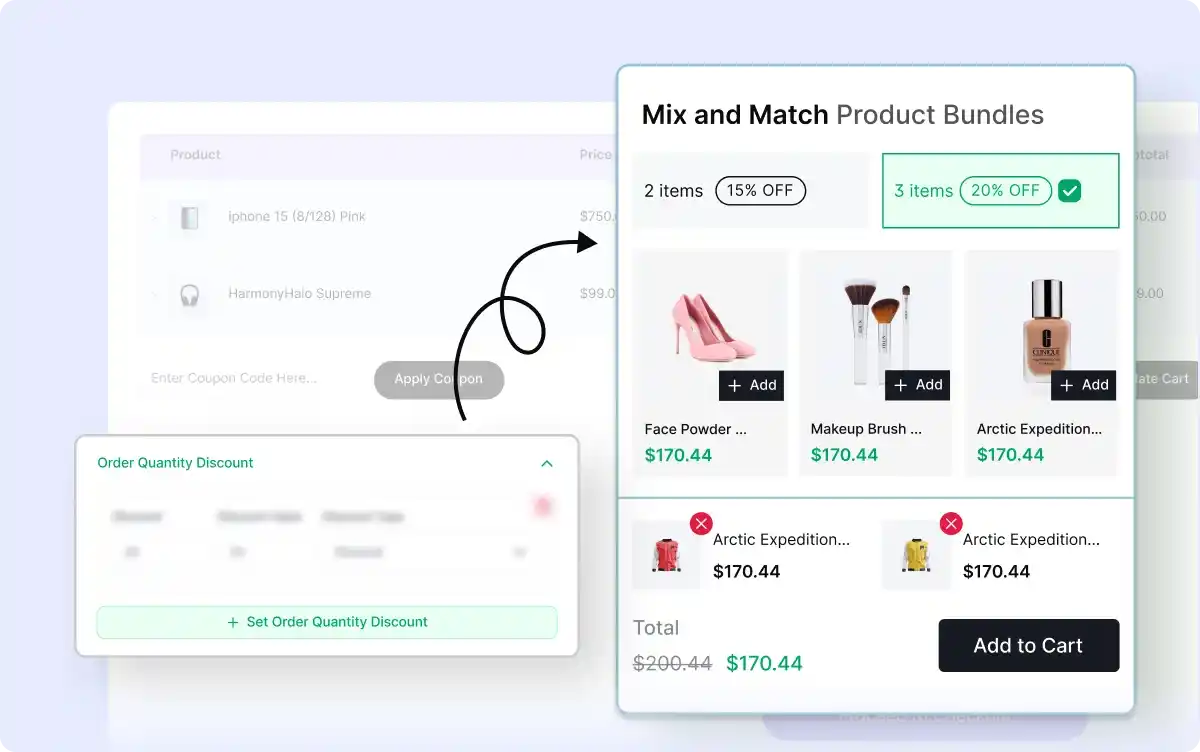
Offer Tiered Discounts on Mix and Match Bundles
Create tiered discount levels like ‘Buy 2, Get 30% Off’ or ‘Buy 3, Get 40% Off’ to encourage larger orders and drive higher sales.
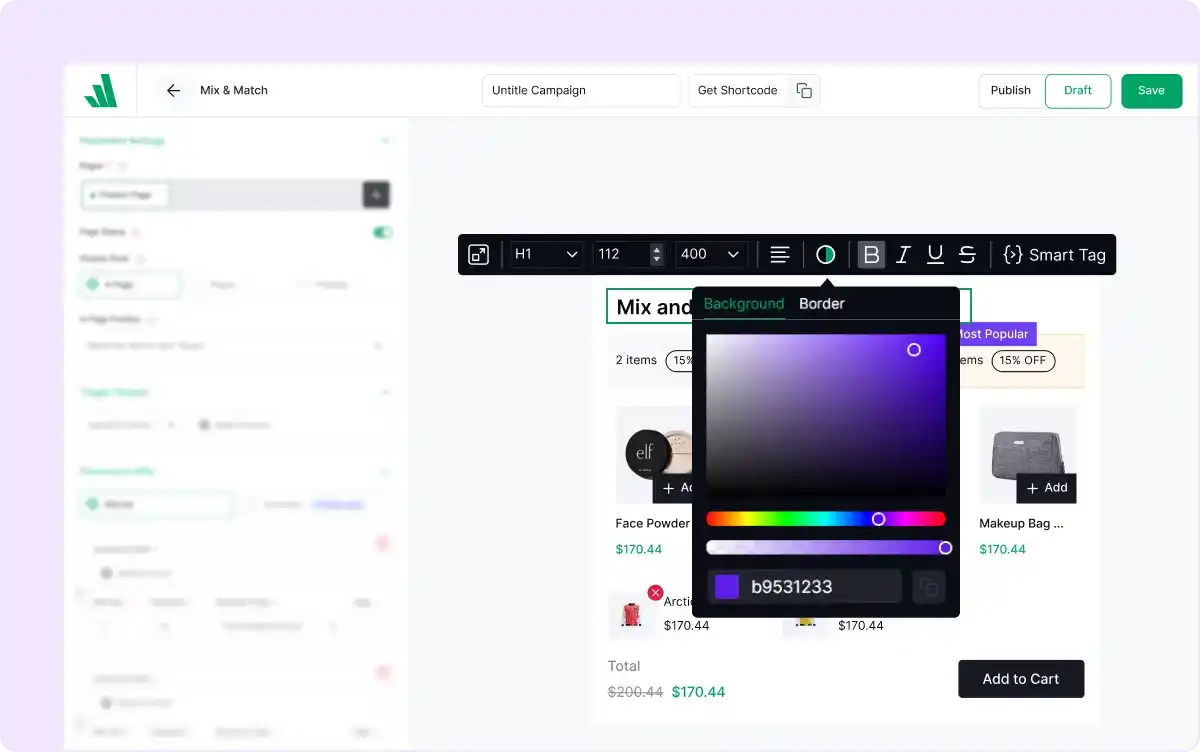
Design Mix & Match Bundles
Customize the layout and style of your Mix & Match bundles to align with your store’s branding, offering a seamless and attractive shopping experience.
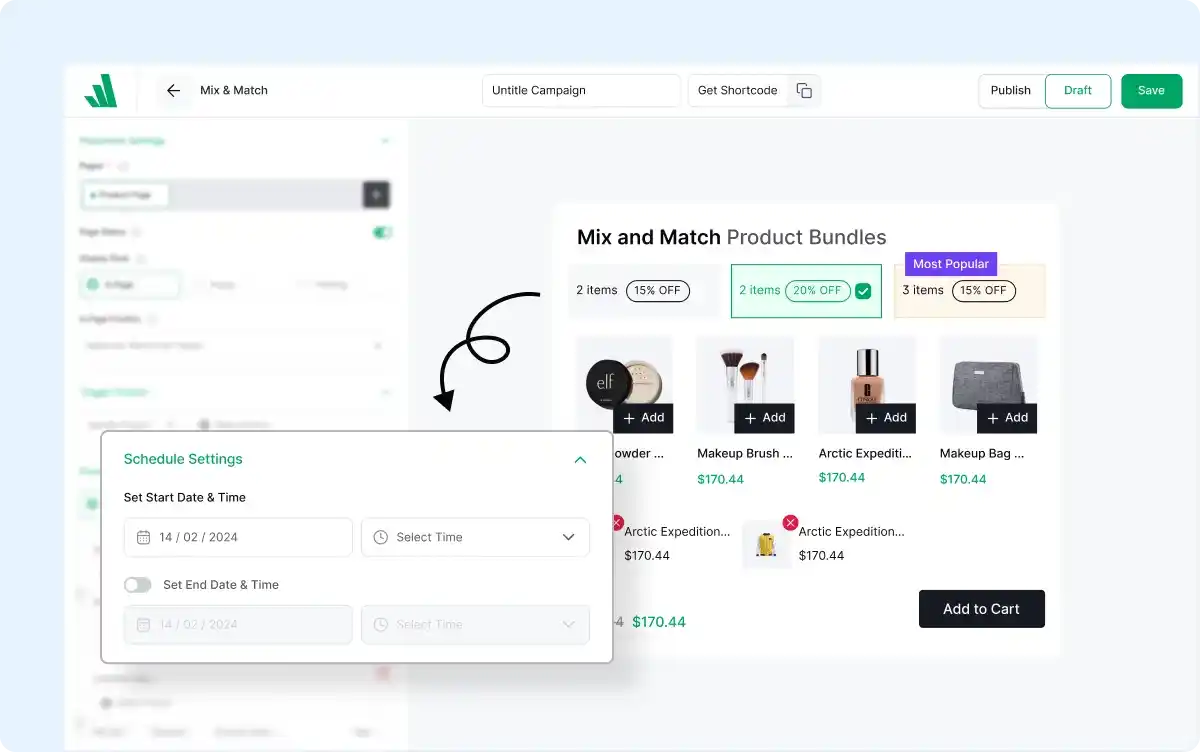
Schedule Mix & Match Bundle Offers
Plan and automate your Mix & Match bundle promotions by setting start and end dates, ideal for seasonal sales, holidays, or limited-time campaigns.
Frequently Asked Questions
Explore these frequently asked questions about the mix & match product bundle discount campaign that you might be curious about. So, you can make a quick decision about whether you want to buy it.
Feel free to contact our support team in case you have more questions.