
Campaign Grid or List View allows users to tailor how their campaigns are displayed. You can toggle between grid or list views and customize alignment, spacing, and typography. This flexibility lets you present your campaigns in the most attractive way possible.
If you need further assistance after reading this, please don’t hesitate to contact us. We’re always happy to help!
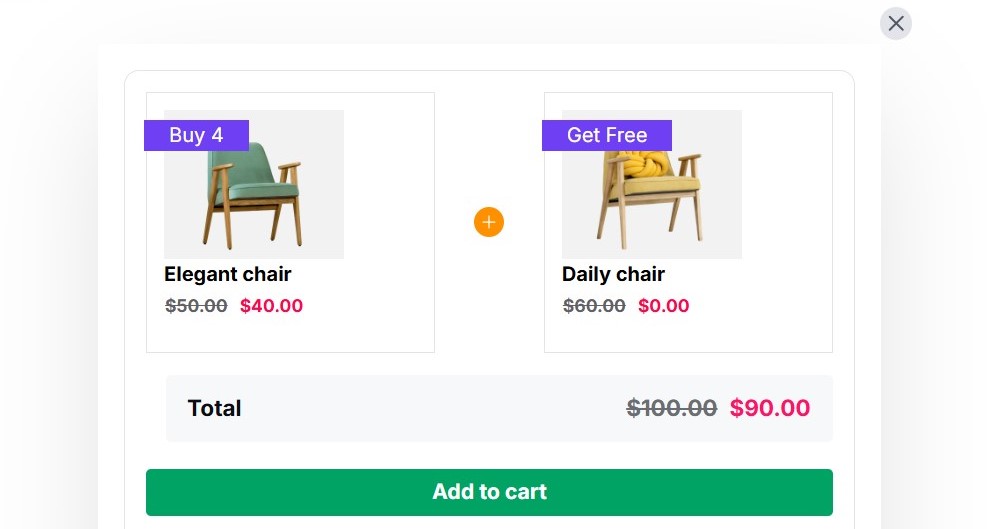
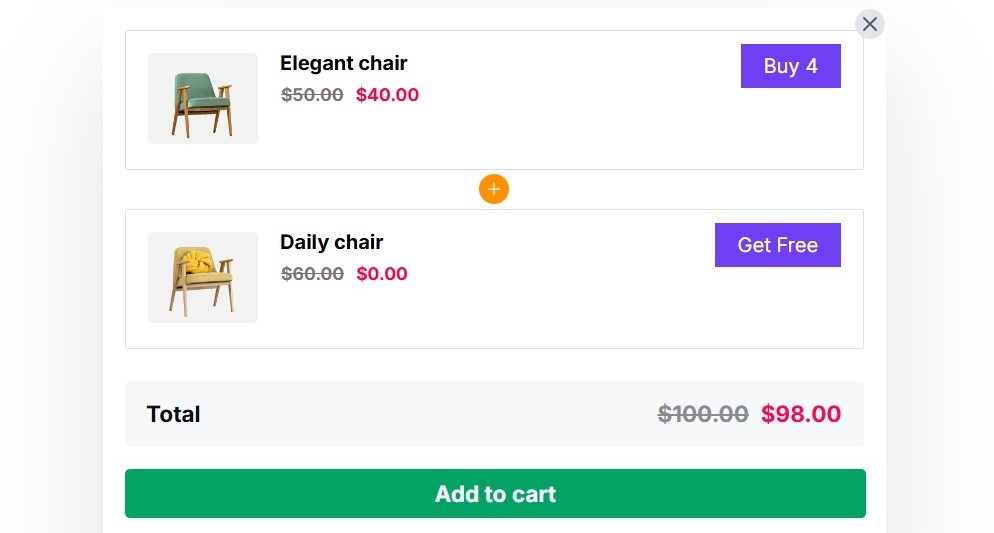
Let’s first take a look at how a campaign appears in both grid and list view.
This is a preview of the Campaign Grid View 👇
This is a preview of the Campaign List View 👇
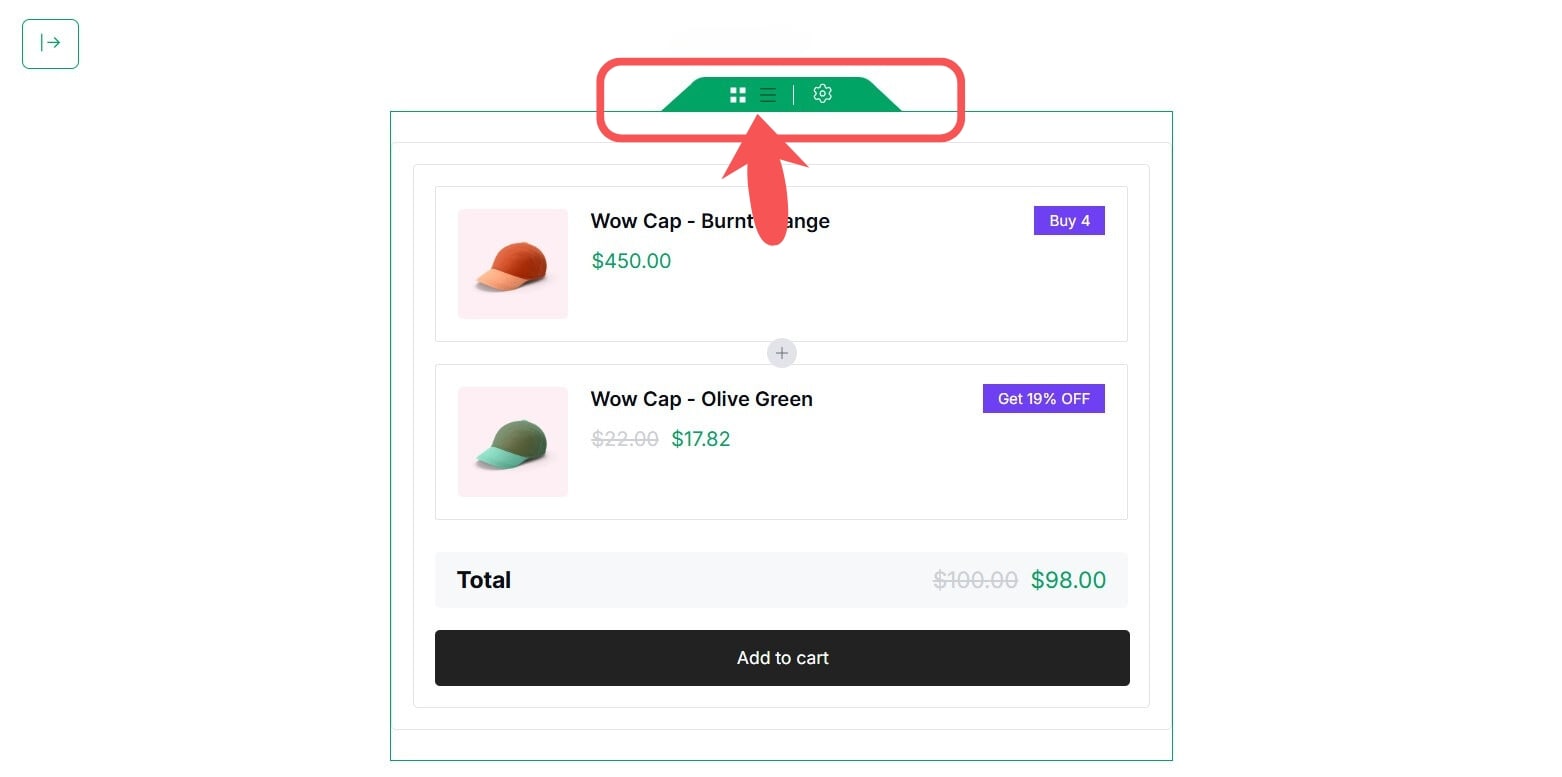
To customize the Campaign View:
- Navigate to the Preview Section on the right side of any campaign.
- Choose between Grid or List view options from the view icon.
Note: Dark means active and white means inactive.
For Typography, Color, and Spacing, click here.
