
Spending Goal for WooCommerce
Motivate customers to increase their cart value by offering rewards like free shipping, discounts, or gifts upon reaching spending goals – enhancing upsell and average order value.


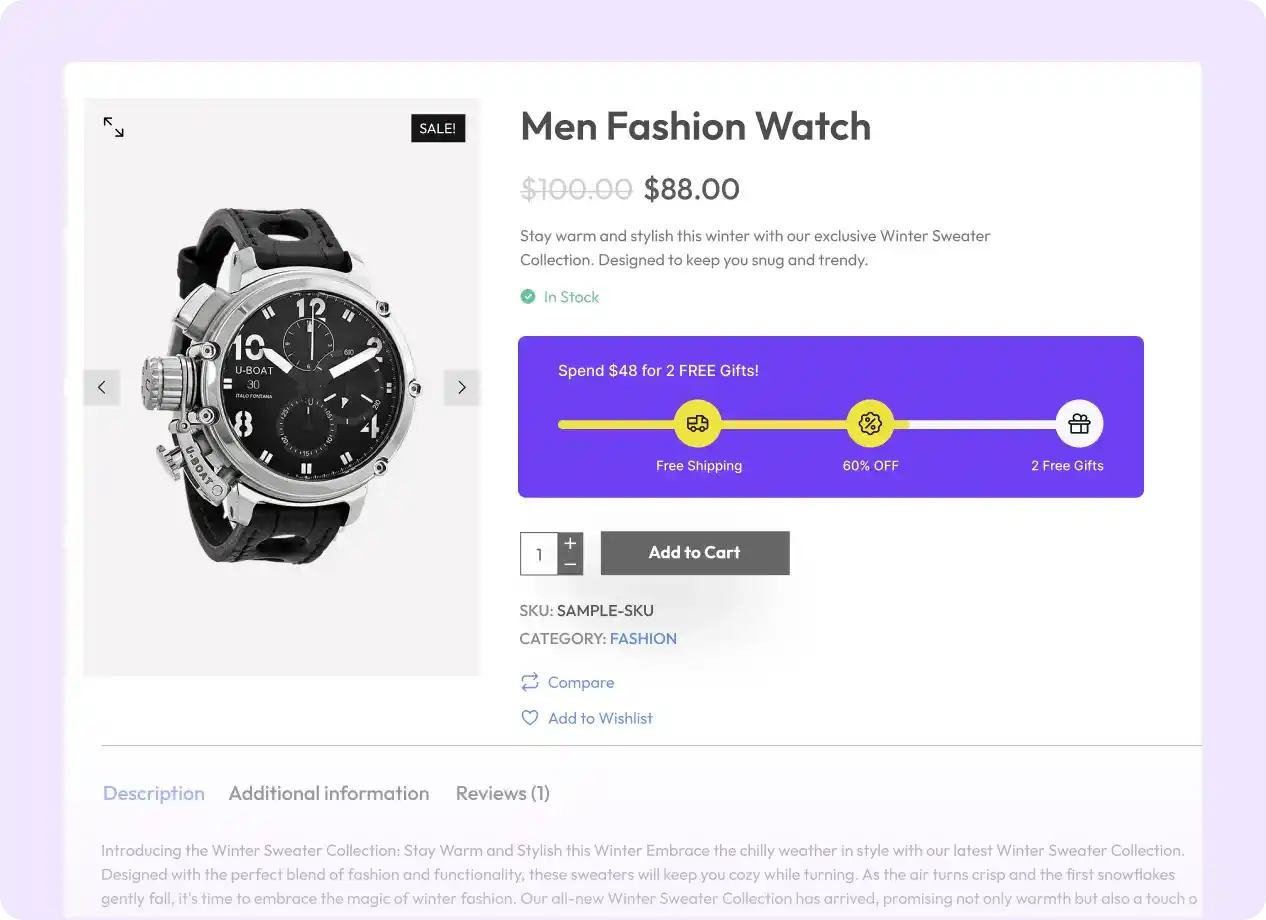
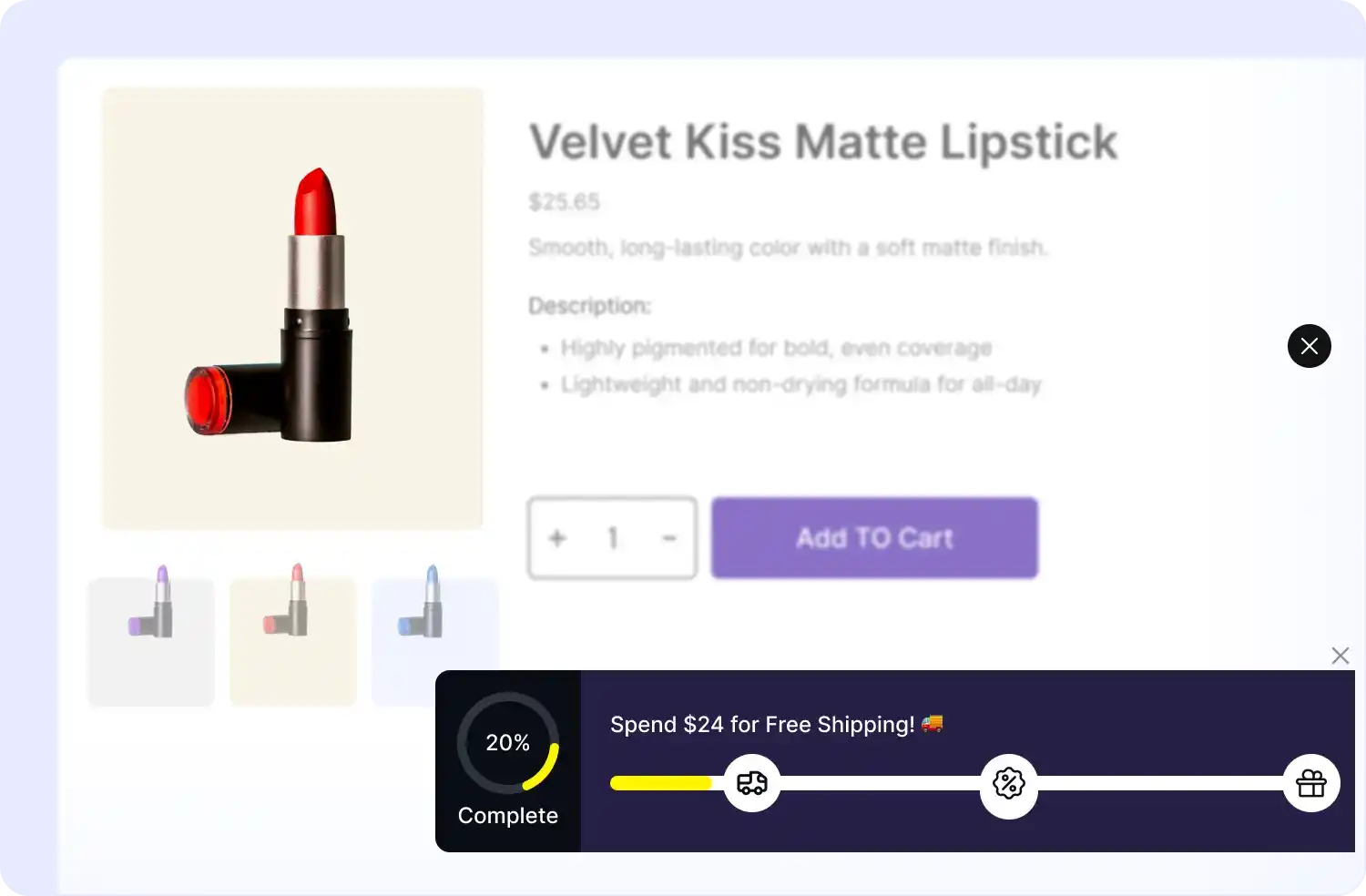
Show Spending Bars Where They Count
Display your spending goal progress bar on key pages – site-wide, product pages, cart, or checkout – to maximize visibility and encourage customers to reach reward thresholds
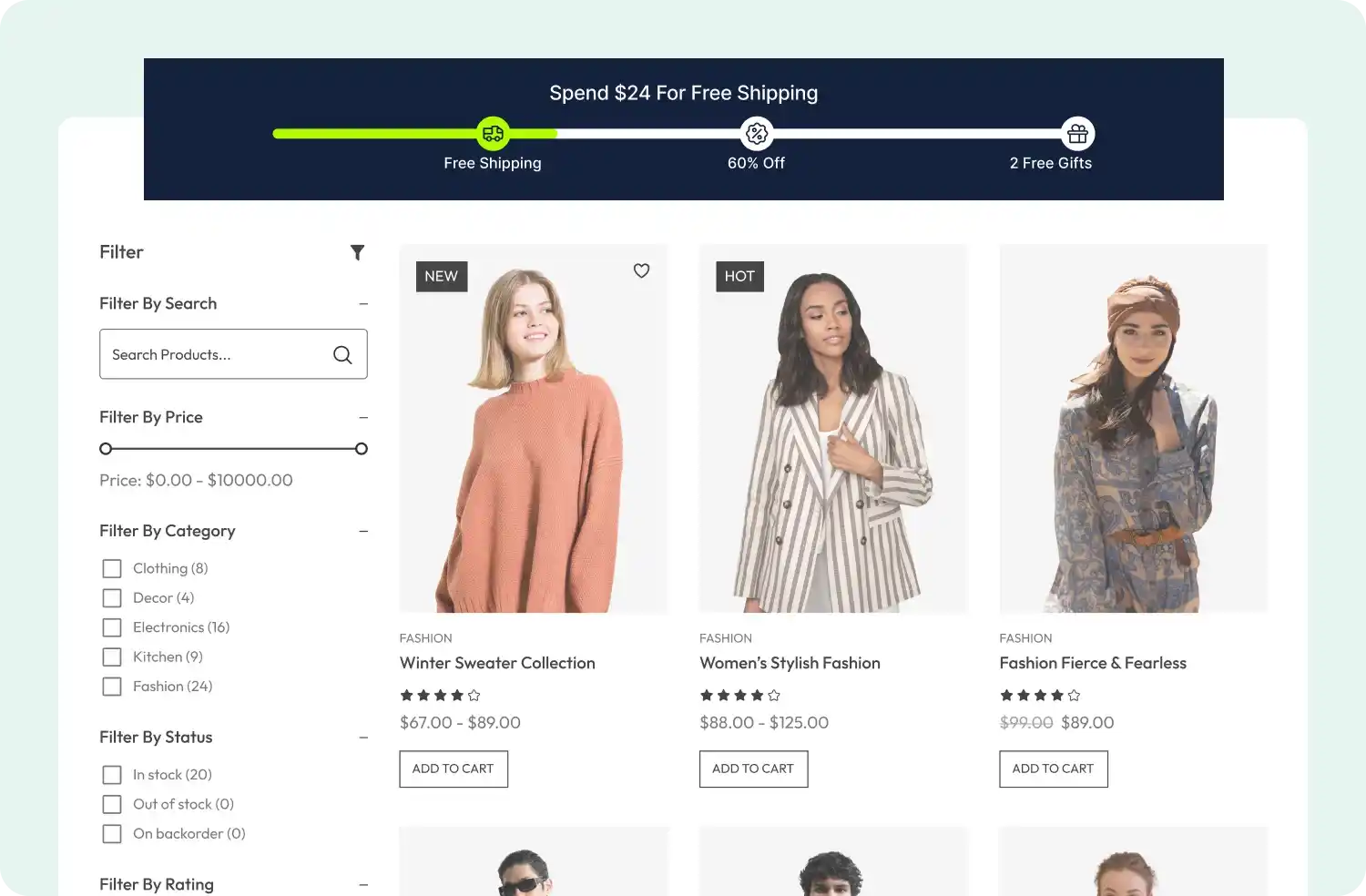
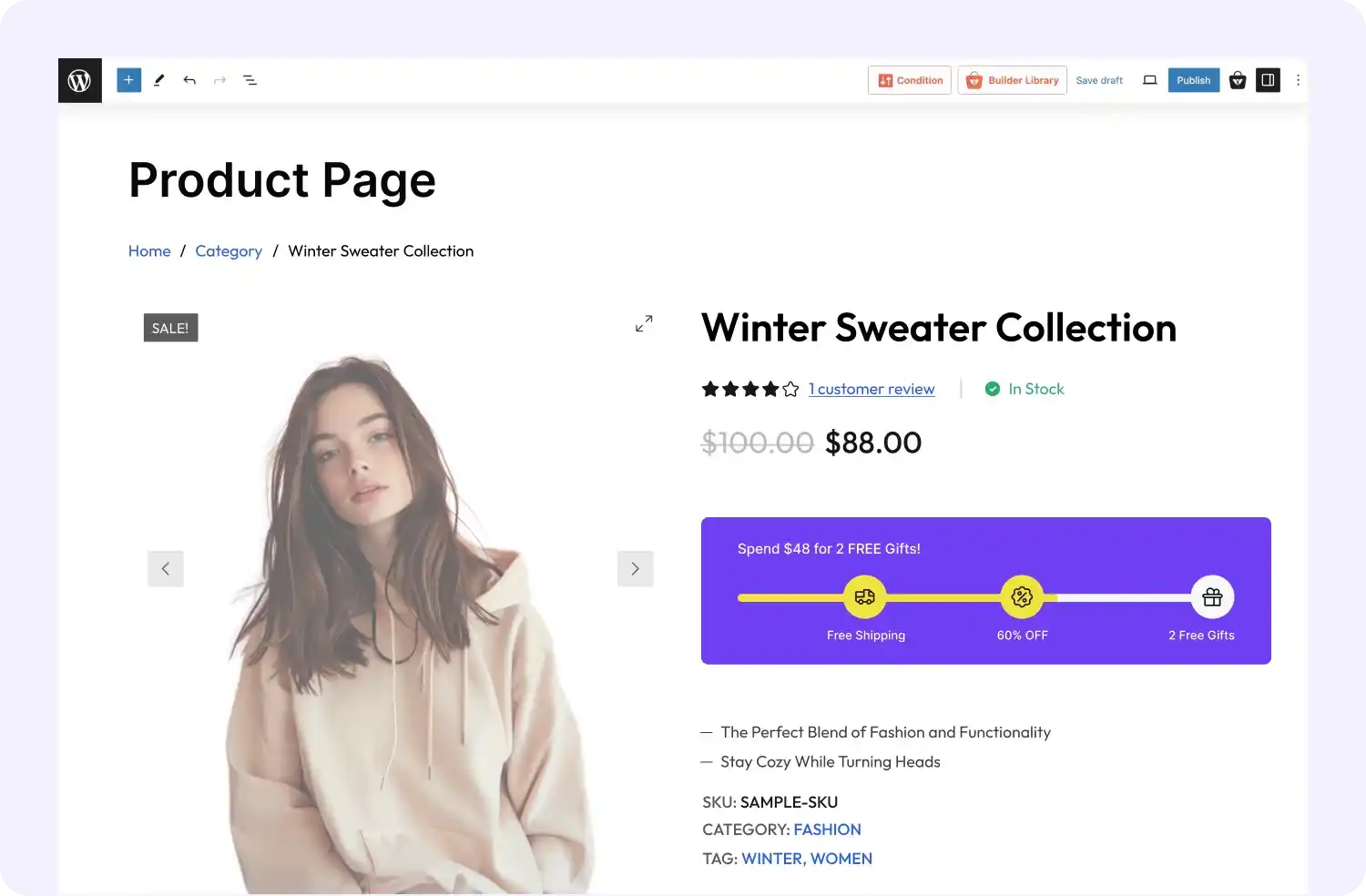
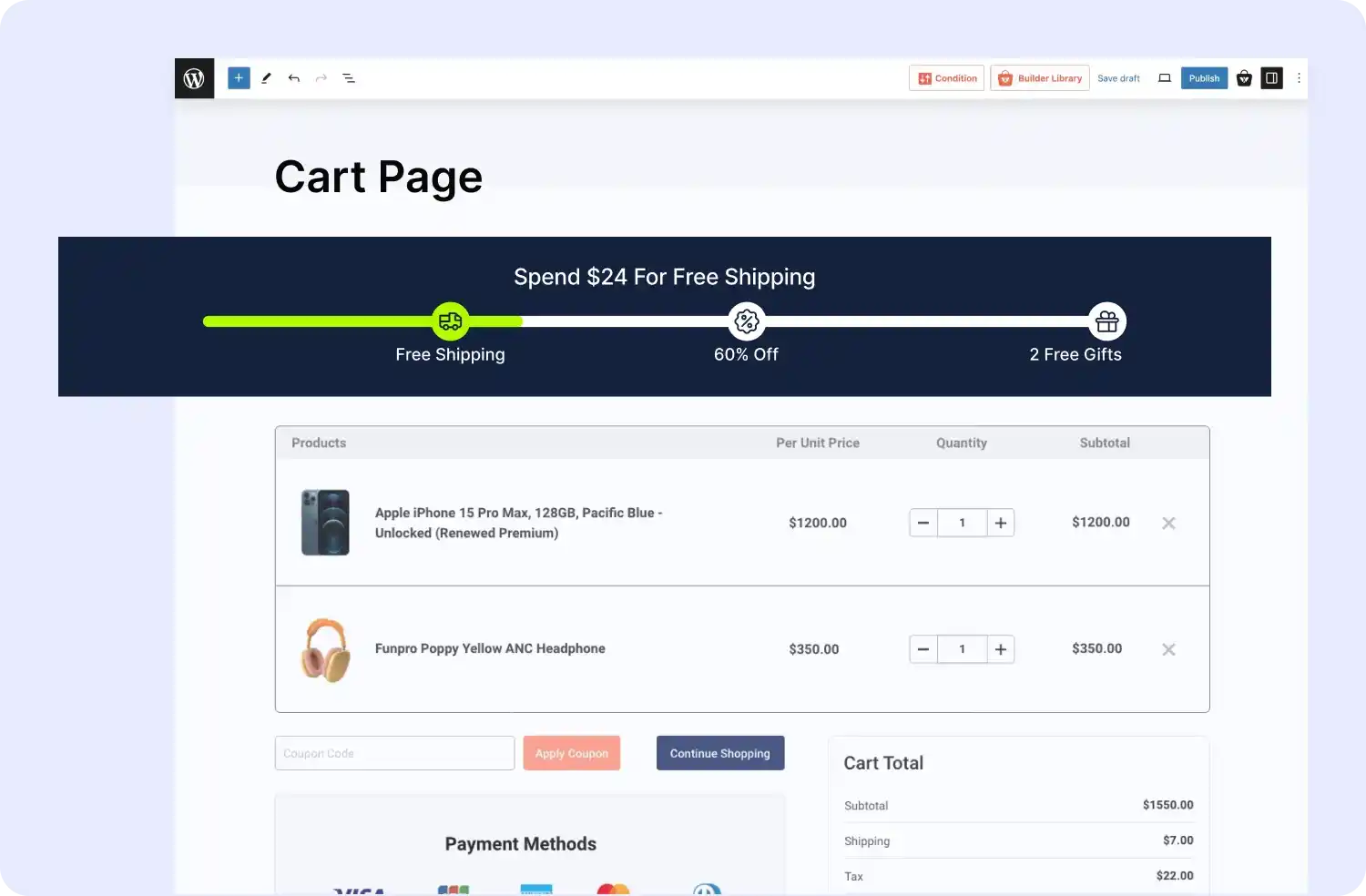
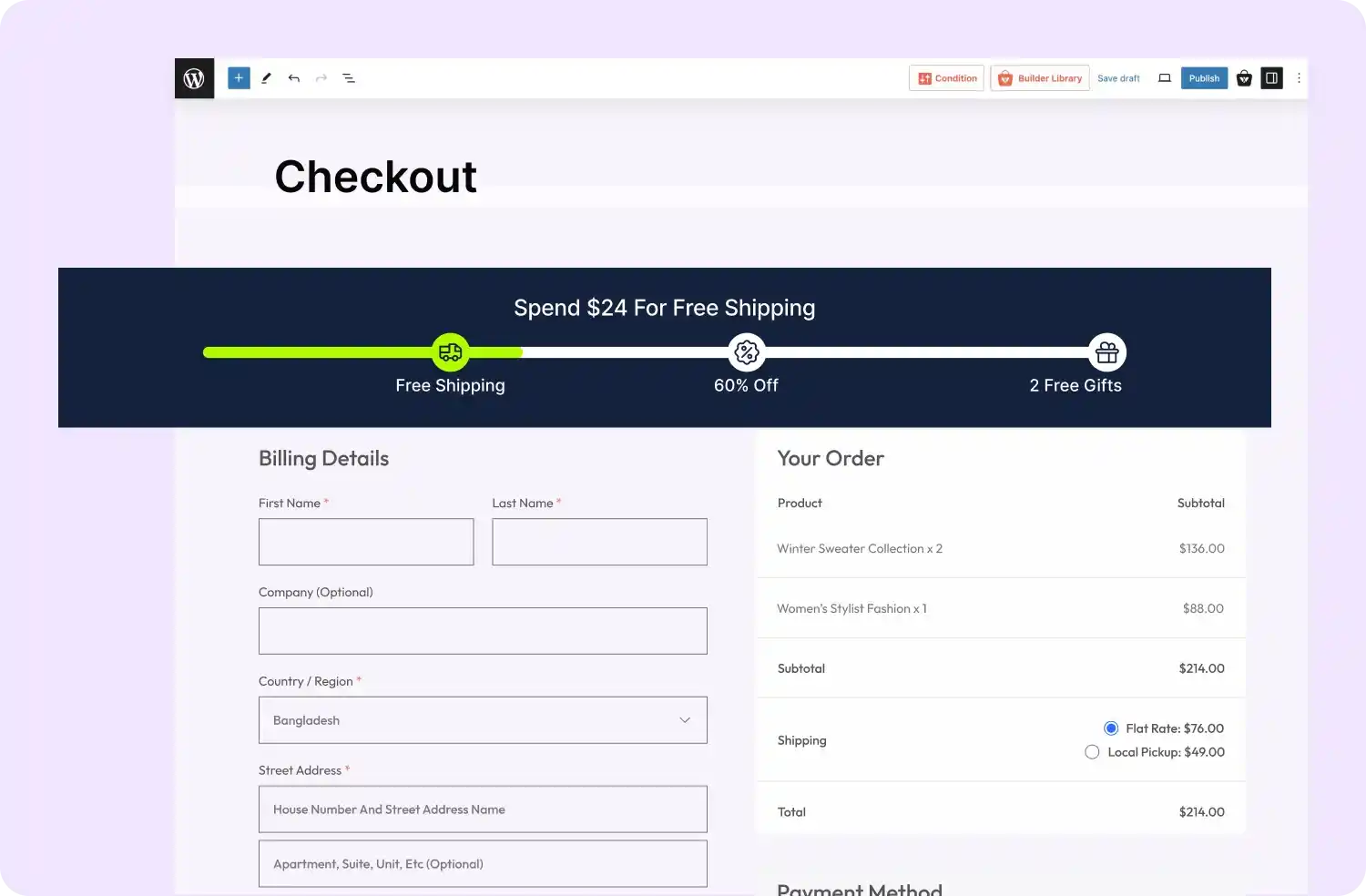
Choose How to Display Spending Bars
Decide where and how your spending goal progress bars appear on your site to maximize engagement and motivate customers to achieve higher cart values
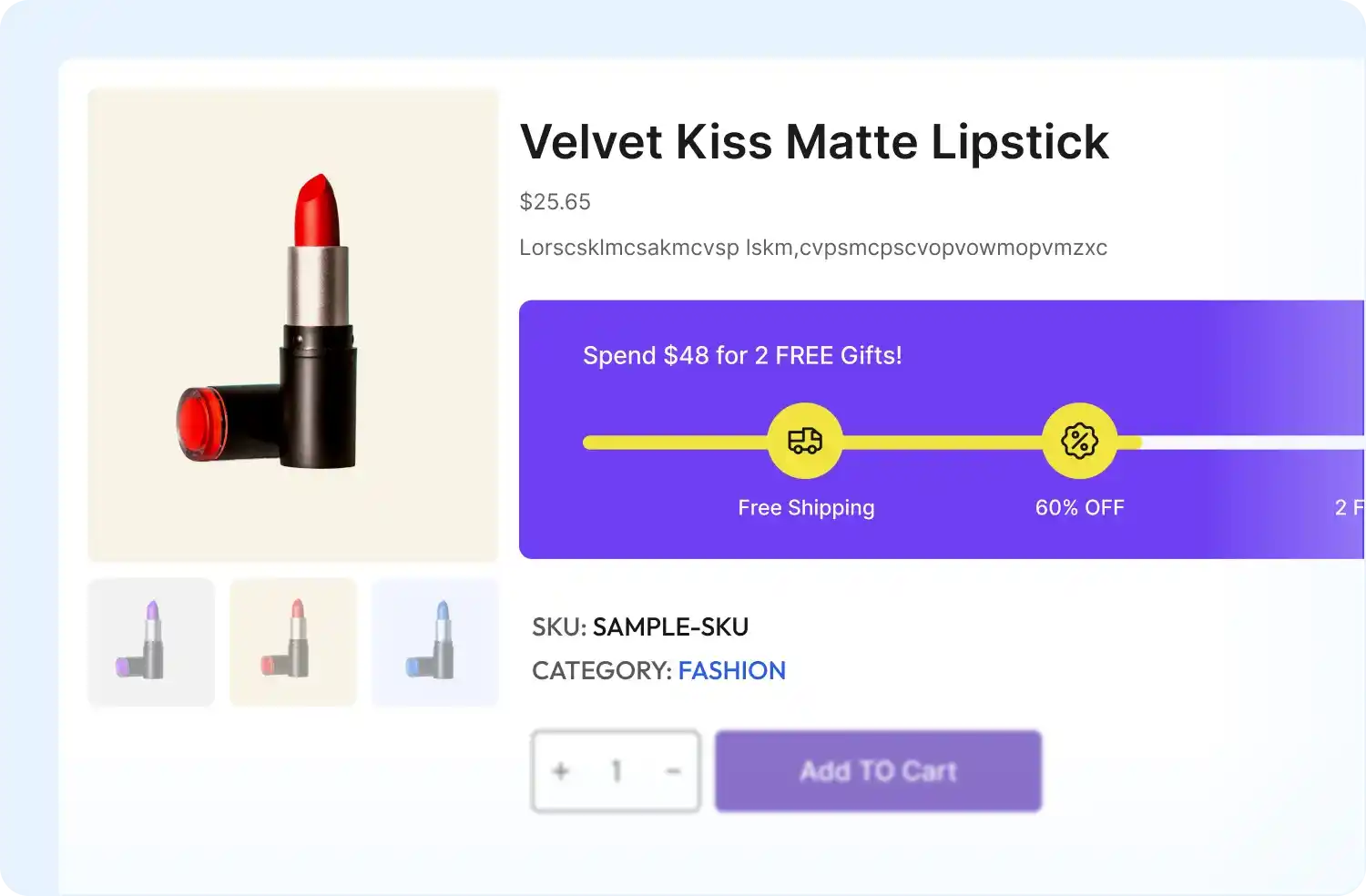
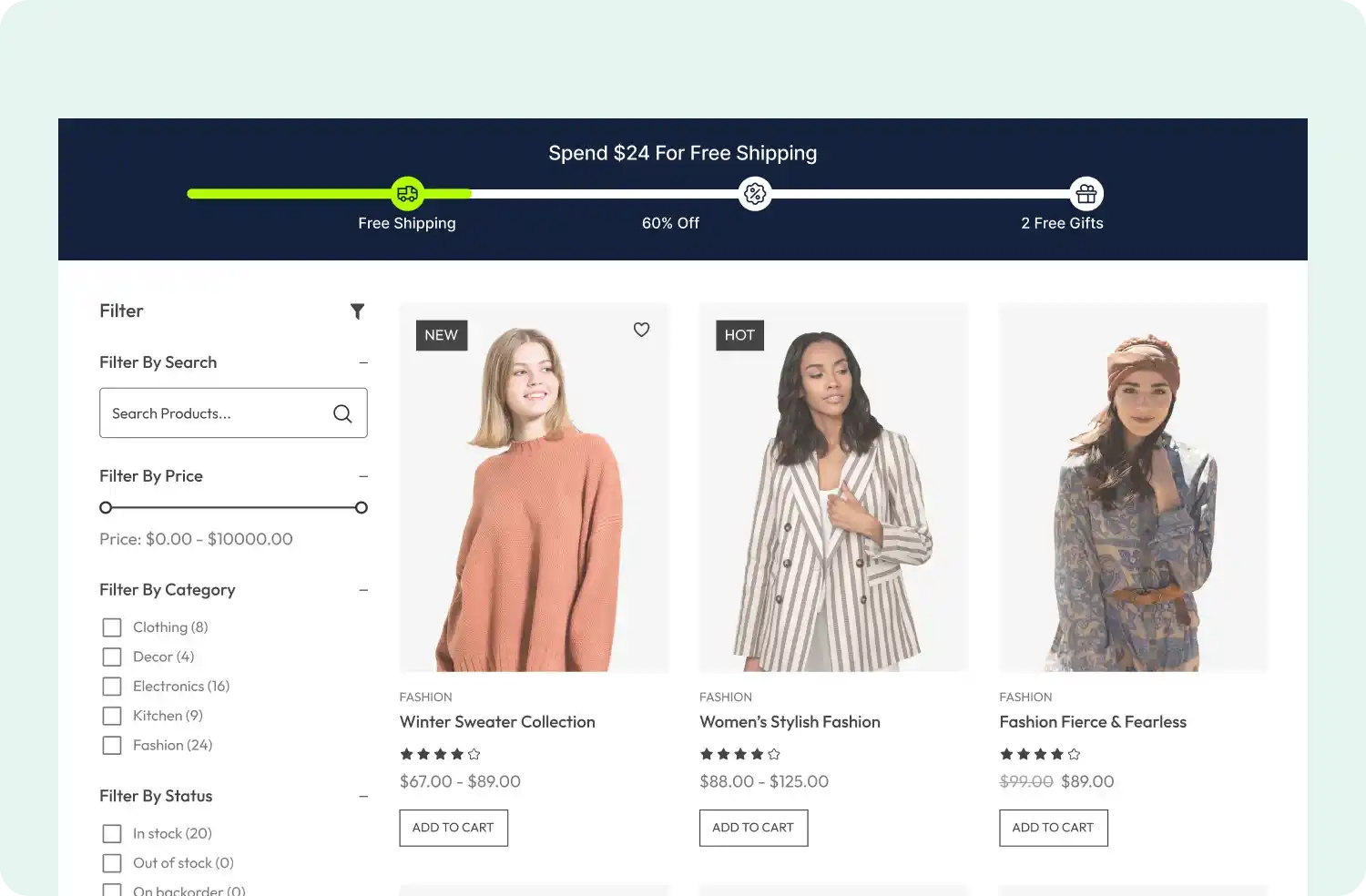
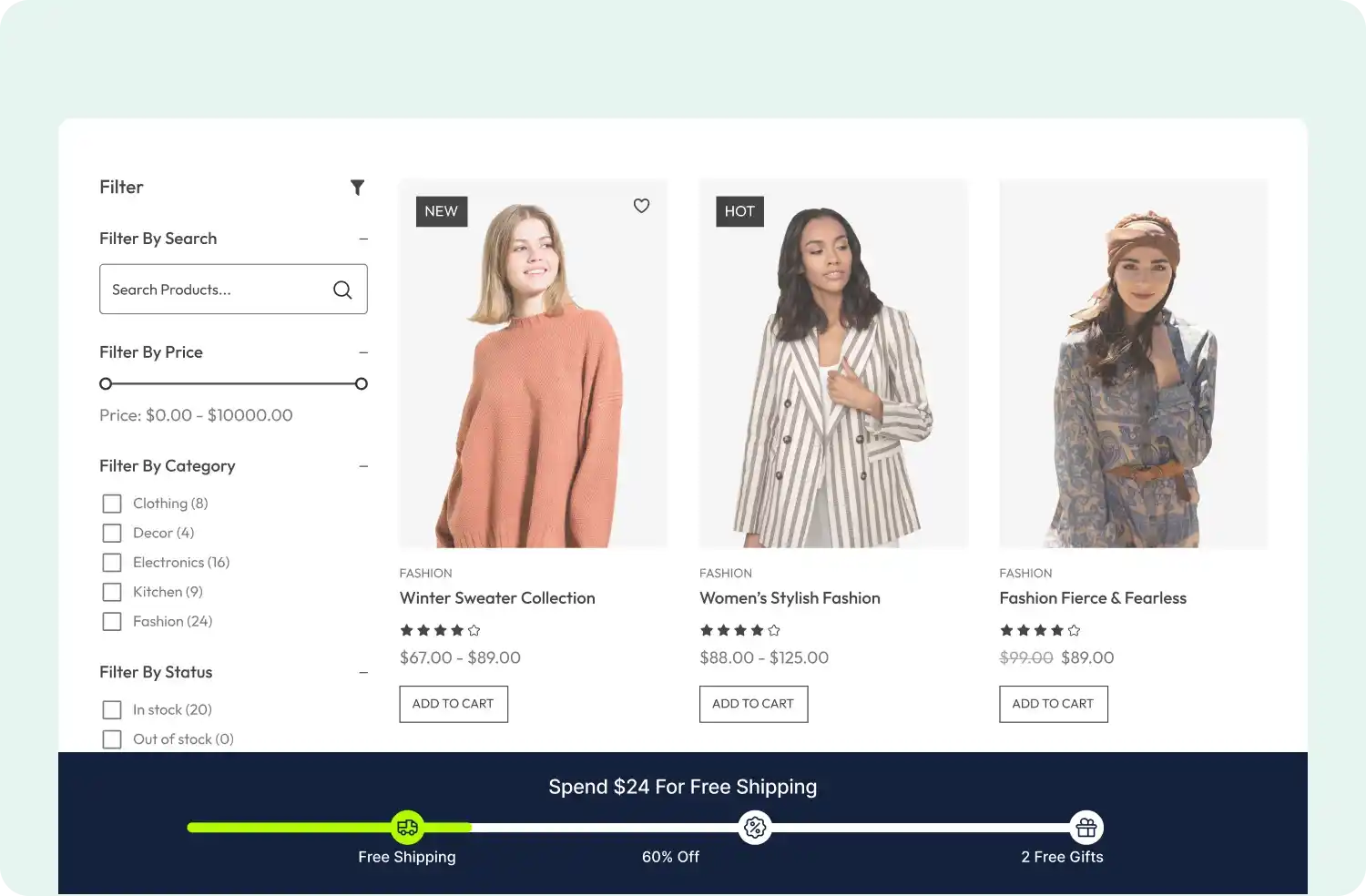
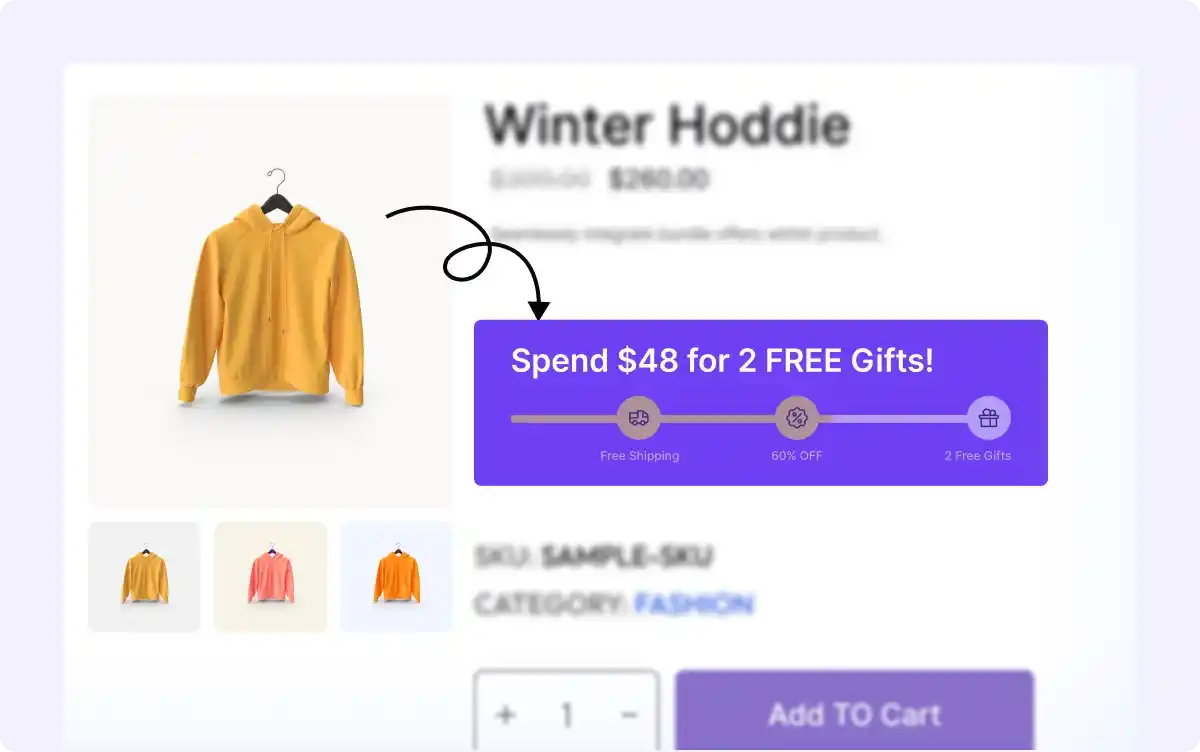
Set Spending Thresholds for Each Reward Tier
Define the spending thresholds required to unlock each reward tier, motivating customers to increase their cart value and reach higher goals.
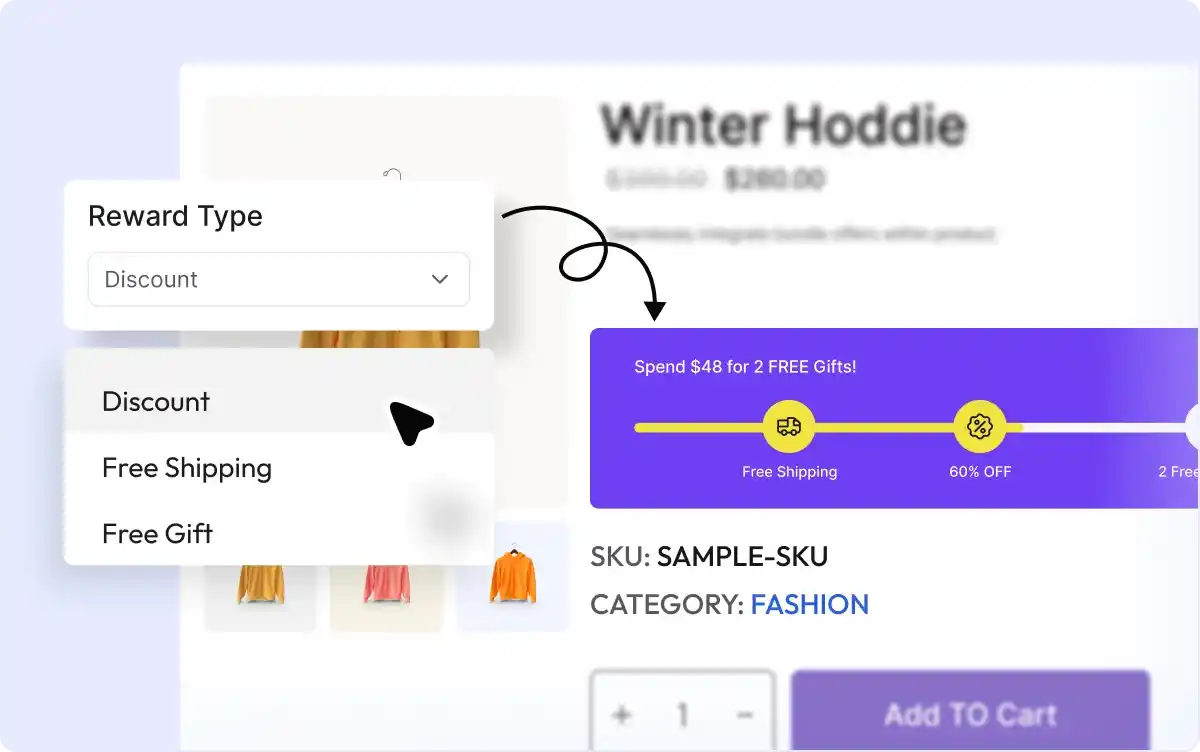
Choose the Type of Reward for Each Tier
Offer discounts, free shipping, or complimentary products as incentives for each spending tier, encouraging shoppers to get the reward.
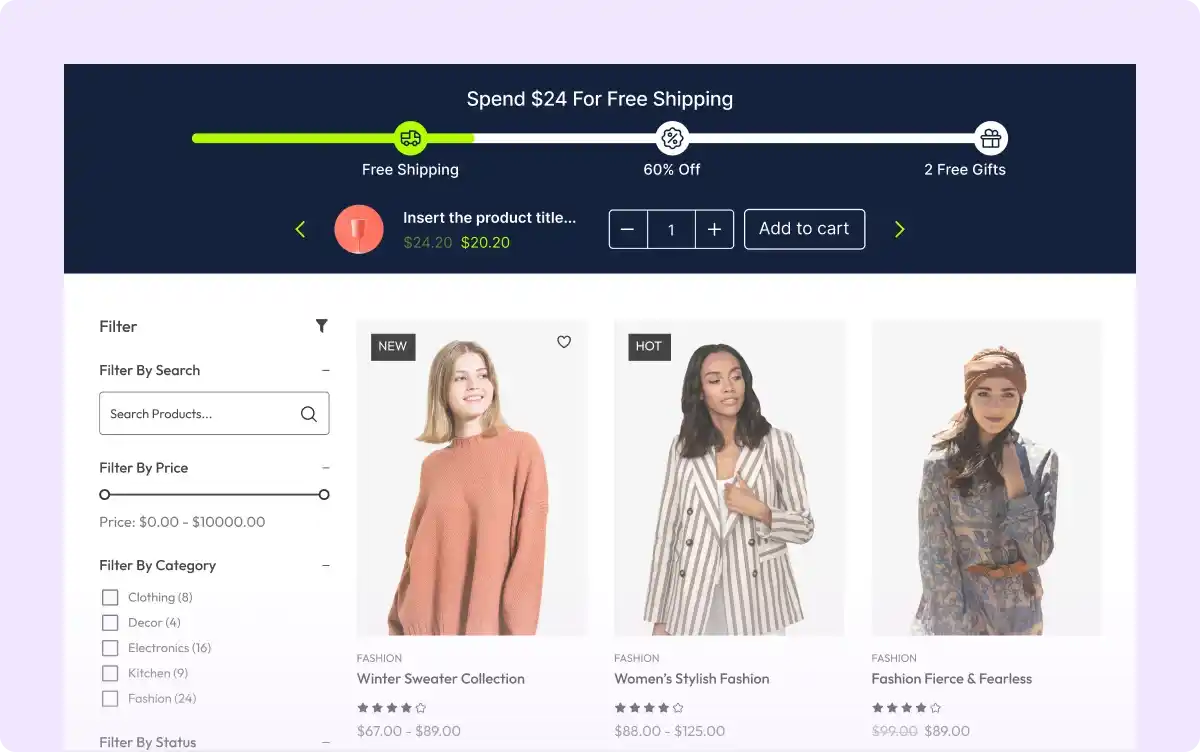
Boost Average Order Value with Upsell Products
Suggest related or complementary products to help customers reach their spending goals faster, boosting average order value through upselling.
Design Spending Goal Bars to Match Your Brand
Adjust colors, text, layout, and positioning of your spending goal bars to make them visually appealing and consistent with your store’s branding.

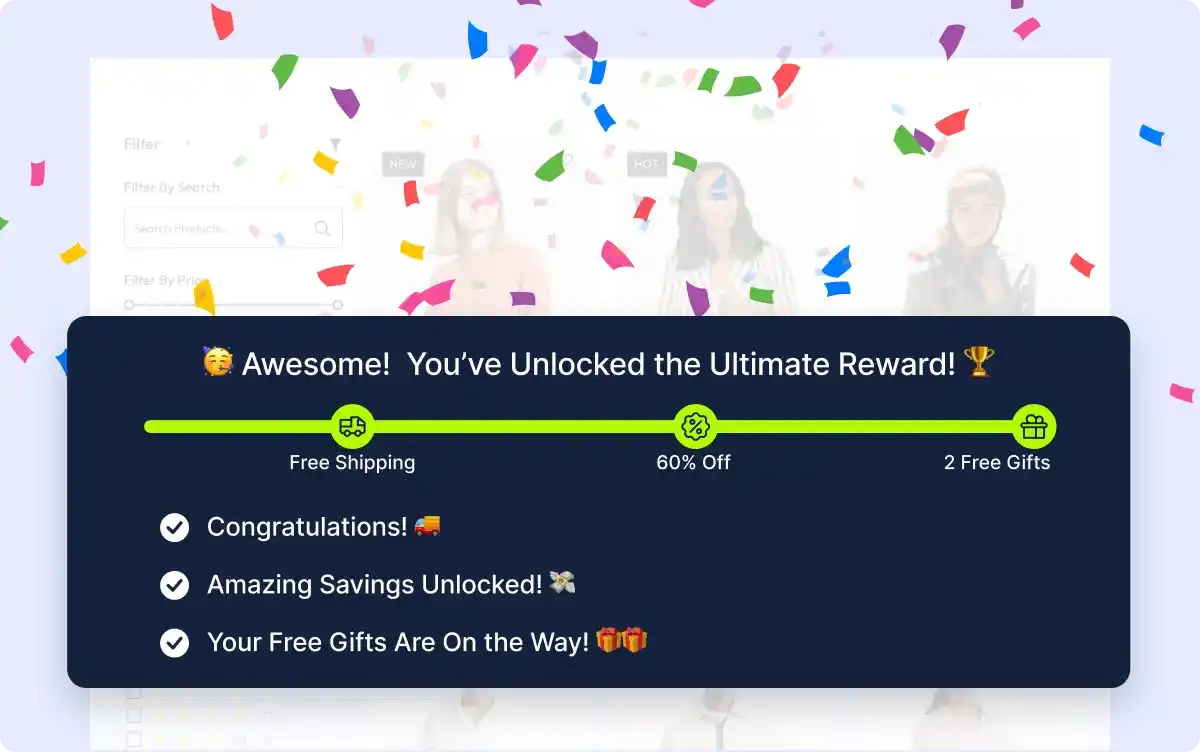
Celebrate When Goals Are Reached
Add confetti animations to celebrate when customers reach their spending goals, creating a fun and memorable shopping experience.
Frequently Asked Questions
Explore these frequently asked questions about the Spending Goal campaign that you might be curious about. So, you can make a quick decision about whether you want to buy it.
Feel free to contact our support team in case you have more questions.