
Leverage Stock Scarcity to Drive Urgency
Show low-stock alerts or dynamic scarcity messages on key pages to trigger urgency, increase FOMO, and drive faster buying decisions.


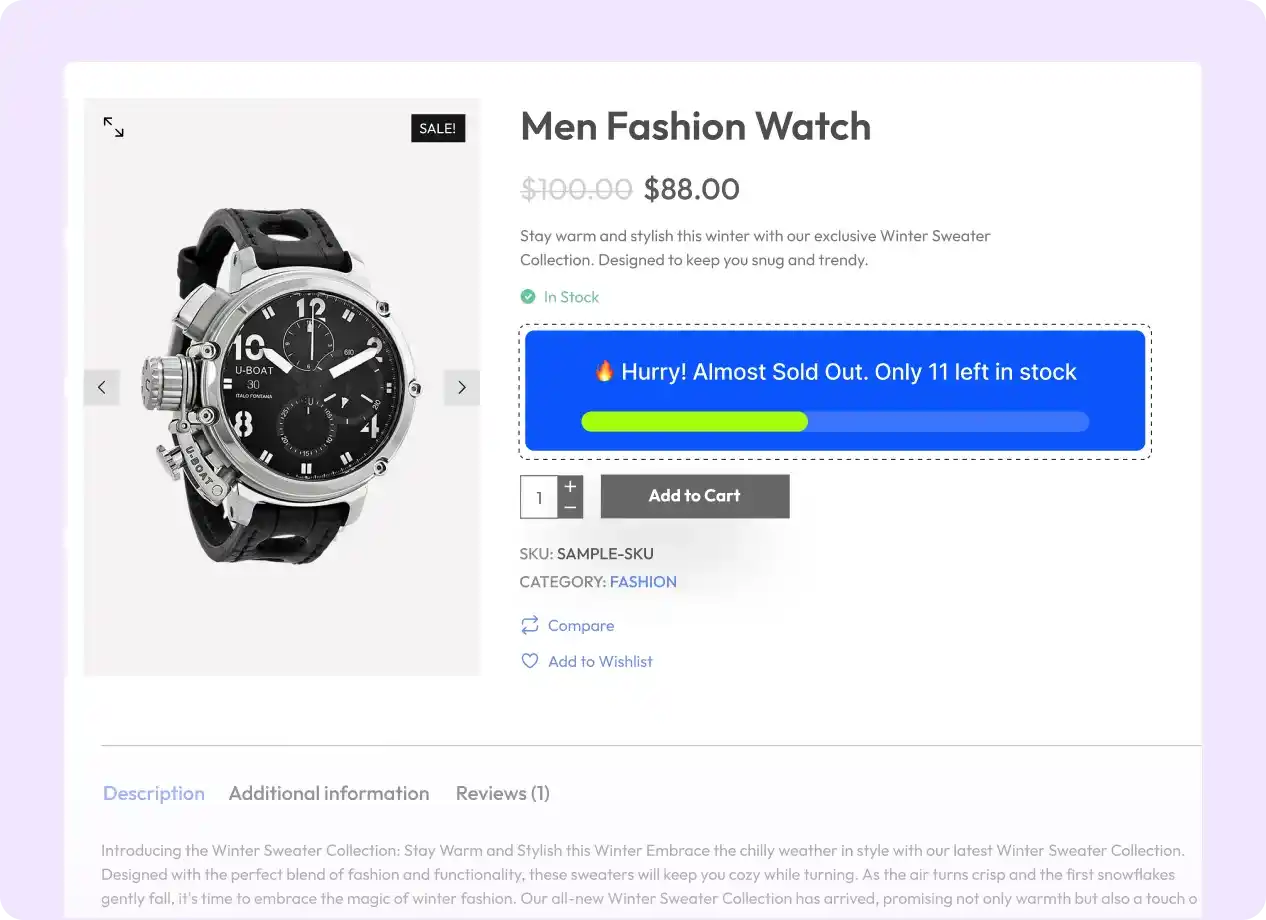
Show Scarcity Alerts Where They Matter Most
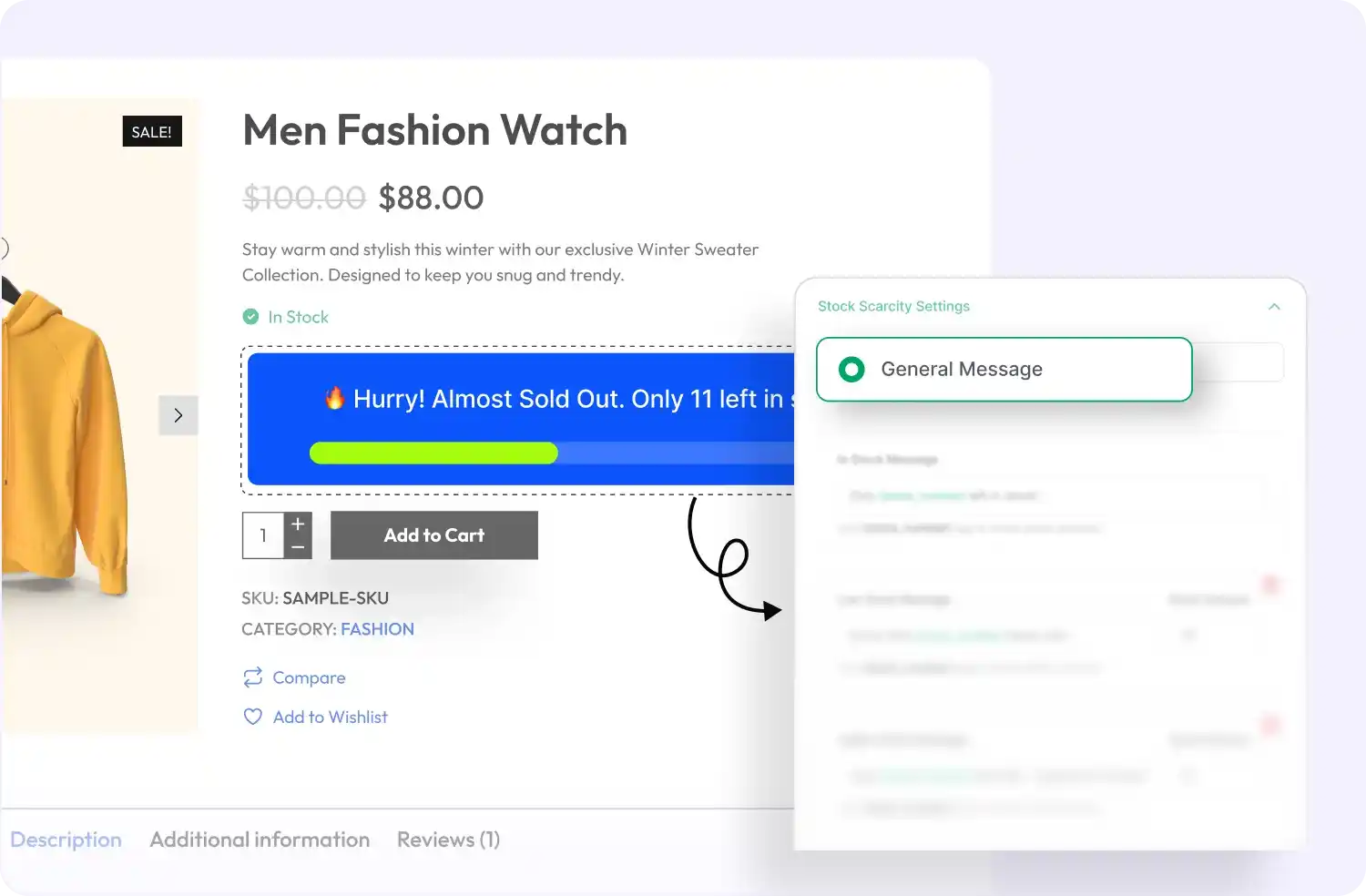
Display real-time stock scarcity messages on product, cart, or checkout pages to create urgency and encourage quicker purchase decisions
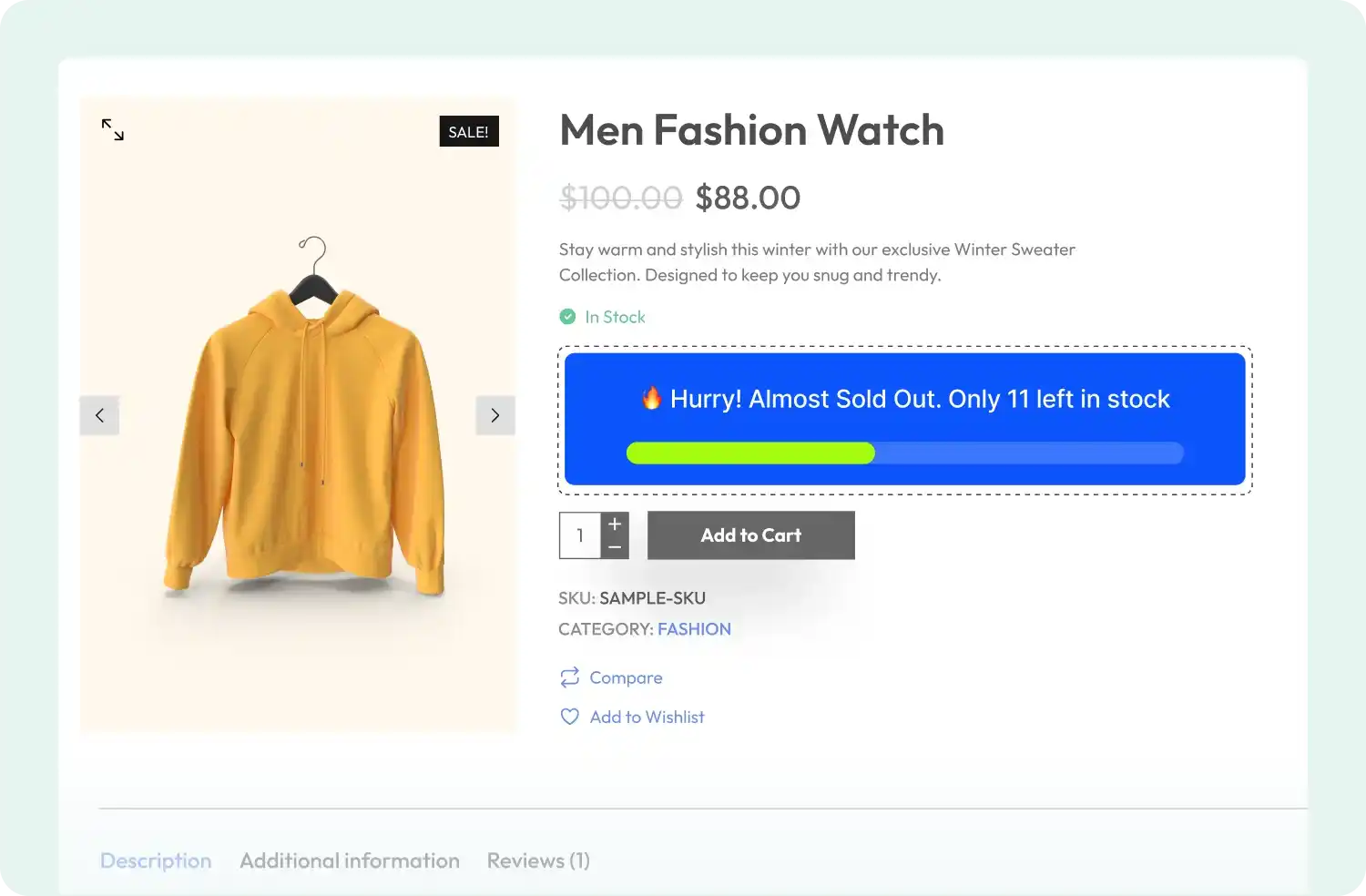
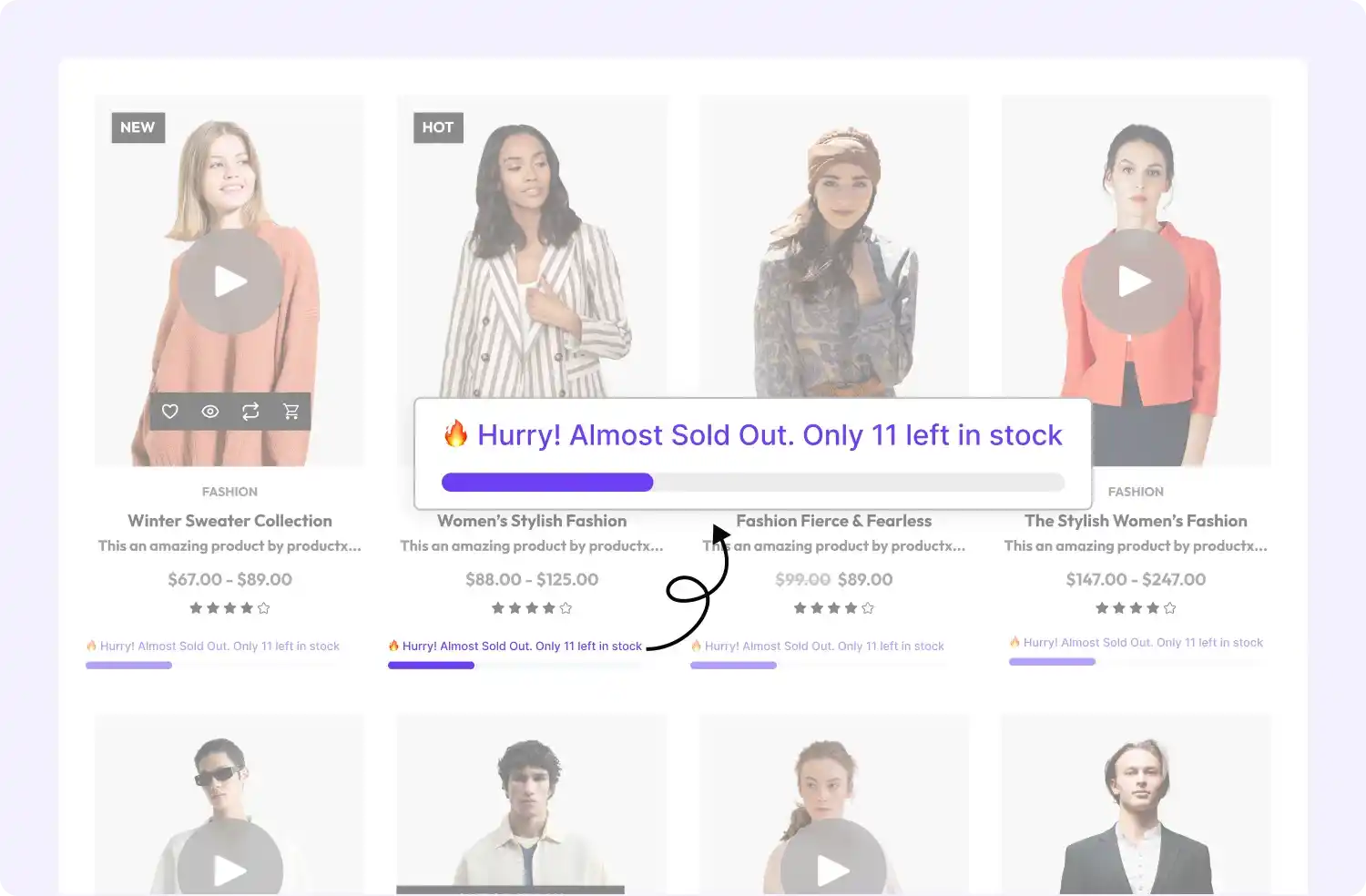
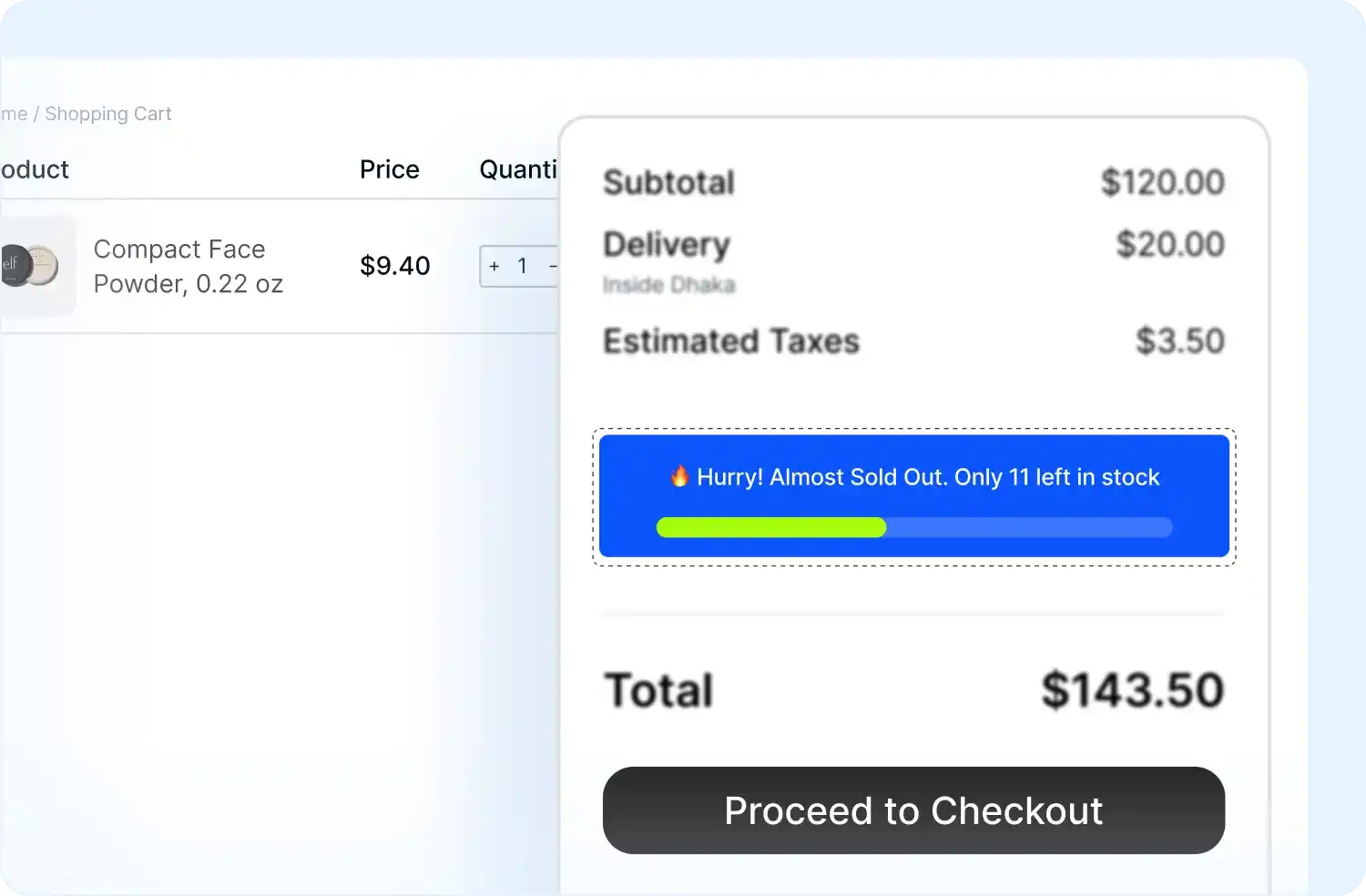
Powerful Stock Messaging to Drive Urgency and Conversions
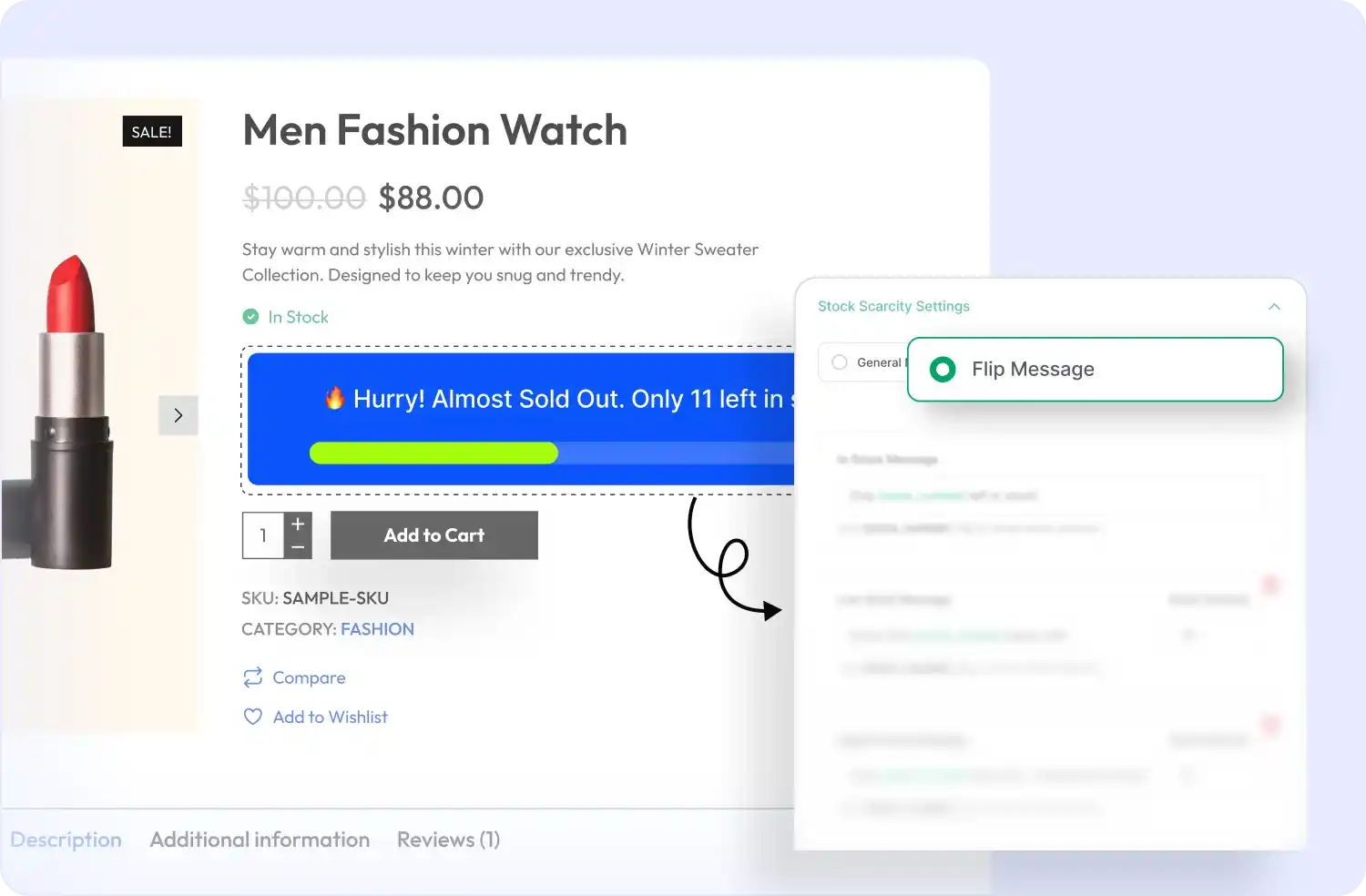
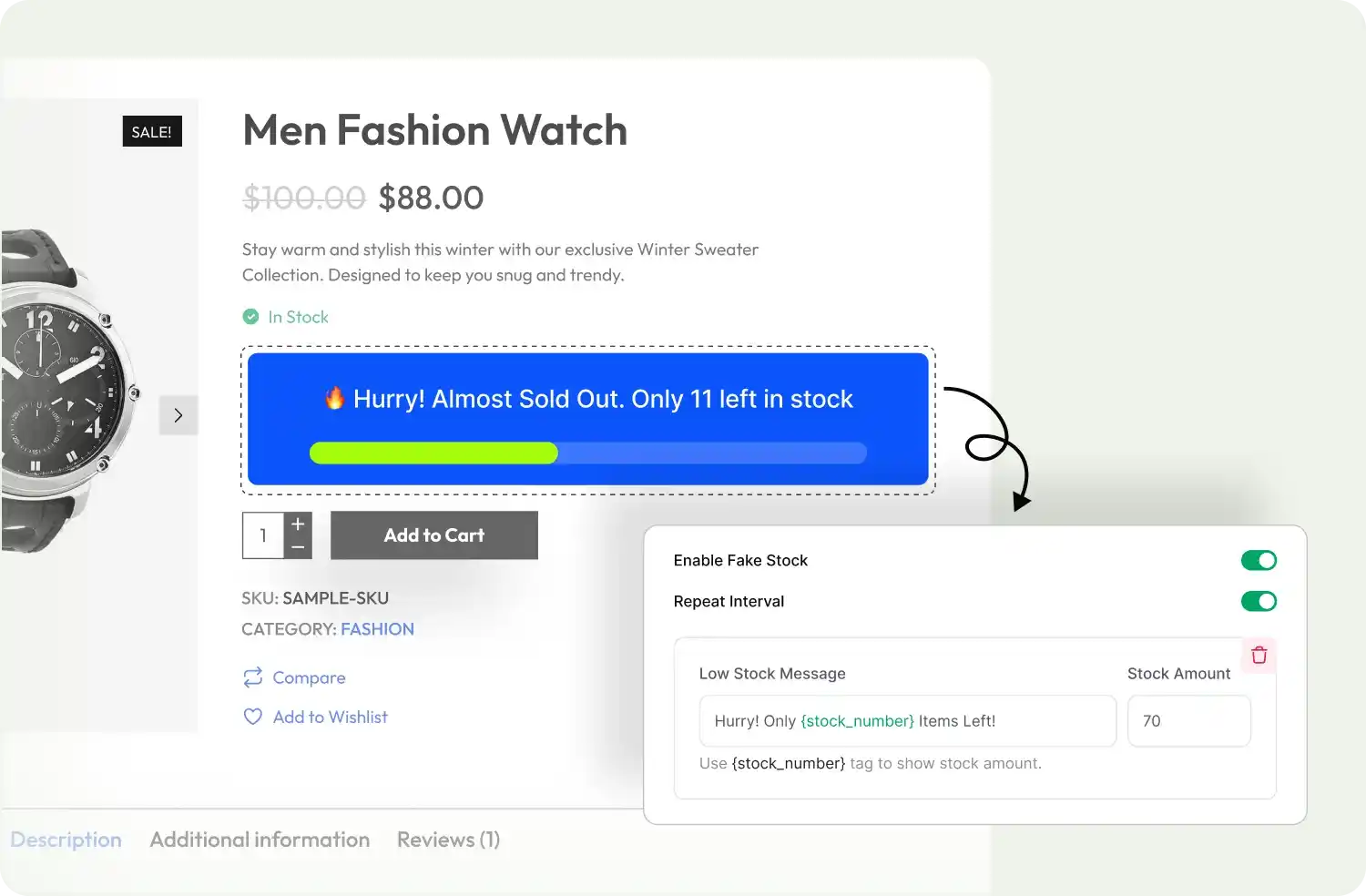
Display real or simulated stock levels with customizable alerts, flip messages, and urgency cues that motivate shoppers to buy faster
Set Trigger Products for Scarcity Alerts
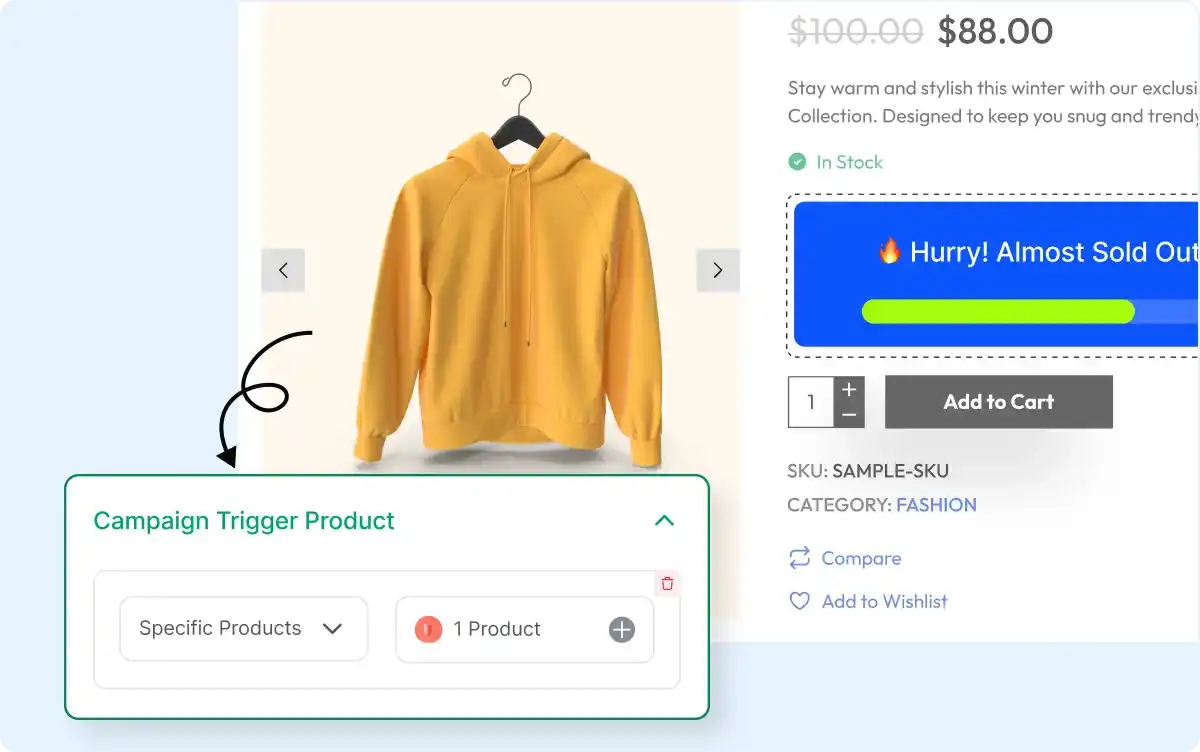
Select specific products, categories, or all your products to display scarcity messages, giving you full control over where urgency appears.
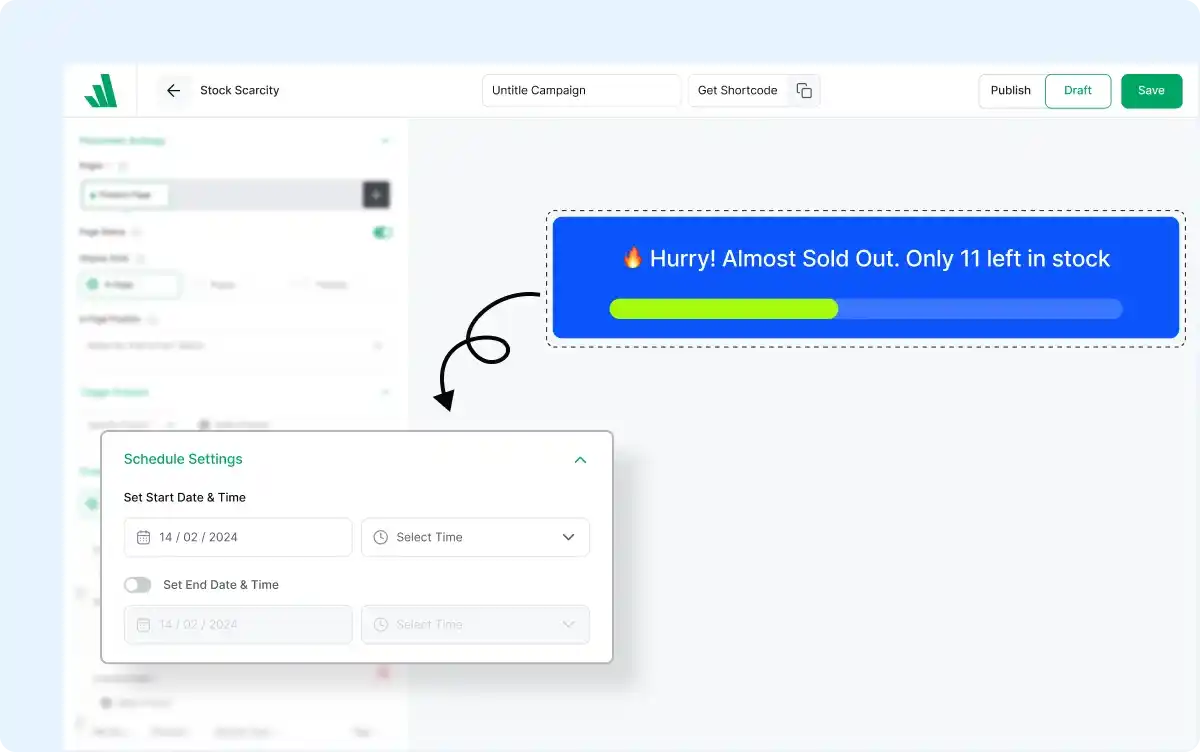
Schedule Scarcity Alerts
Set start and end times for your stock messages to align with flash sales, seasonal offers, or limited-time promotions that drive urgency.
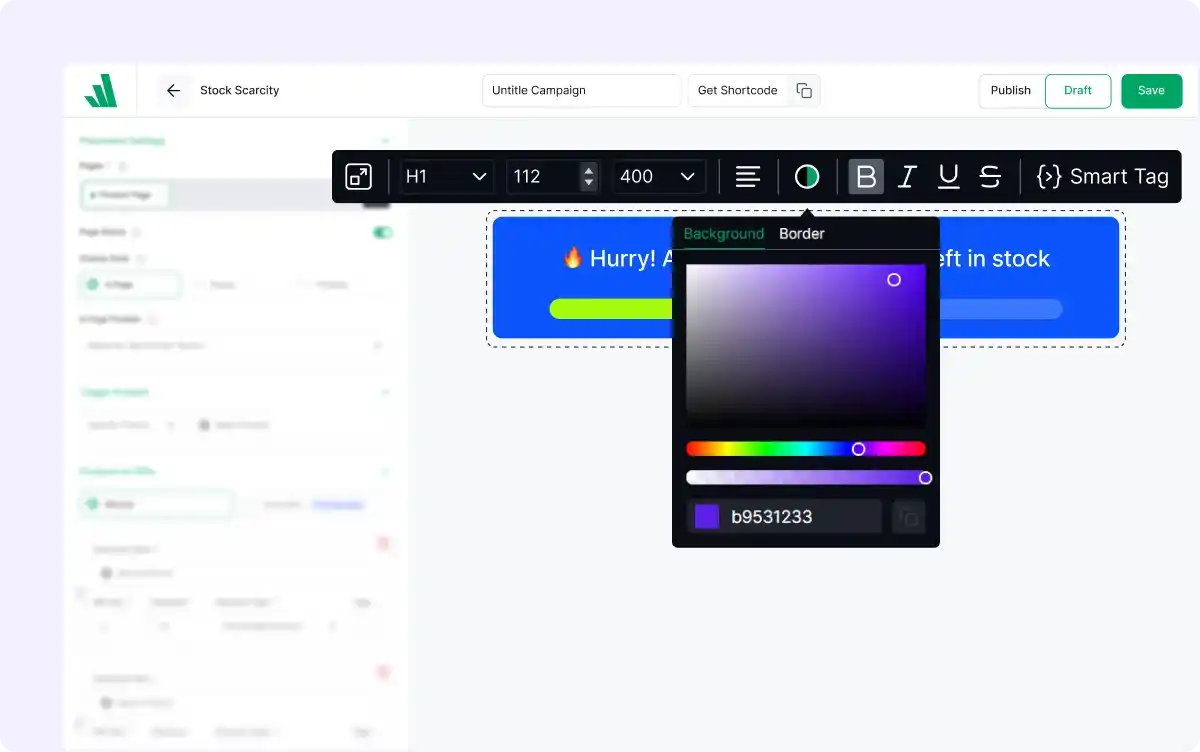
Customize Appearance
Adjust colors, fonts, and layouts of your scarcity messages to match your store’s branding and create visually consistent, high-impact alerts.
Frequently Asked Questions
Explore these frequently asked questions about the Stock Scarecity campaign that you might be curious about. So, you can make a quick decision about whether you want to buy it.
Feel free to contact our support team in case you have more questions.