Shipping can make or break your WooCommerce store’s success – if you do not set things up properly.
Customers today expect fast, accurate, and affordable delivery, without any surprise costs at checkout. But managing shipping in WooCommerce isn’t always straightforward. By default, WooCommerce offers only basic options, which often leads to:
- Complicated checkout experiences
- Higher cart abandonment rates
- Inefficient shipping cost calculations
That’s where WooCommerce shipping plugins come in. They help automate shipping rate calculations, offer multiple carrier integrations, set location-based rules, and improve delivery speed and accuracy.
In this guide, we’ll review the best shipping plugins for WooCommerce – including WowShipping, ELEX Shipping, and Table Rate Shipping PRO plugin, so you can choose the perfect tool for your business.
Quick Recommendations for the Top WooCommerce Shipping Plugins
Here is a quick look at some of the top shipping plugins for WooCommerce:
| Plugin | Best for | Feature Overview |
| WowShipping | Stores that want a budget-friendly all-in-one solution | Create multiple table options, bulk import/export rate tables, advanced destination matching, flexible rate types. |
| ELEX – WooCommerce USPS Shipping | US-focused stores that need USPS real-time rates + label printing | Real-time USPS retail/account rates, estimated delivery dates, label printing, tracking, and address validation |
| Table-Rate Shipping Pro | Stores that need complex tiered/table rate rules | Create multiple table options, bulk import/export rate tables, advanced destination matching, and flexible rate types. |
| WooCommerce ShipStation integration | Merchants who prefer an automated shipping workflow | Centralized order import from WooCommerce, customized shipping email, branded tracking/returns portal |
| Flat Rate Shipping Plugin For WooCommerce | Store owners who want to increase revenue with strategic flat rate shipping | A fast and reliable plugin to execute advanced flat rate shipping to your WooCommerce store. Set strategic shipping rates based on product, cart total, weight, etc, and maximize your revenue. |
Why Should You Use a Shipping Plugin?
Without a dedicated shipping plugin, you would have to rely on manual calculations, generic rates, and limited delivery options – all of which can frustrate customers and harm conversions.
Here’s what a good shipping plugin offers:
Accurate Shipping Rates – Calculate real-time rates from carriers like USPS, FedEx, UPS, and DHL.
Rule-Based Shipping – Charge based on cart total, weight, quantity, destination, or user role.
Time-Saving Automation – Print shipping labels, send tracking details, and sync orders automatically.
Better Customer Experience – Offer free shipping thresholds, multiple delivery options, and clear checkout costs.
Reduced Abandoned Carts – Prevent last-minute shipping cost surprises that make customers leave.
What Factors Should You Consider When Choosing a Shipping Plugin?
Picking the right WooCommerce shipping plugin is not just about price—it’s about finding a tool that fits your business model, shipping needs, and growth plans. Here are the main factors to evaluate:
1. Carrier Compatibility
Not all shipping plugins support major carriers. If your business ships internationally, you may need integrations with DHL, FedEx, UPS, USPS, or local couriers.
A mismatch here can lead to manual work and higher costs. Look for a plugin that supports multiple carriers or at least the main ones you rely on.
2. Advanced Shipping Rules
Some stores need nothing more than flat rates, while others require advanced, multi-layered conditions. For example, you might want to:
– Offer free shipping for orders over $100
– Charge extra for oversized items
– Apply different rates based on customer location or user role
If your shipping needs require multiple variables, choose a plugin that supports complex rule-building with AND/OR logic, product-based conditions, and regional targeting.
3. Cost & ROI
The cheapest plugin isn’t always the best value. Consider the total cost, including license fees, carrier API costs, and any per-label charges.
Then weigh it against the time saved, accuracy improvements, and conversion rate boosts you’ll get. A slightly higher-priced plugin can pay for itself if it helps you reduce abandoned carts or streamline shipping operations.
4. Ease of Use
Shipping can get complex quickly, so you want a plugin with a beginner-friendly interface and helpful resources. Look for:
– User-friendly dashboards
– Support resources like tutorials, FAQs, and live chat
5. Scalability
Your shipping needs today may not be the same a year from now. As your store grows, you may add more products, ship to new countries, or partner with different carriers.
Choose a plugin that can scale with your business, whether that means adding more automation, supporting more carriers, or handling higher order volumes without slowing down.
Best WooCommerce Shipping Plugins in 2026
Here’s a list of the best WooCommerce shipping plugins that we recommend. Feel free to check each one’s description to find which one suits your needs the most.
WowShipping – Table Rate Shipping for WooCommerce
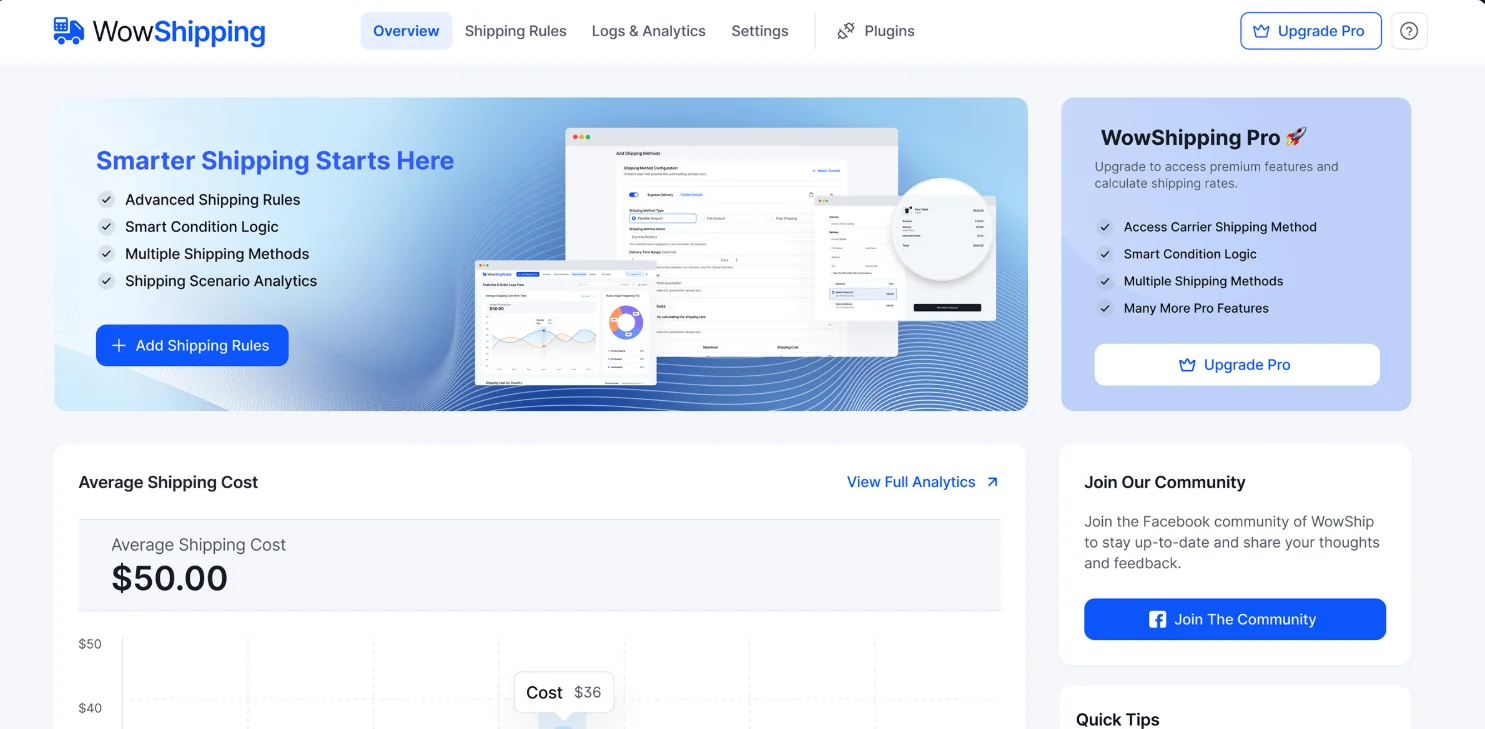
If you want full control over your WooCommerce shipping logic without custom code, WowShipping is a powerful solution. It combines smart table rate shipping, 30+ condition types, and a flexible logic builder to let you create even the most complex shipping rules with ease.
With WowShipping, you can charge based on cart details (total, weight, quantity, volume), product specifics (category, tag, price, dimensions), customer information (user role, order history), or location targeting (country, state). You can also mix these conditions together using AND/OR logic for truly precise control.
Features:
- 30+ Shipping Conditions – Cart-based, product-based, customer-based, and location-based triggers
- Multiple Shipping Methods – Flat rate, express, free shipping, or create a custom method
- Advanced Logic Groups – Combine multiple conditions for highly targeted rules.
- Carrier Integrations – Pull real-time rates from popular shipping providers
- Handling Fees & Cost Adjustments – Add extra charges for specific situations.
- Visibility Controls – Show or hide methods based on the login status of users.
- Analytics Dashboard – See how your rules perform and optimize for profitability
Pricing: $149 one-time payment for Unlimited sites for Lifetime with a 14-day money-back guarantee.
Best For: Store owners who want advanced control over shipping rules and prefer an all-in-one solution rather than paying for multiple plugins. Its budget-friendly lifetime access makes it ideal for startups and cost-conscious businesses.
ELEX WooCommerce USPS Shipping Plugin
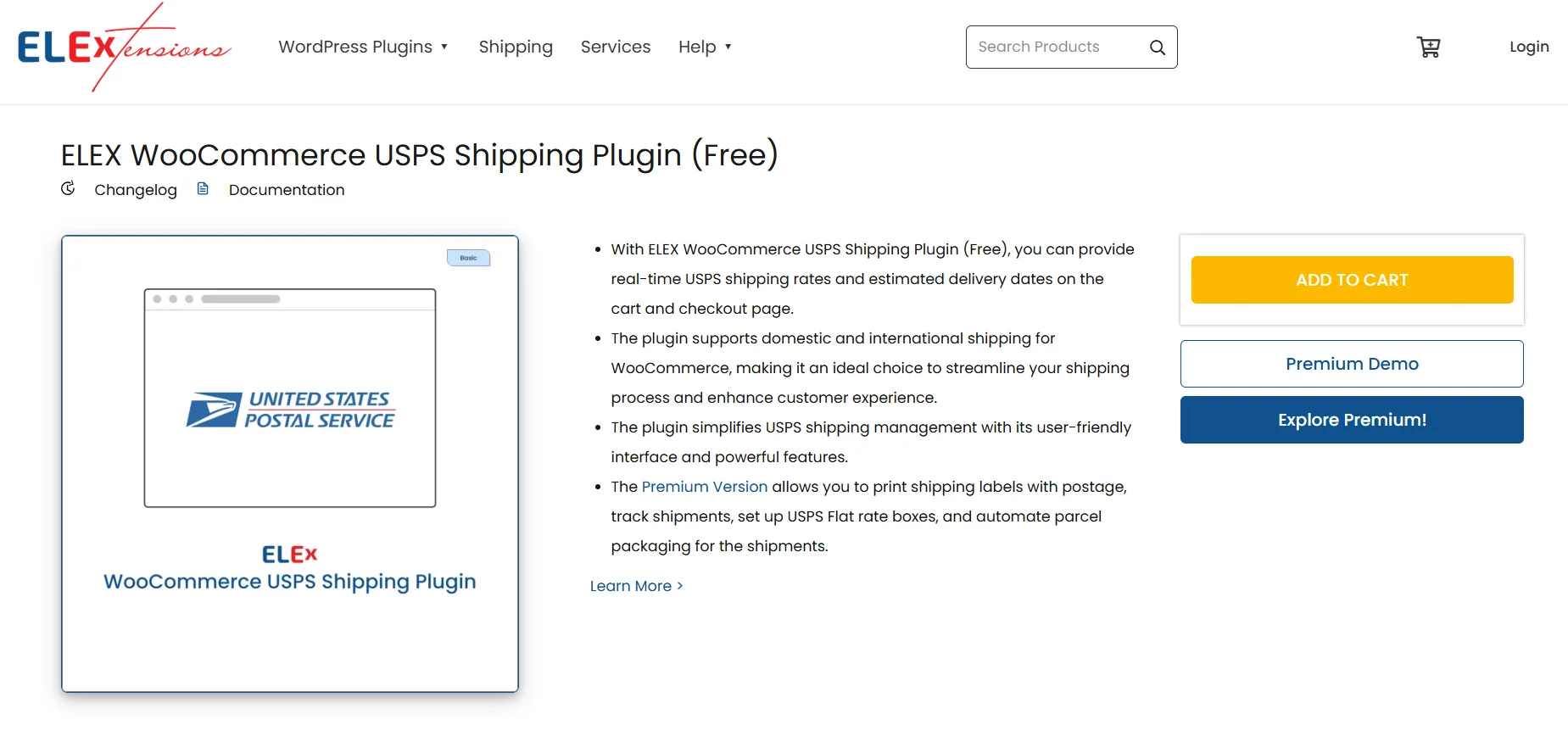
The ELEX WooCommerce USPS Shipping Plugin with Print Label is a powerful tool for WooCommerce store owners who want to streamline their shipping process. This plugin integrates seamlessly with USPS (United States Postal Service) and provides a range of features to simplify shipping, including label printing and order tracking. With its user-friendly interface and robust functionality, this plugin is an essential tool for any WooCommerce store owner looking to enhance their shipping operations.
Features:
USPS Integration: This plugin seamlessly integrates with USPS, allowing you to access real-time shipping rates and services directly from your WooCommerce store. Say goodbye to manual rate calculations and ensure accurate shipping costs for your customers.
Restrict Media Mails: Create shipping classes and assign them to specific products to restrict the use of the Media Mail service if needed.
Set Fallback Rate: Define a fallback rate to be applied in case the USPS API fails to return any rates, ensuring a seamless checkout process for your customers.
Label Printing(Premium): With the ELEX WooCommerce USPS Shipping Plugin, you can easily generate and print shipping labels directly from your WooCommerce dashboard. This saves you time and effort by eliminating the need for external shipping software.
Order Tracking(Premium): Keep your customers informed about the status of their shipments with built-in order tracking. The plugin retrieves tracking information from USPS and provides it to your customers, ensuring transparency and customer satisfaction.
Address Validation(Premium): Ensure accurate deliveries by validating customer addresses in real-time. This feature helps prevent shipping errors and ensures that packages are sent to the correct locations.
Rate Adjustment(Premium): Customize and adjust shipping rates based on your business requirements. You can set flat rates, add handling fees, or apply percentage-based adjustments to shipping costs.
Pricing
The ELEX WooCommerce USPS Shipping Plugin with Print Label offers a free version with limited features, allowing you to try it out and get a feel for its capabilities. For those who need more advanced functionality, there is a premium version available at a cost of $69 for a single-site license. The premium version unlocks additional features such as label generation and printing, advanced shipment tracking, and more.
FedEx Shipping Plugin for WooCommerce
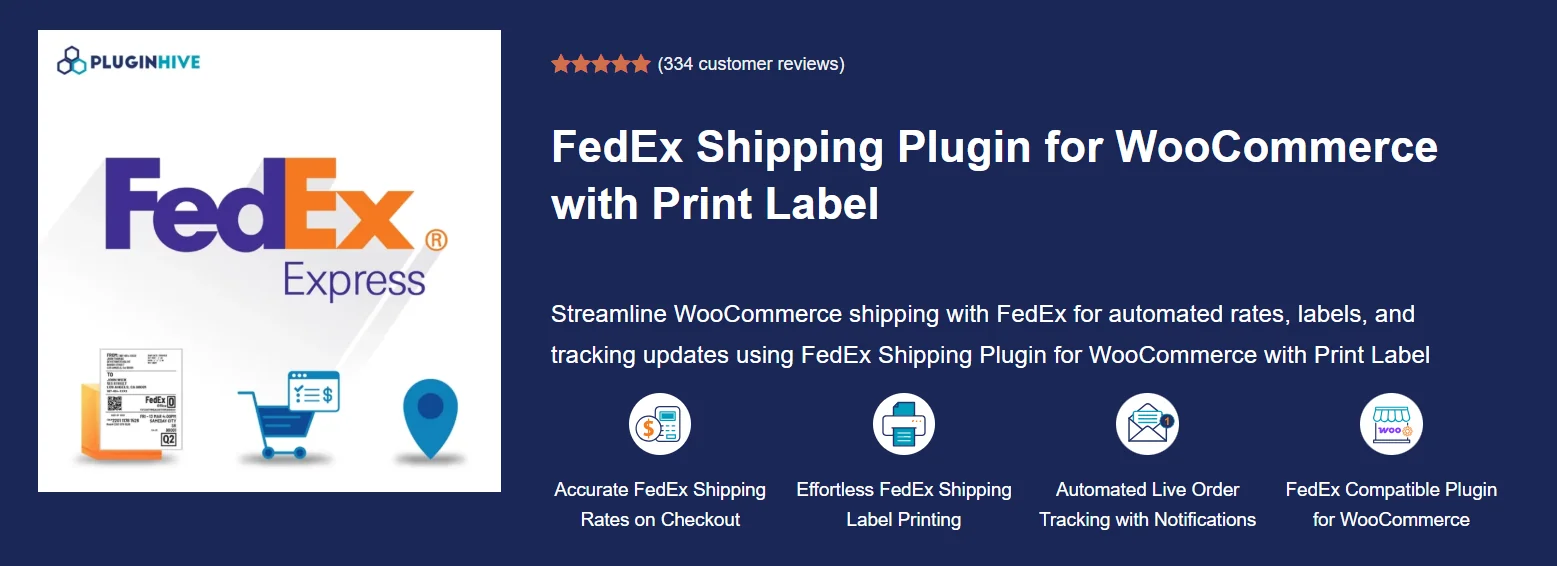
PluginHive FedEx Shipping Plugin for WooCommerce is a powerful shipping automation solution designed to simplify and streamline FedEx shipping for WooCommerce store owners.
It connects your store directly with FedEx services, allowing you to show live shipping rates, generate labels, track shipments, and manage end-to-end order fulfillment from a single WooCommerce dashboard. It’s especially useful for businesses that want faster, more accurate, and fully automated shipping workflows across domestic and international orders.
Features:
Real-time shipping rates at checkout: Display live FedEx shipping rates based on product weight, dimensions, and delivery destination so customers always see accurate and up-to-date shipping costs.
Print FedEx shipping labels: Generate and print shipping labels directly from your WooCommerce admin panel, removing the need for manual label creation or switching platforms.
Automatic FedEx tracking: Automatically sync tracking details and send shipment updates to customers, keeping them informed at every stage of delivery.
Estimated delivery dates: Show customers expected delivery timelines during checkout to improve transparency and reduce cart abandonment.
Return labels & commercial invoices: Generate return shipping labels and commercial invoices for smoother reverse logistics and international shipping compliance.
Bulk shipment processing: Create multiple shipments and print labels in bulk, saving time for high-volume stores.
Multi-platform compatibility: Works with Dokan, WCFM, WPML, and multi-currency plugins, making it suitable for multilingual and multi-vendor stores.
Pricing
The FedEx Shipping Plugin for WooCommerce is available with a paid license starting from $99, which includes a single-site license along with one year of updates and support.
WooCommerce Table Rate Shipping Pro
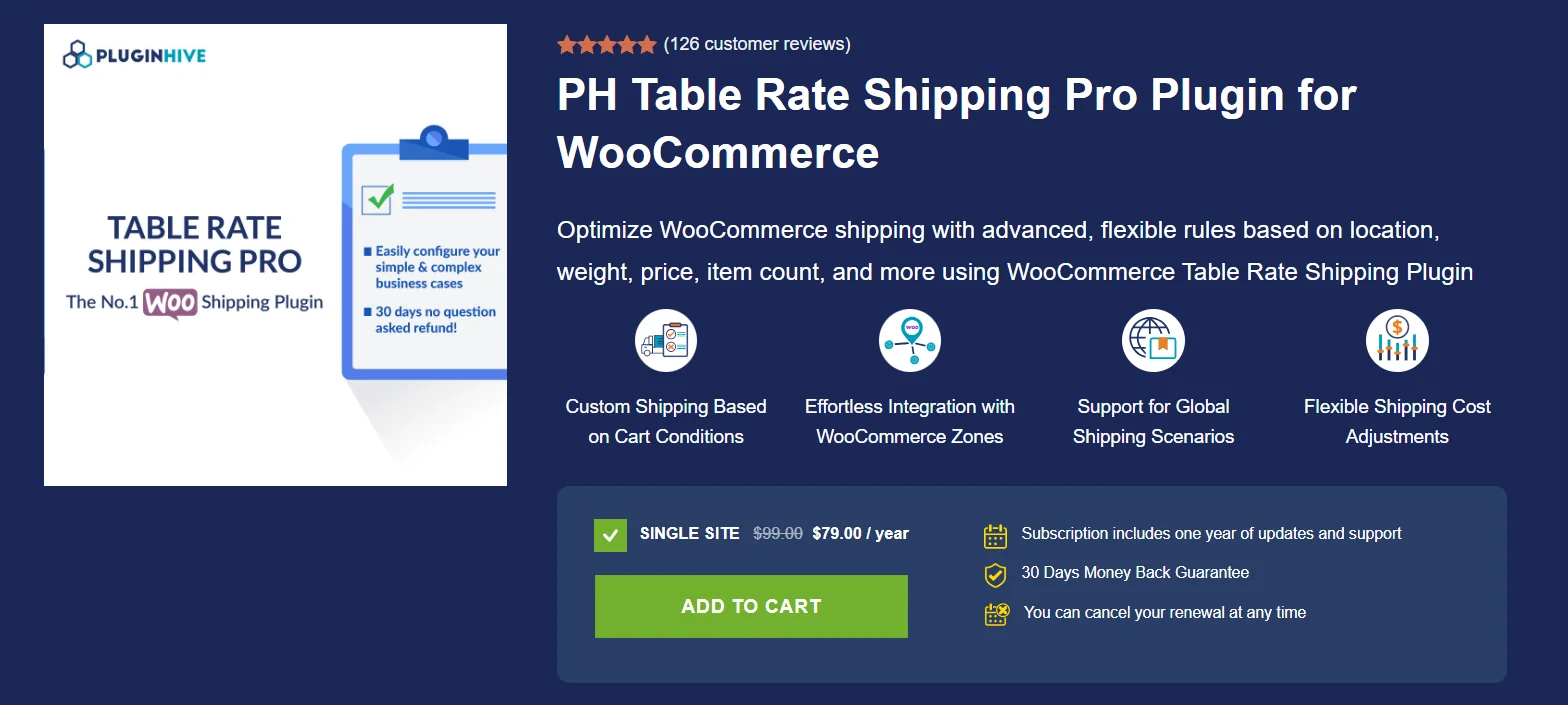
The WooCommerce Table Rate Shipping Pro Plugin offers advanced shipping calculations, making it a powerful tool for store owners with complex shipping needs. This plugin allows you to create customized WooCommerce shipping rates based on variables like destination, weight, item count, and shipping class, allowing for a highly tailored shipping experience for your customers.
Features:
Flexible Shipping Rules: The plugin allows you to set up rules to adjust shipping rates based on multiple conditions. This flexibility lets you define pricing tiers by weight, total order value, product quantity, and even shipping zones.
Multiple Rate Options: You can configure flat rates, free shipping options, or calculate rates based on item count and weight. This makes it easy to set up a range of shipping rates for various shipping scenarios, whether you’re shipping across multiple regions or offering a variety of shipping classes.
Advanced Destination Settings: This plugin allows you to define rates based on the destination country, state, or even postcode. This feature ensures that you can account for regional shipping costs and accommodate specific local needs.
Shipping Classes: Create custom shipping classes to assign specific rates for different products or categories, making it easy to account for different packaging, handling, or expedited services. This is particularly helpful for stores selling items with different weights, dimensions, or packaging requirements.
Bulk Import & Export Rates: For larger stores or those with extensive product catalogs, the plugin supports importing and exporting rate tables in bulk, making updates to shipping rates seamless and efficient.
Pricing
The WooCommerce Table Rate Shipping Pro Plugin offers flexible pricing options to accommodate various business needs. A single-site license is available for $69.00, providing access to all features of one WooCommerce store. For businesses with multiple sites, the 5-site license is priced at $99.00, while the 25-site license is available for $199.00.
Flat Rate Shipping Plugin For WooCommerce
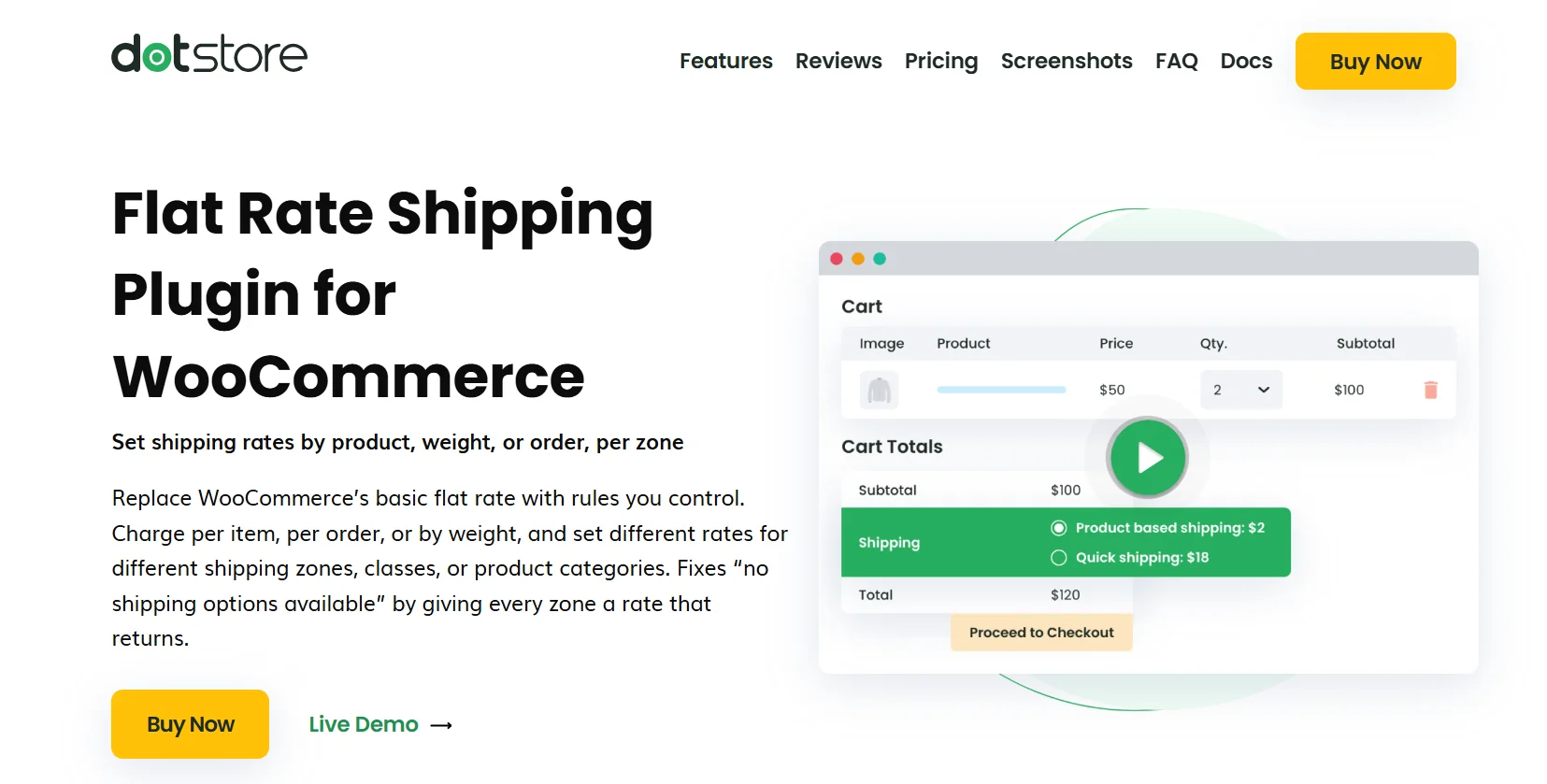
Shipping doesn’t have to be complicated, but for many WooCommerce store owners, it quickly becomes one of the most time-consuming (and costly) parts of running an online business.
Whether you’re selling physical products locally or managing bulk orders across multiple regions, having a flat rate shipping strategy can give you back control.
With the right plugin, you can set custom rules that align with your pricing, avoid undercharging, and offer clear, consistent delivery costs to your customers.
Features:
Zone-Based Shipping Rules
Create different flat rates for specific regions, cities, or postal codes. Charge $5 for local orders and $15 for national — all automatically.
Cart-Based Conditions
Apply shipping charges based on cart subtotal, quantity, or product category. Want to offer free shipping above $100? Easy.
Per Product or Quantity Rate Control
Set fees based on individual products or on how many items are in the cart. This helps maintain profit margins for bulky or heavy orders.
Pricing
The Flat Rate Shipping for WooCommerce plugin is available at $159 per year for a single-site license. However, you can also consider the 5-site license or the 30-site license plan.
WooCommerce ShipStation Integration
ShipStation is a fast, affordable shipping solution that automates shipping workflows and syncs tracking information. It offers discounted rates with top carriers and can sync orders from multiple selling channels.
It also provides branded tracking, instant tracking updates, and a branded returns portal. ShipStation can expand businesses’ markets across borders by generating and transmitting customs declarations and forms, and offering GlobalPost for fast and affordable international parcels.
Features:
Manage WooCommerce Shipping Anywhere: With ShipStation, you can easily manage and ship your WooCommerce orders from anywhere, thanks to its web-based and mobile-friendly platform. Importing and organizing your orders has never been easier.
Customizable Shipping Confirmation Email: Set up either ShipStation or WooCommerce to automatically send a shipping confirmation email to your customers once their package has been shipped. Additionally, you have the option to personalize the email sent from ShipStation.
Detailed Product Information: When you import your products from WooCommerce, all the important details, such as product weights, images, and options, are included. This makes it easier for you to manage and fulfill your orders.
Shipping Updates: Once a shipping label is created in ShipStation, the Carrier, Tracking Number, and Shipped Status are automatically updated in WooCommerce.
Customer Shipping Preference: Get information about the customer’s selected shipping method preference.
Order Sync: Easily import orders from Woo and any other shipping platform with just one click.
Order Notes: When an order is imported into ShipStation, both the customer notes and internal notes are included to ensure that any special instructions are considered.
Pricing
You can start using this plugin completely free of charge. But it also has different price plans for different shipment amounts, starting from 9.99/month (50 shipments) to a quoted amount for unlimited shipments.
WooCommerce Shipping Labels, Dispatch Labels, and Delivery Notes
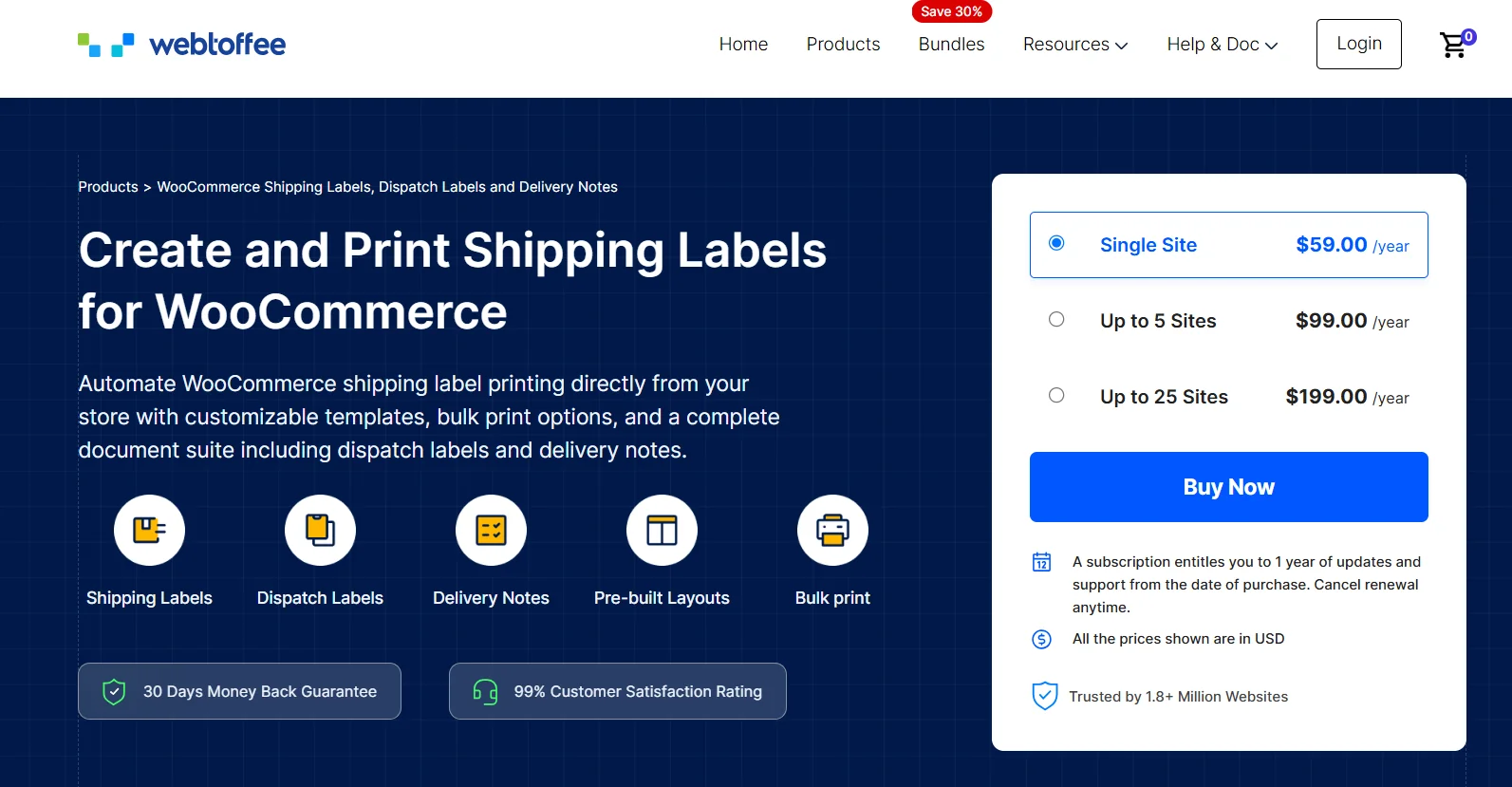
This WooCommerce label plugin lets you generate shipping labels, dispatch labels, and delivery notes for your WooCommerce store. The plugin comes with pre-built templates and allows you to customize the appearance of the labels. You can add meta fields and attributes to the shipping labels.
The plugin lets you access the documents from the Order edit page and allows you to bulk print all the labels. You can also add a print button on the order emails sent out to customers to enable your customers to print the labels.
Features:
Auto-generate shipping and delivery documents: It generates the shipping labels, delivery notes, and dispatch labels automatically. Add additional product and order meta fields and product attributes to these documents.
Pre-built layouts and customization options: You have pre-built templates to customize the shipping documents. Add, remove, or edit various elements of the documents to make them suitable for your business. You can save the edited layout as a template and use it at a later time.
Easily print shipping documents: You can easily print the shipping documents in bulk, helping you to make the order processing smoother. Also, you can allow your customers to print the documents from the order status emails sent out from the store.
Support for multiple languages: The plugin is compatible with WPML and supports translation for multiple languages.
Shipping workflows you can solve with the right shipping plugin
Different stores don’t just need different shipping rules. They need completely different setups based on how their orders are handled in real life. Here’s how shipping typically works for different types of WooCommerce stores.
Dropshipping store
Example: A store selling phone accessories sourced from AliExpress suppliers
- Customer places an order on your WooCommerce store
- Order is automatically forwarded to the supplier
- Supplier ships the product directly to the customer
- Tracking number is updated back in your store
- Customer gets tracking emails until delivery
This setup usually works best with simple shipping rules. Most store owners use flat rates or basic shipping options because fulfillment is handled by suppliers.
Local delivery store
Example: A bakery or grocery store delivering within local region
- Customer enters their address at checkout
- Store checks if the address is inside delivery zones
- Customer selects a delivery time slot (same-day or next-day)
- Order is sent to the kitchen or packing team instantly
- Delivery rider completes the drop-off within the chosen slot
This type of store depends heavily on delivery zones and time slots. Accuracy and speed matter more than carrier selection.
International store
Example: A fashion brand shipping from Singapore to US, UK, and EU
- Customer enters international shipping address
- Live shipping rates are shown from carriers like DHL or FedEx
- Customer selects preferred shipping option based on price or speed
- Customs details are generated for the shipment
- Tracking updates are shared until final delivery
Here, real-time carrier rates and customs handling are essential. Clear pricing also helps reduce cart abandonment.
High-volume store
Example: Electronics store processing hundreds of daily orders
- Orders flow in continuously throughout the day
- System groups orders by warehouse location or zone
- Shipping labels and packing slips are generated in bulk
- Carrier is selected automatically based on rules like cost or speed
- Tracking is synced instantly to WooCommerce
For high-volume stores, automation is everything. Even small manual steps can slow down fulfillment significantly.
So, Which Shipping Plugin Should You Choose?
The right shipping plugin depends on your store’s needs:
Best All-in-One Solution → Go for WowShipping if you want advanced shipping rules, analytics, and table rate shipping in a single plugin.
Complex Rate Structures → Choose Table Rate Shipping for detailed pricing based on weight, destination, or quantity.
Quick Flat Rate Setup → Try Flat Rate Shipping Plugin if you just need simple custom rules fast.
💡 Pro Tip: Start with the plugin that solves your biggest shipping challenge today, then upgrade or expand as your business grows.
Conclusion
Choosing the best shipping plugins for WooCommerce can be a bit challenging. But we hope you find a suitable one from our best WooCommerce shipping plugins, useful for improved product shipping and customer experience while assisting you with your WooCommerce store.