
Normal Discount for WooCommerce
Easily create discounts for specific products or categories in your WooCommerce store using WowRevenue’s intuitive no-code campaign builder.


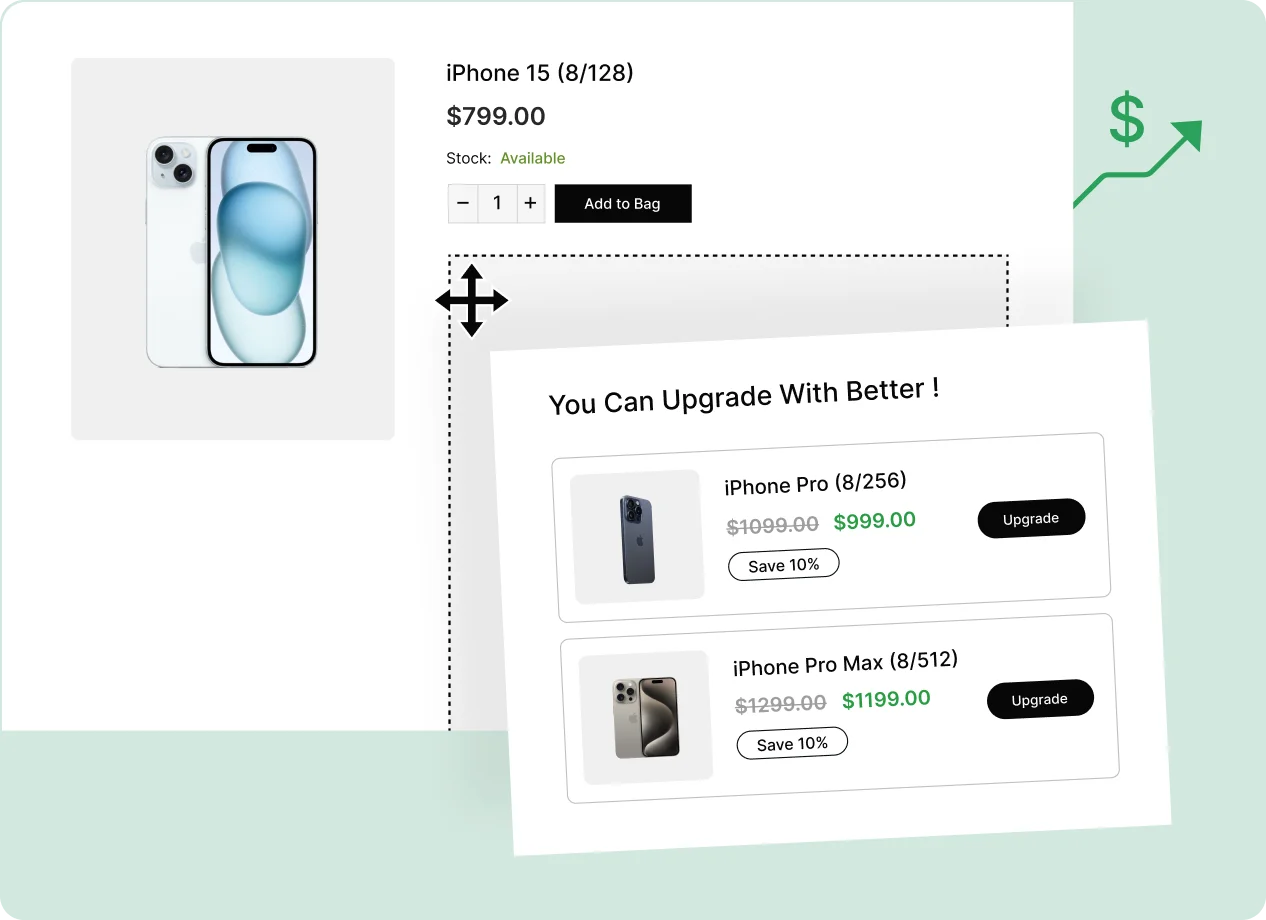
Show Discounts Where They Matter Most
Display your product discount campaigns across key WooCommerce pages to maximize visibility, driving more conversions and encouraging customer purchases
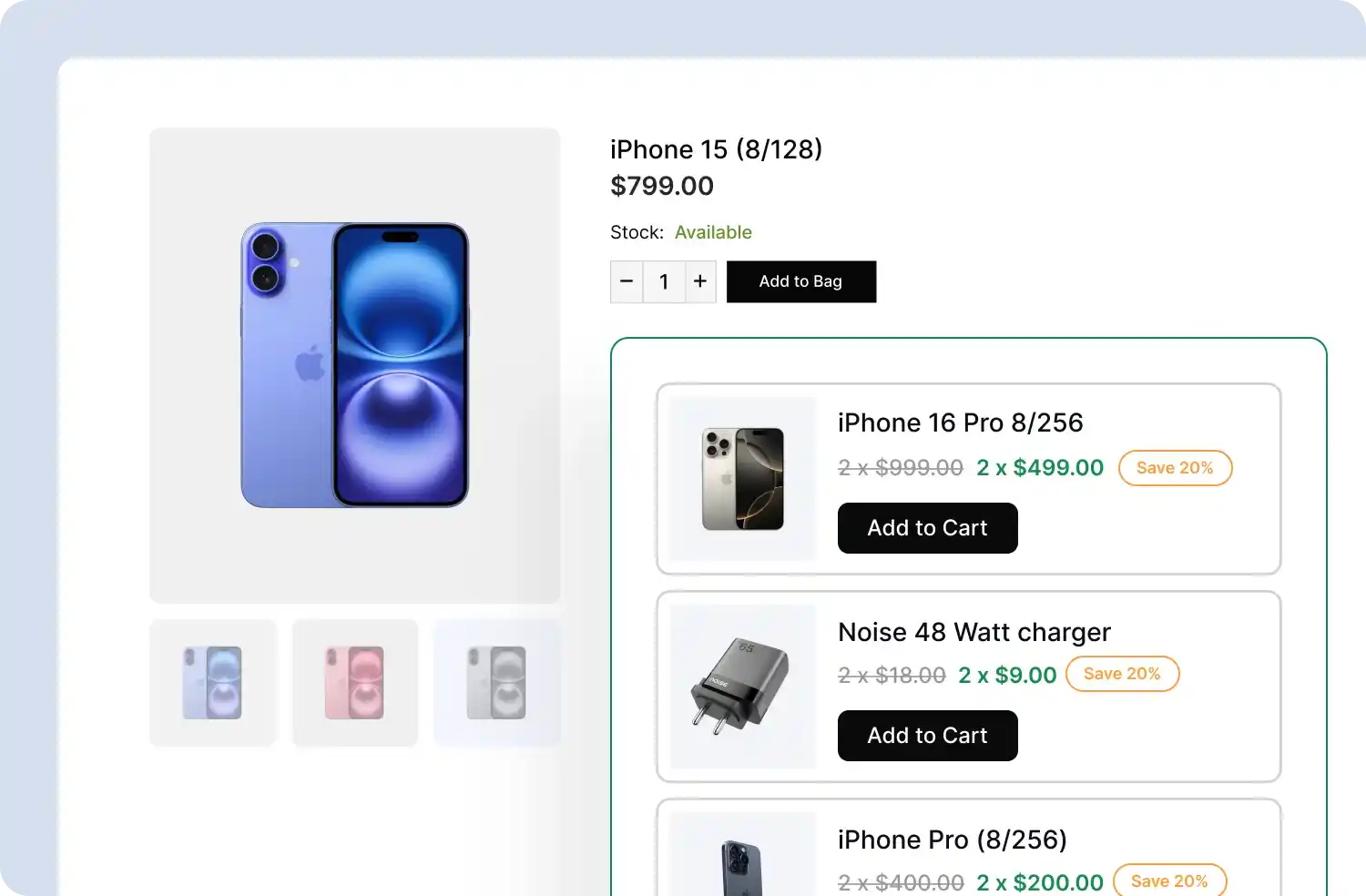
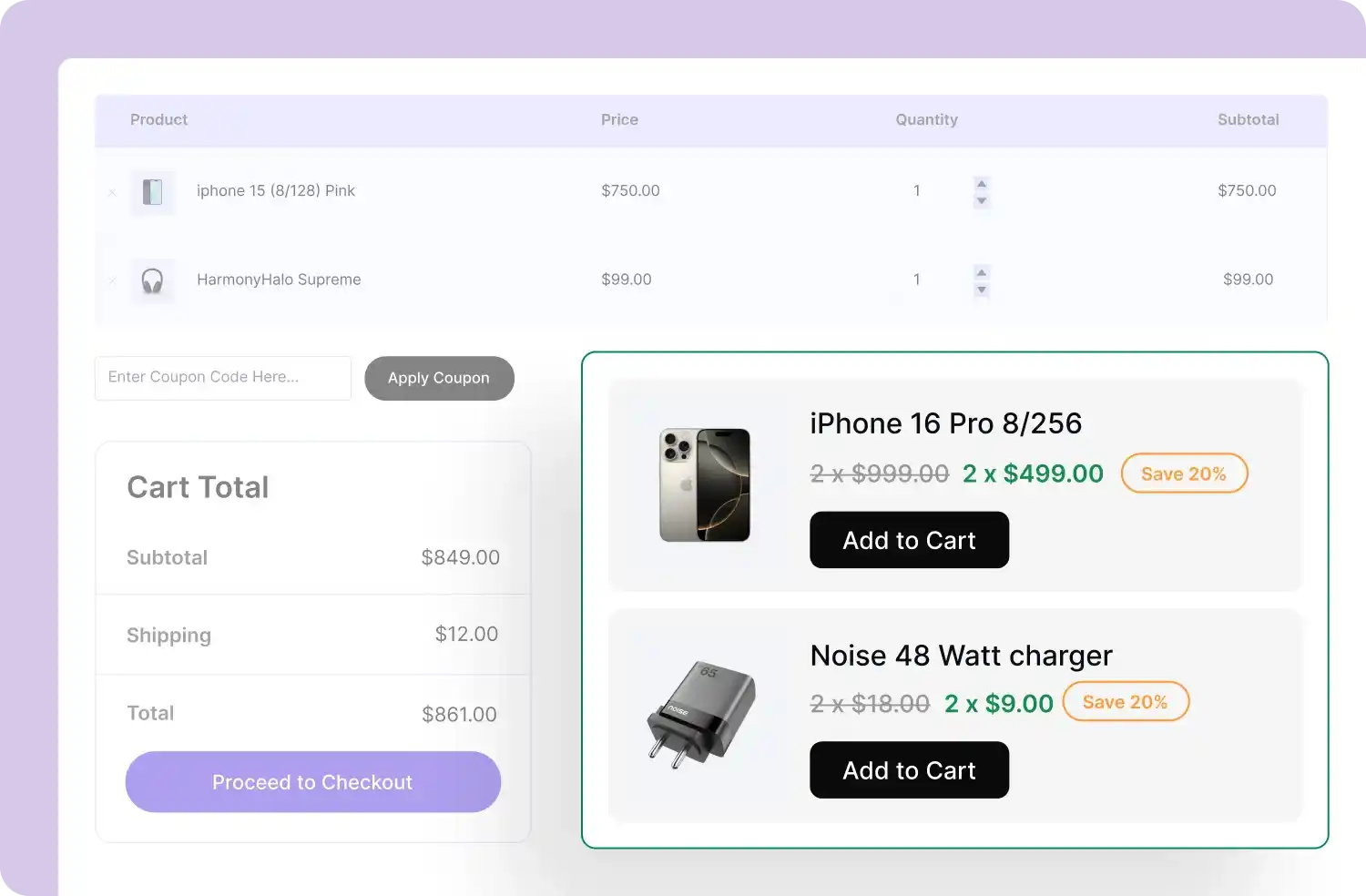
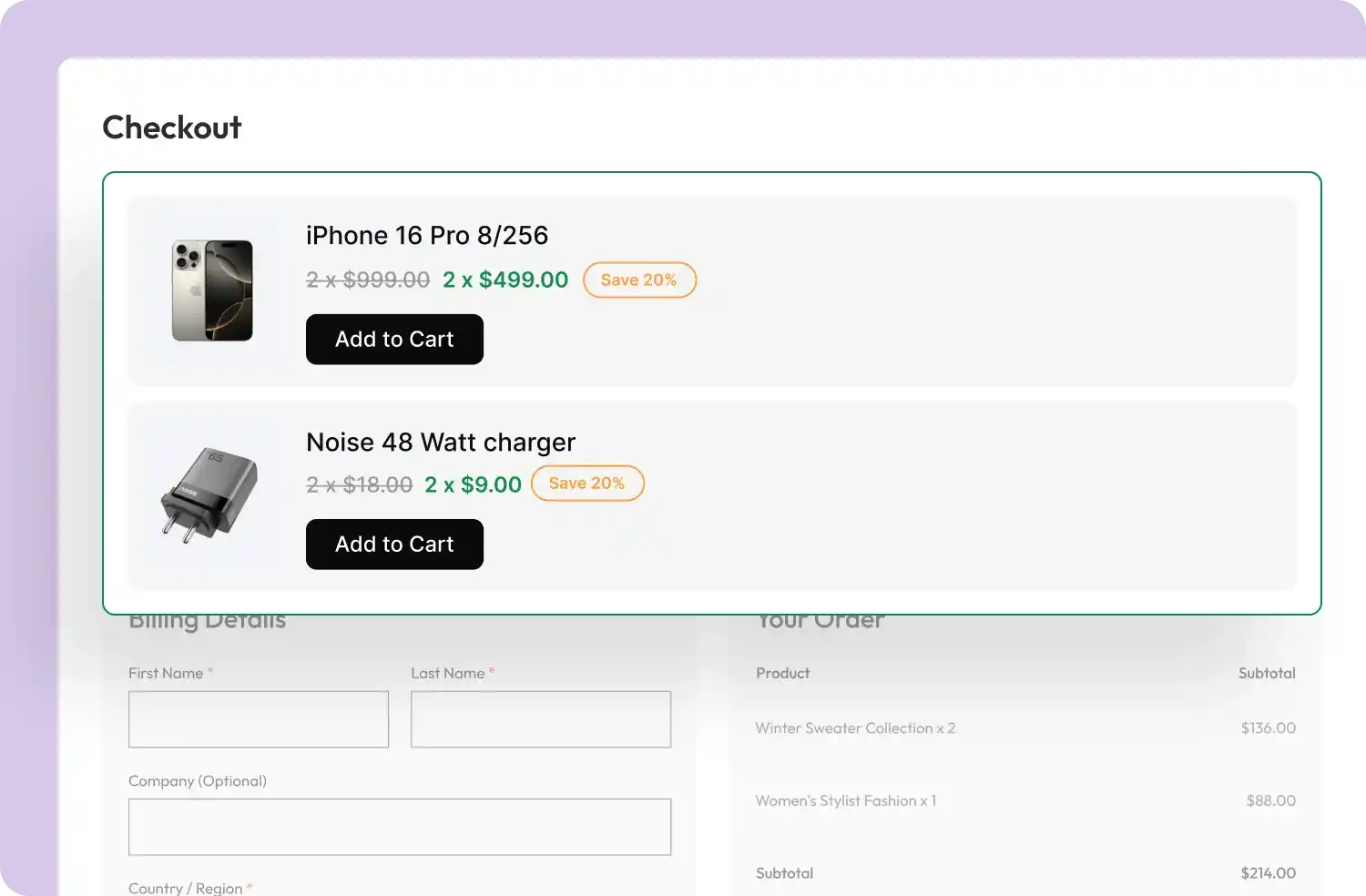
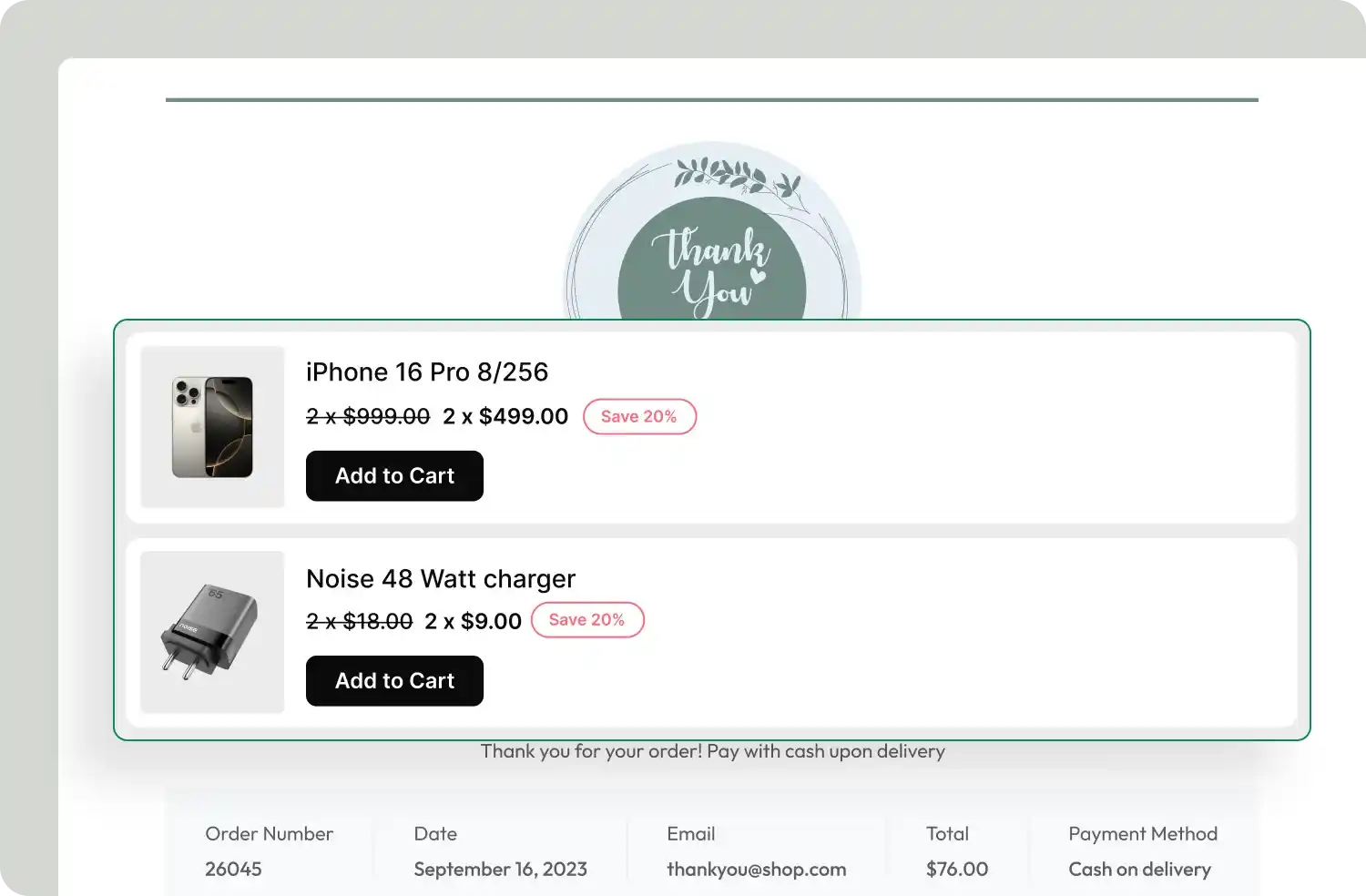
Choose How to Display Your Discount Campaigns
Customize the placement of your discount messages to maximize impact, ensuring they catch attention and drive conversions
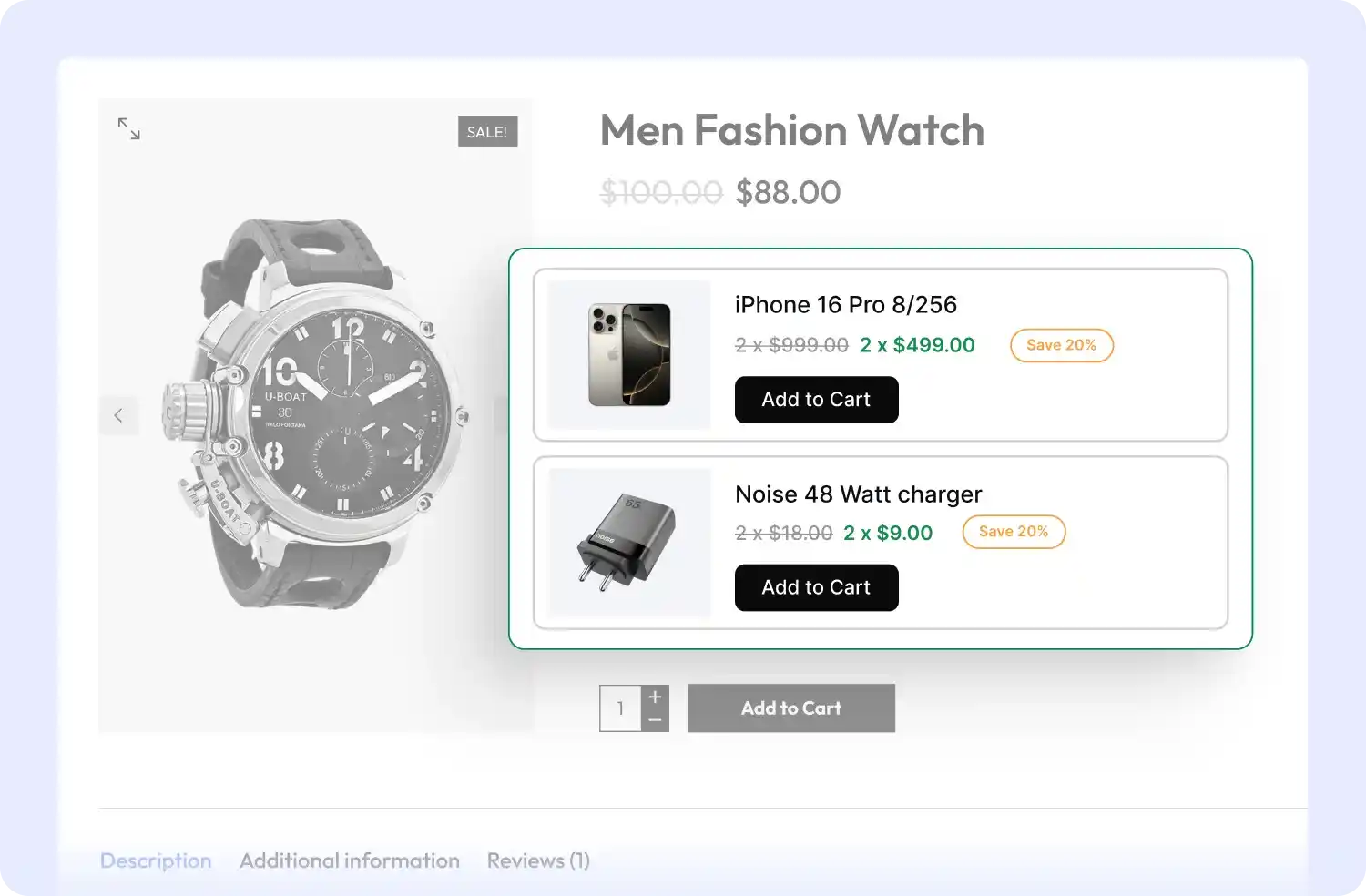
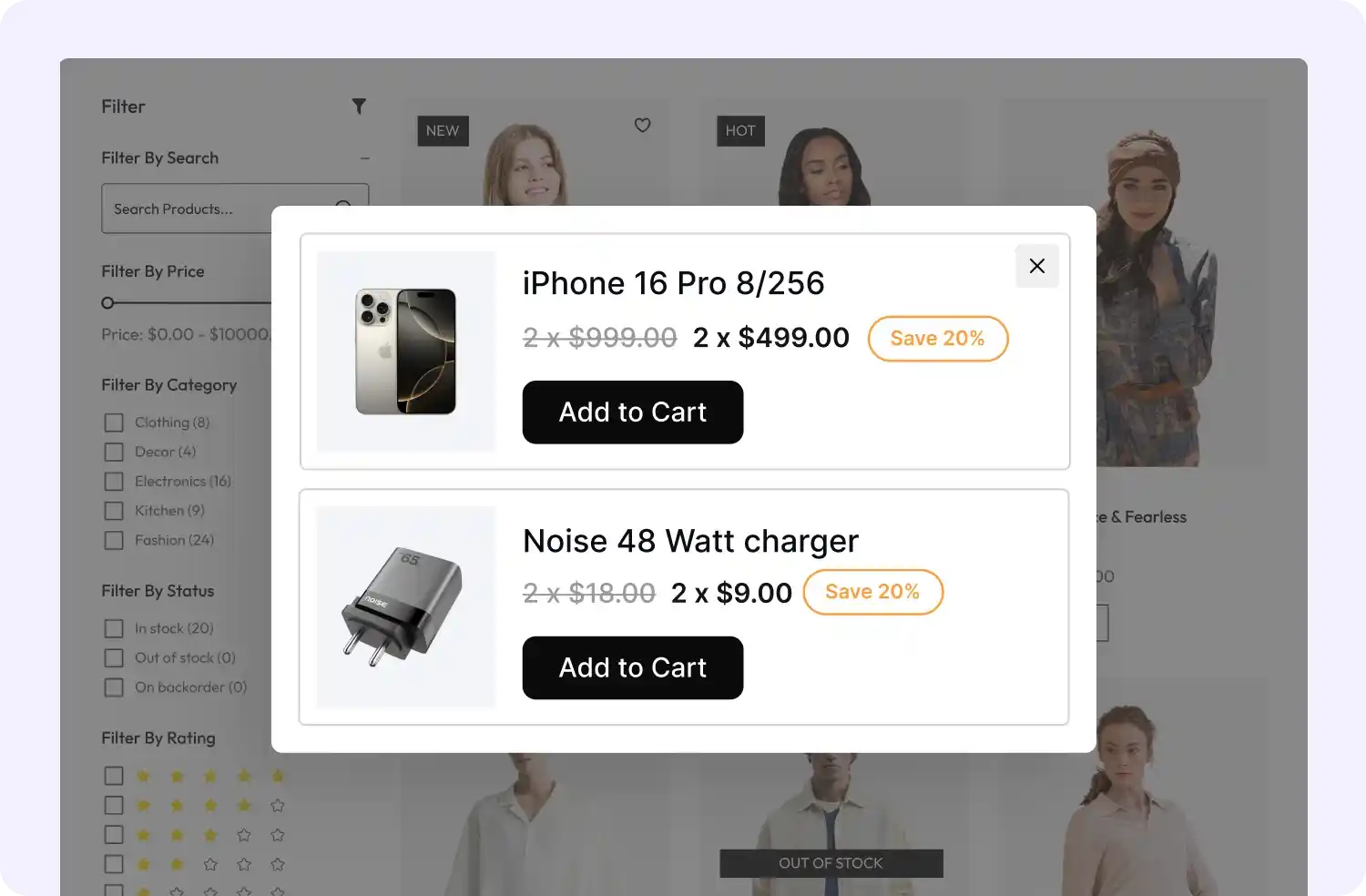
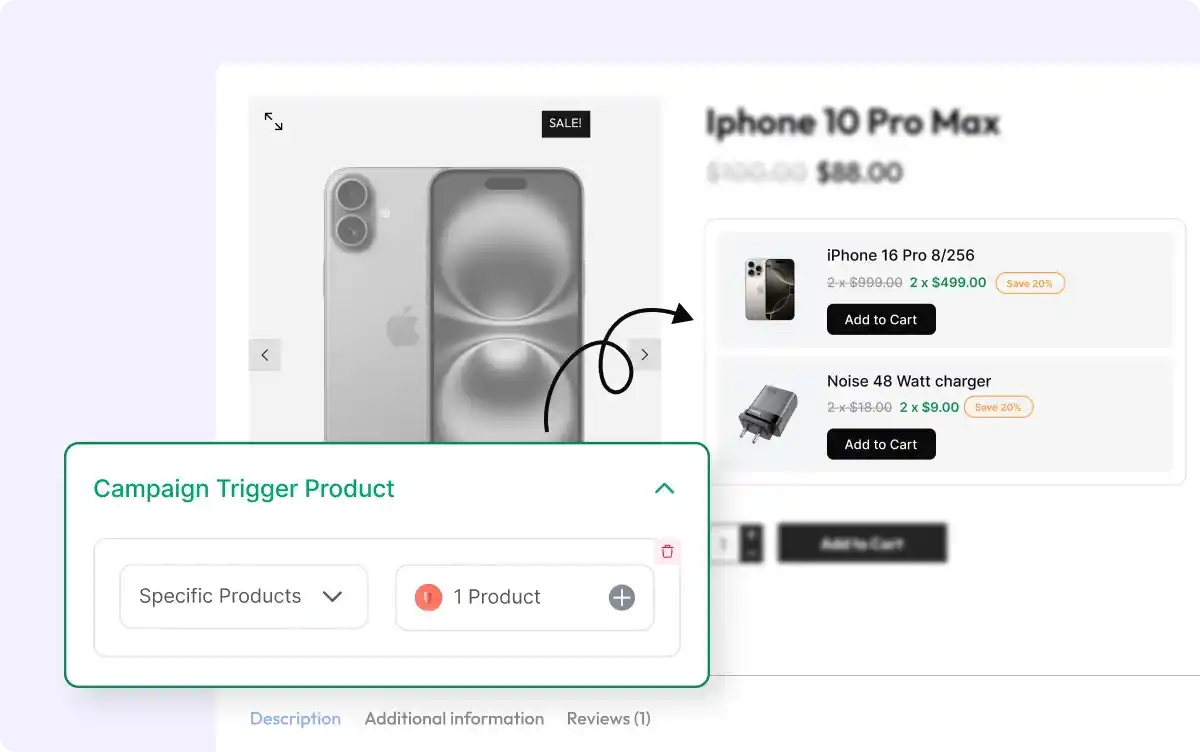
Set Trigger Products for Discounts
Choose specific products or categories to activate normal discount campaigns, ensuring your offers appear only when they’re most relevant and impactful.
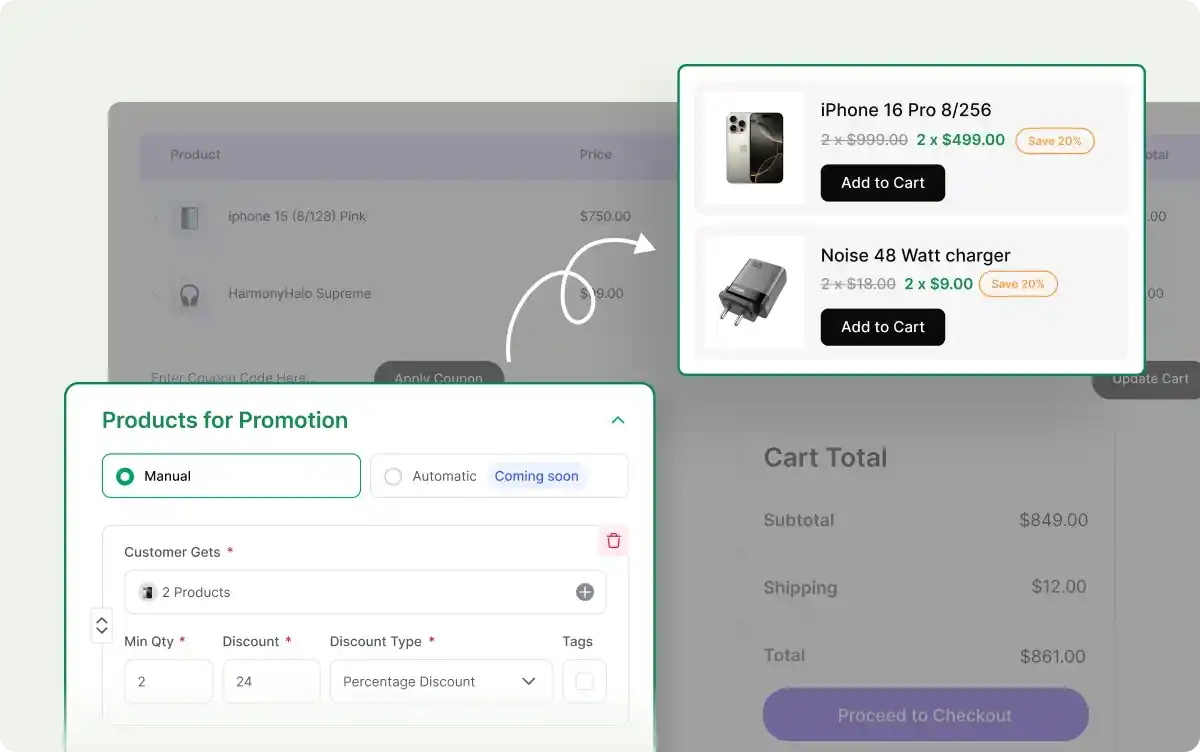
Define Discounted Products and Set Promotion Criteria
Select products or categories for discounts, then set criteria like minimum quantity, discount value, and type (percentage, fixed, or free) to customize your promotion.
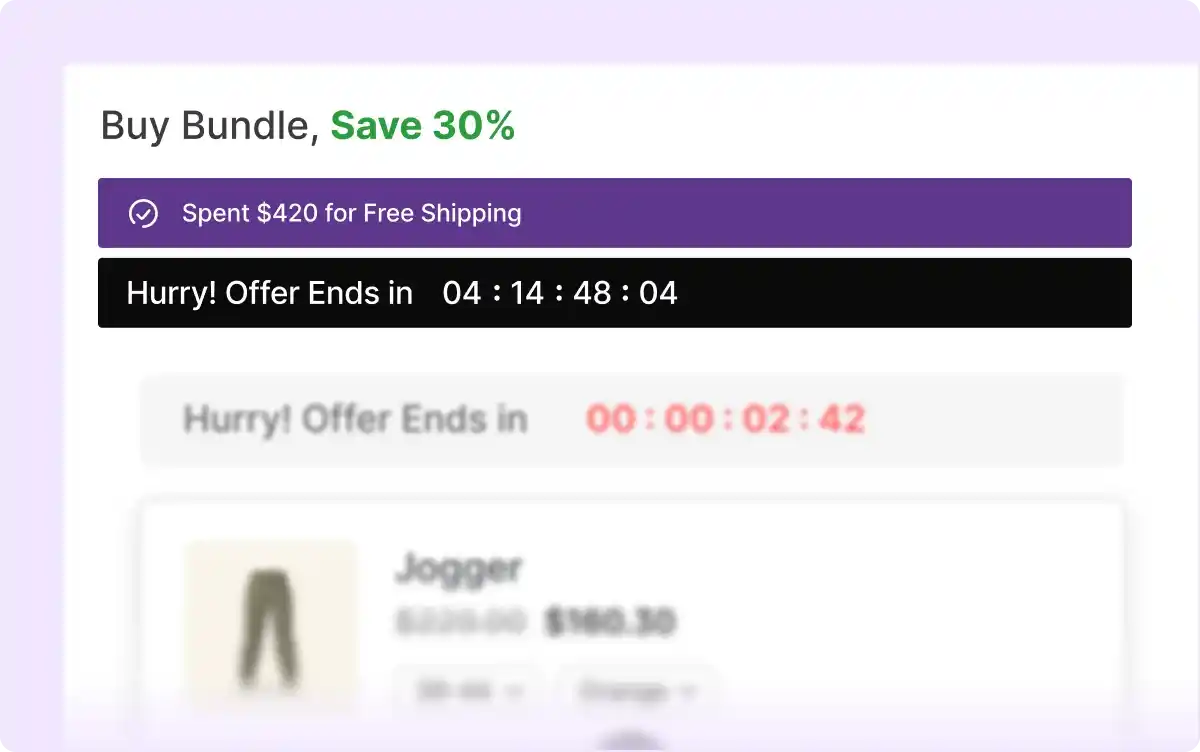
Boost Conversions with FOMO
Create urgency and drive faster purchases with countdown timers, free shipping offers, and engaging add-to-cart animations to encourage immediate action.
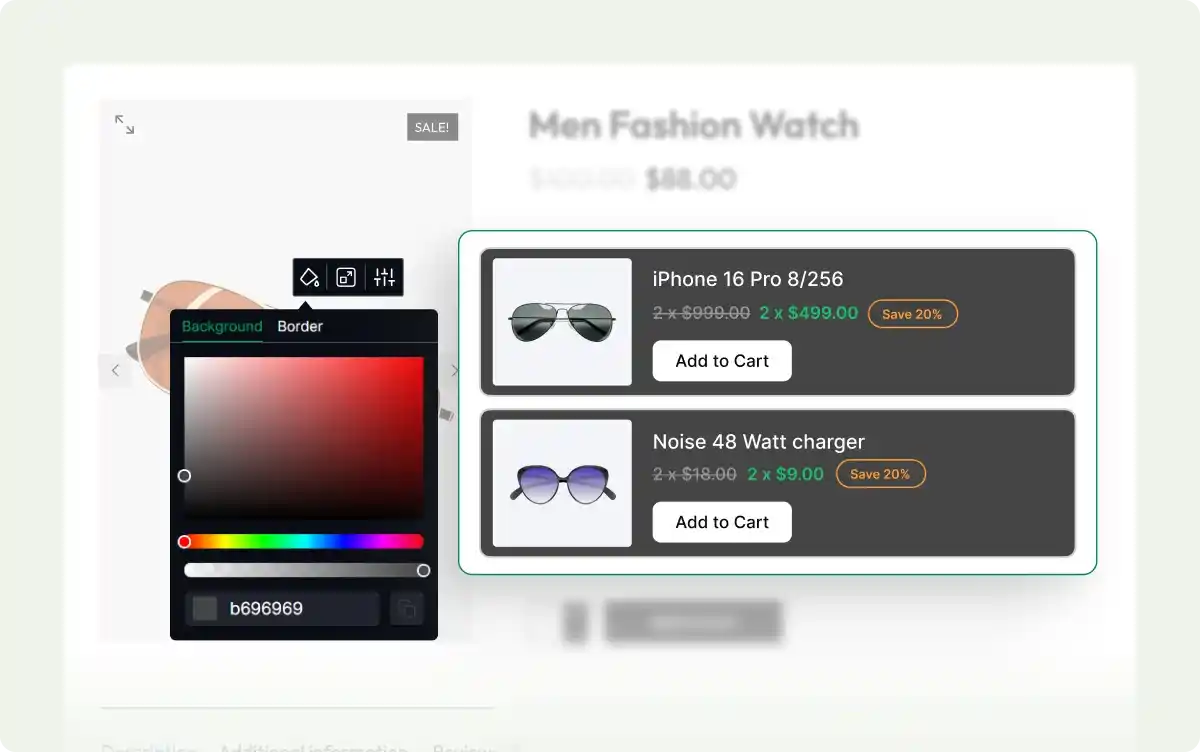
Design Discount Campaigns Your Way
Adjust colors, layouts, and display styles to make your discount campaigns blend seamlessly with your store’s branding, enhancing the customer experience.
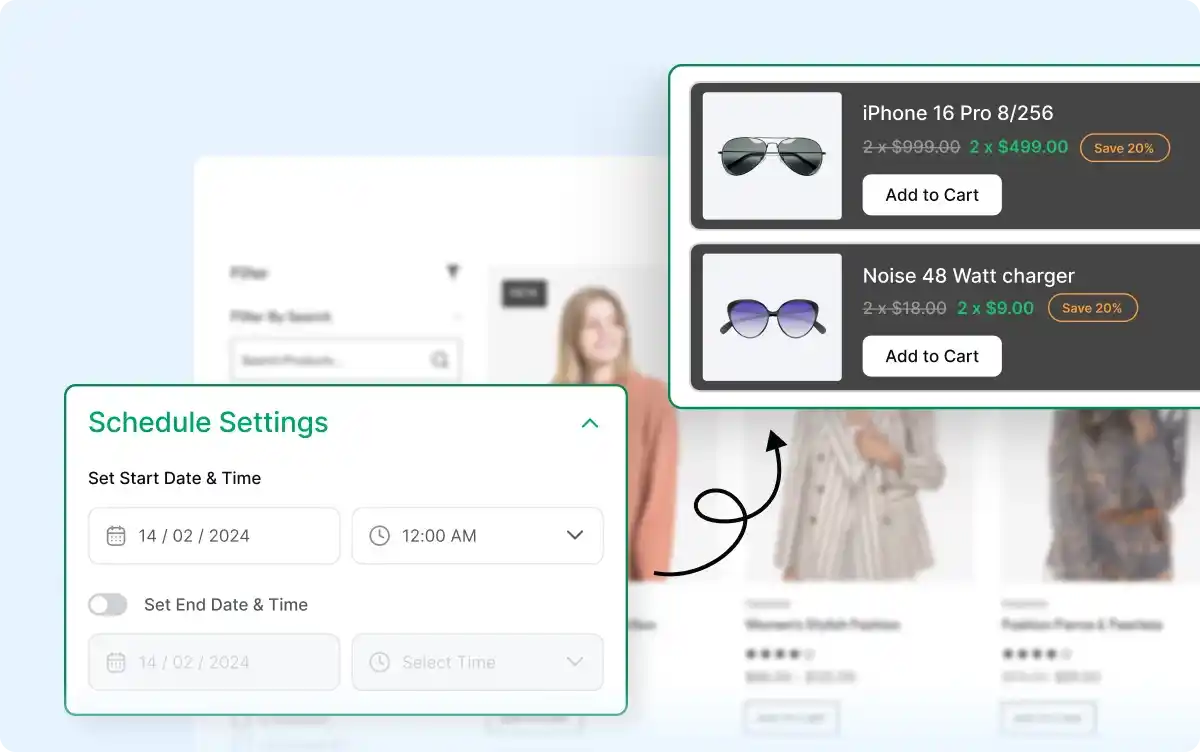
Schedule Discounts with Ease
Set start and end dates for your discount campaigns, automating promotions for holidays, seasonal offers, and time-limited deals.
Frequently Asked Questions
Explore these frequently asked questions about the Normal Discount campaign that you might be curious about. So, you can make a quick decision about whether you want to buy it.
Feel free to contact our support team in case you have more questions.