WowOptin leads this shortlist of WordPress popup plugins for users who want extensive design control, 700+ ready-made campaign templates, and advanced audience targeting. It’s particularly relevant when you need to create different popup designs for different pages or visitor groups.
Other options suit different workflows. Popup Maker works with existing WordPress forms, Poptin offers hosted popup management, and Elementor Pro Popup Builder fits websites already built with Elementor.
The seven plugins below are compared by their editors, triggers, targeting options, email integrations, testing capabilities, and pricing. The goal is to help you identify which tools are worth evaluating for your website.
Quick Comparison of the Best WordPress Popup Plugins
These seven options cover different approaches to popup creation, from standalone WordPress builders to hosted campaign platforms and features inside existing page builders.
| Position | Plugin | Best For | Editor Type | Exit Intent | Advanced Targeting | Email Integrations | Testing & Analytics | Starting Price |
|---|---|---|---|---|---|---|---|---|
| 1st | WowOptin | Customizable popups with 700+ templates | Canva-like drag-and-drop | Yes | Page, device, country | MailPoet, FluentCRM | A/B testing, analytics | $41 first year |
| 2nd | Popup Maker | Customizable WordPress popups | Content editor, themes, builder integrations | Yes | Page, role, referrer | Existing forms, FluentCRM | Advanced analytics | $59.40 first year |
| 3rd | Poptin | Smart popups and lead capture | Hosted drag-and-drop | Yes | URL, device, country | Mailchimp, HubSpot, Klaviyo | A/B testing, conversion tracking | $240/year, Basic |
| 4 | Elementor Pro Popup Builder | Visual popup design | Elementor drag-and-drop | Yes | Page, session, referrer, device | Elementor forms | Form submission records | $84/year, Advanced Solo |
| 5 | Hustle | Newsletter signups and opt-in forms | Templates, design settings | Yes | Page, country, browser, device | Mailchimp, Brevo, MailPoet | Module conversion statistics | $50/year, Pro Basic* |
| 6 | Icegram Engage | Popups, CTAs, website promotions | WordPress editor, design themes | Yes | Page, device, country | Email-service forms | A/B testing, campaign analytics | $99/year, Max |
| 7 | Convert Pro | Behavioral targeting and optimization | Drag-and-drop | Yes | Page, referrer, device | 30+ advertised integrations | A/B testing, Google Analytics | $89 first year |
What to Look for in a WordPress Popup Plugin
The most useful popup plugin is one that fits your existing website tools and the campaign you’re planning. Before choosing, check these six areas.
- Popup editor: Determine whether you need a free-positioning canvas, an existing page builder, or configurable templates. Consider who will maintain the designs.
- Triggers and frequency: Look for the click, scroll, exit, or time-based triggers you need. Verify how often visitors can see the same campaign.
- Audience targeting: Check whether popups can be restricted by pages, devices, visitor characteristics, or traffic sources. Confirm which conditions require paid access.
- Form and email connections: Verify compatibility with your existing form plugin or email service. Check whether contact information is managed inside WordPress or an external platform.
- Testing and measurement: Decide whether campaign statistics are sufficient or whether you need native A/B testing to compare designs.
- Pricing conditions: Compare the required subscription tier, renewal charges, website allowances, and visitor or contact limits. The lowest advertised price may not cover your intended workflow.
1. WowOptin – Best for Customizable Popups with 700+ Ready-Made Templates
WowOptin is a WordPress popup builder focused on flexible design and audience targeting. Its Canva-like drag-and-drop editor lets users position and customize elements, while its advertised library of 700+ templates covers multiple campaign formats.
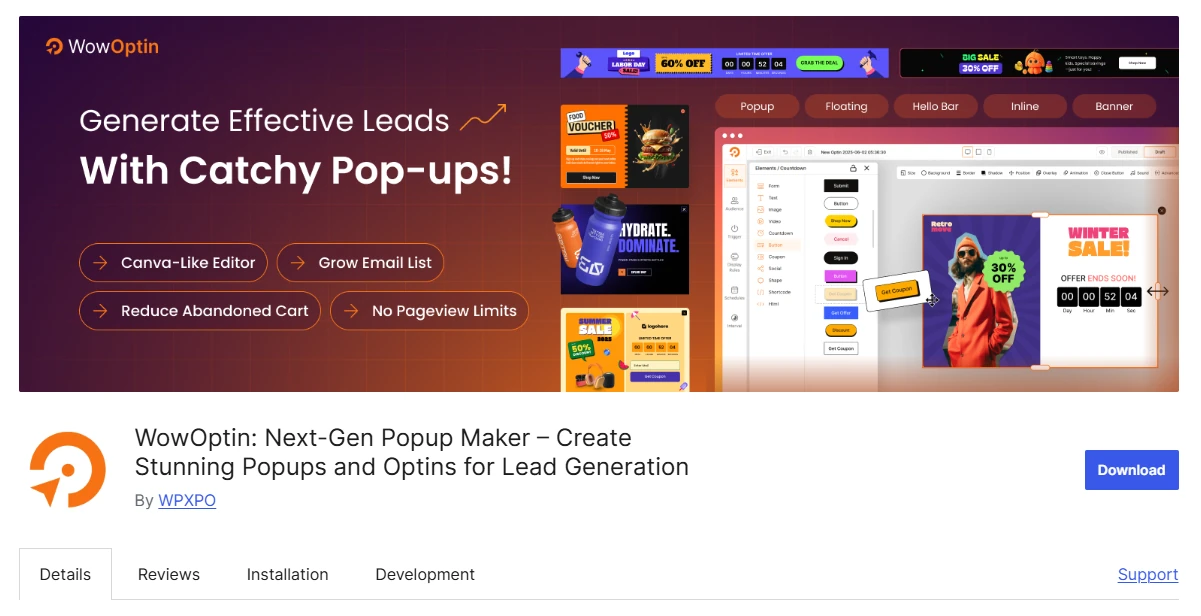
It also provides display rules, behavioral triggers, and A/B testing. However, the October 12 research snapshot reports a temporary closure of the WowOptin directory listing since October 10, pending a full review. Confirm availability and distribution before installing.
Key Features of WowOptin
- Canva-like editor with flexible element positioning and customization.
- 700+ ready-made templates across the overall campaign library.
- Popups, floating bars, slides, and inline opt-in forms.
- Exit-intent, scroll, time-delay, click, and inactivity triggers.
- Targeting by pages, devices, visitor types, countries, and traffic sources.
- MailPoet and FluentCRM integrations for connecting collected leads.
- AI writing assistance, A/B testing, and campaign analytics.
Where WowOptin Works Best
WowOptin is useful when multiple campaigns need different layouts without separate design tools. Its editor allows a team to adapt individual popup elements, while targeting rules determine which visitors should see each version.
Consider a nonprofit running an event campaign across several programme pages. It could create differently branded invitations and restrict each one to relevant content rather than displaying an identical message everywhere.
WowOptin Pricing
The WowOptin one-site annual plan provides yearly licensing and updates. Confirm the displayed currency, current checkout amount, and renewal terms directly, as the available pricing evidence does not establish all three reliably.
Who Should Use WowOptin?
WowOptin suits WordPress users prioritizing customizable layouts, ready-made designs, and targeted campaigns. Its current directory status makes verification of the installation route and ongoing support an essential step before adoption.
2. Popup Maker – Best for Customizable WordPress Popups
Popup Maker is designed for WordPress users who want control over popup content and display behavior. It works with existing form plugins and supports content editing, popup themes, and integrations with popular page builders.
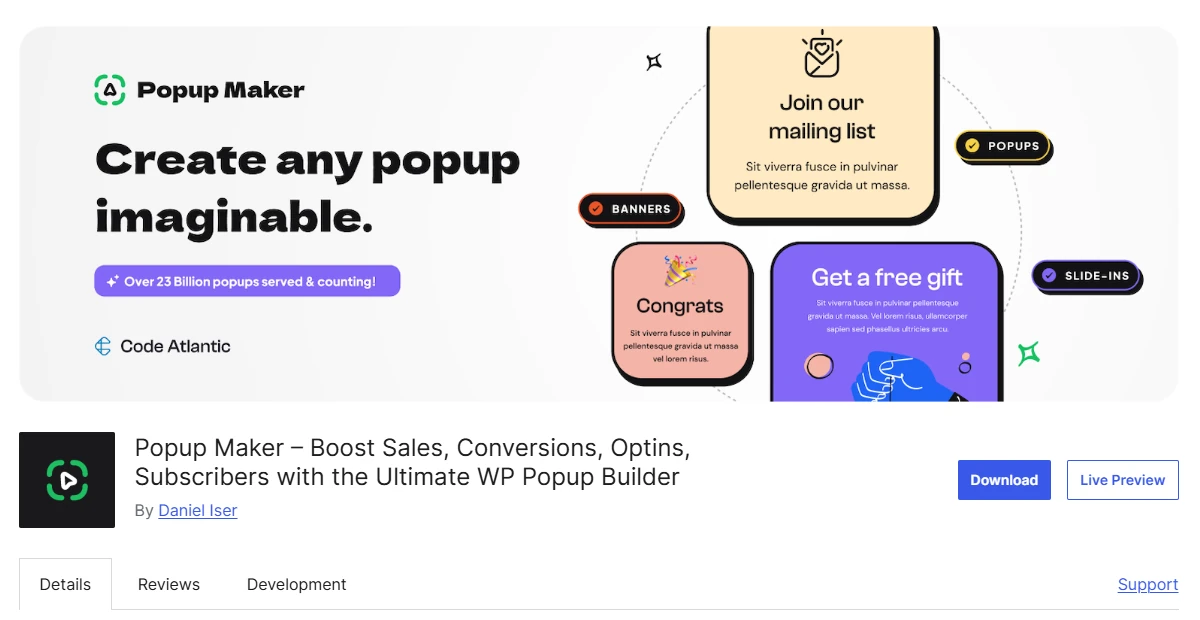
This approach is useful if your website already handles form submissions through another plugin. Popup Maker can manage presentation and timing without forcing you to rebuild established forms or replace their existing notification setup.
Key Features of Popup Maker
- Integrates WPForms, Gravity Forms, Contact Form 7, and Forminator.
- WordPress content editor, popup themes, and page-builder integrations.
- Click, delay, form-submission, exit-intent, and scroll triggers.
- Page, taxonomy, user-role, and referral-source targeting.
- Cookies and closing controls for repeat popup displays.
- Supports Elementor, Bricks, Brizy, and Divi workflows.
- Advanced analytics and supported FluentCRM automation workflows.
Where Popup Maker Works Best
Popup Maker works particularly well when form management is already established. A training provider, for example, could display its existing workshop-enquiry form inside a popup while preserving the form’s submission handling and notifications.
Its design process depends partly on the connected editor or form builder. That flexibility is useful for established WordPress stacks, although you’ll need to check how each integration behaves inside a popup.
Popup Maker Pricing
Popup Maker pricing lists Pro at $59.40 for the first year, renewing at $99 annually for one site. Pro+ adds ecommerce and revenue attribution. Verify which advanced conditions your selected plan includes.
Who Should Use Popup Maker?
Choose Popup Maker when you want customizable display behavior around existing forms, content, and WordPress editing tools. It’s especially relevant when keeping established integrations and form-processing workflows is a priority.
3. Poptin – Best for Smart Popups and Lead Capture
Poptin offers a hosted popup platform that connects to WordPress. Its drag-and-drop editor, targeting rules, and campaign tracking tools are managed through an external account rather than entirely within the WordPress dashboard.
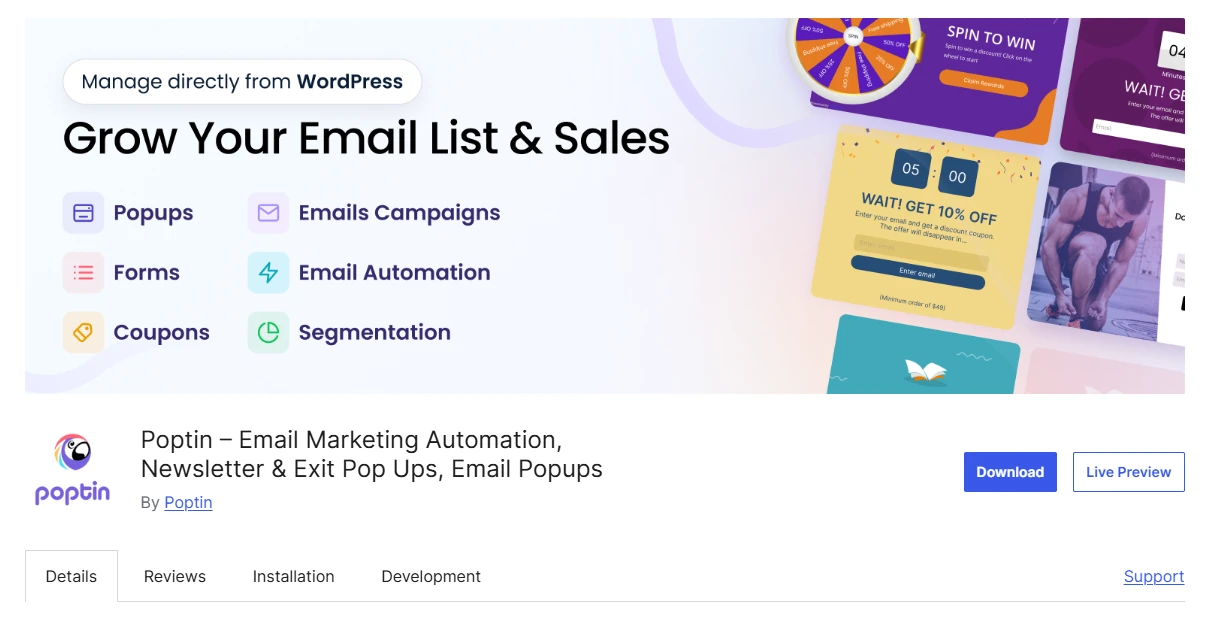
It supports lead collection through different popup formats and integrates with email-marketing platforms. Poptin also sells email-marketing capabilities, but popup-only and combined packages have different pricing structures and usage allowances.
Key Features of Poptin
- Hosted drag-and-drop editor for popups and embedded forms.
- Exit-intent, scrolling, inactivity, and click-based triggers.
- URL, device, country, and traffic-source targeting.
- Spin-the-wheel, scratch-card, and gift-style campaign formats.
- Connects Mailchimp, HubSpot, ActiveCampaign, and Klaviyo.
- Native A/B testing and conversion tracking.
- Separate email campaigns, segmentation, and automated follow-up offerings.
Where Poptin Works Best
Poptin is suitable for teams comfortable managing campaigns in a hosted interface. Its targeting and integration options allow popups to feed existing marketing systems without requiring the popup builder to operate entirely inside WordPress.
A small online magazine could use Poptin to collect newsletter subscribers. Before subscribing, it should decide whether a popup-only package is sufficient or whether contact-based email services are also necessary.
Poptin Pricing
Poptin pricing lists Basic popups at $240 billed annually for one domain and 10,000 monthly visitors. Popup-plus-email packages use separate contact-based pricing, so the Basic subscription should not be treated as an email-marketing bundle.
Who Should Use Poptin?
Poptin is a reasonable choice for marketers wanting externally managed popups, lead capture, and established email integrations. Compare its visitor allowances, separate email packages, and hosted data workflow before choosing a subscription.
4. Elementor Pro Popup Builder – Best for Visual Popup Design
Elementor Pro Popup Builder allows users to create popups through Elementor’s visual page editor. Rather than learning a separate popup design interface, existing Elementor users can work with familiar widgets, containers, and responsive styling controls.

The feature is included in eligible Elementor Pro subscriptions. Its display conditions, opening triggers, and advanced audience rules serve separate functions, giving users control over where, when, and to whom campaigns appear.
Key Features of Elementor Pro Popup Builder
- Visual editing through Elementor widgets, containers, and styling tools.
- Responsive layouts for desktop, tablet, and mobile devices.
- Page-specific inclusion and exclusion display conditions.
- Exit-intent, click, scroll, inactivity, and time-based triggers.
- Rules based on sessions, page views, devices, and referrals.
- Frequency settings to control repeated campaign displays.
- Elementor forms with submission actions and eligible submission records.
Where Elementor Pro Popup Builder Works Best
Elementor users can create campaign designs within the same workspace as their website pages. This helps when popups must follow established typography, spacing, and branding without introducing another visual editor.
A consultant managing Elementor landing pages could first check whether the existing subscription includes Popup Builder. One technical detail matters: custom-selector triggers bypass automatic triggers and advanced rules, so those interactions need separate verification.
Elementor Pro Popup Builder Pricing
Elementor Pro Popup Builder pricing places this feature in Advanced Solo at $84 annually for one website. Essential excludes Popup Builder. Confirm the plan’s checkout and renewal terms before purchasing or upgrading.
Who Should Use Elementor Pro Popup Builder?
Elementor Pro Popup Builder fits designers and freelancers already maintaining Elementor websites. It makes more sense when its editor and forms meet your requirements than when purchasing an entire page-building subscription only for basic popups.
5. Hustle – Best for Newsletter Signups and Opt-in Forms
Hustle helps WordPress websites create popups, slide-ins, embedded opt-in forms, and social-sharing modules. It uses templates and configurable appearance settings instead of an unrestricted canvas for positioning individual elements.
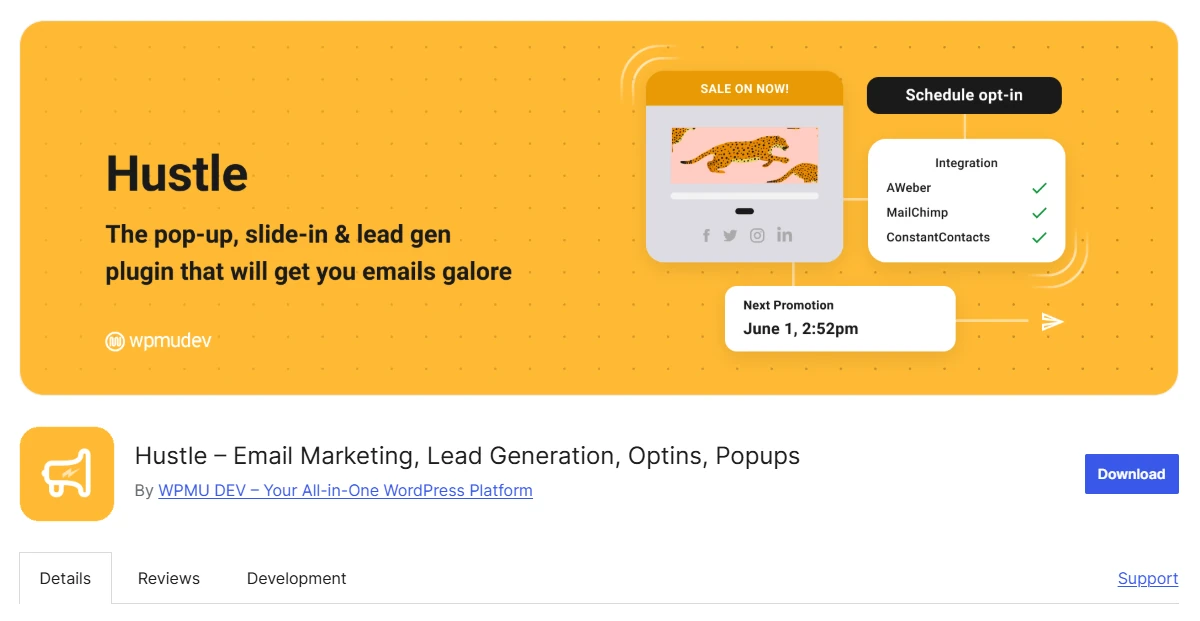
Its display conditions, scheduling features, and email integrations make it relevant for recurring signup campaigns. Hustle can also embed Forminator forms, polls, and quizzes, which is useful for websites already using those tools.
Key Features of Hustle
- Popup, slide-in, embedded opt-in, and social-sharing modules.
- Templates with typography, spacing, color, and animation settings.
- Time-delay, scroll, and exit-intent display triggers.
- Page, device, browser, country, and referral targeting.
- Campaign scheduling by date, day, time, and timezone.
- Embeds Forminator forms, polls, and quizzes.
- Email-service integrations and module-level conversion statistics.
Where Hustle Works Best
Hustle fits teams that need repeatable opt-in layouts and scheduled promotions. Its controls can coordinate campaign dates with targeting rules without requiring users to design every popup element from scratch.
For example, a community education website could display an existing Forminator quiz in a slide-in during an enrollment period. The quiz remains part of its established form workflow while Hustle controls presentation and timing.
Hustle Pricing
The research snapshot lists Hustle pricing at $50 annually for one site under Pro Basic. Other vendor snapshots advertise different promotional rates, so confirm the current price, included WPMU DEV tools, and renewal terms.
Who Should Use Hustle?
Hustle suits bloggers and small teams focused on newsletter forms, scheduled messages, and Forminator-based campaigns. Choose it when configurable templates and campaign rules are sufficient, rather than requiring unrestricted element positioning.
6. Icegram Engage – Best for Popups, CTAs, and Website Promotions
Icegram Engage is a WordPress marketing plugin offering different types of onsite messages. Beyond conventional popups, it supports action bars, toast notifications, messengers, inline messages, and other promotional formats.
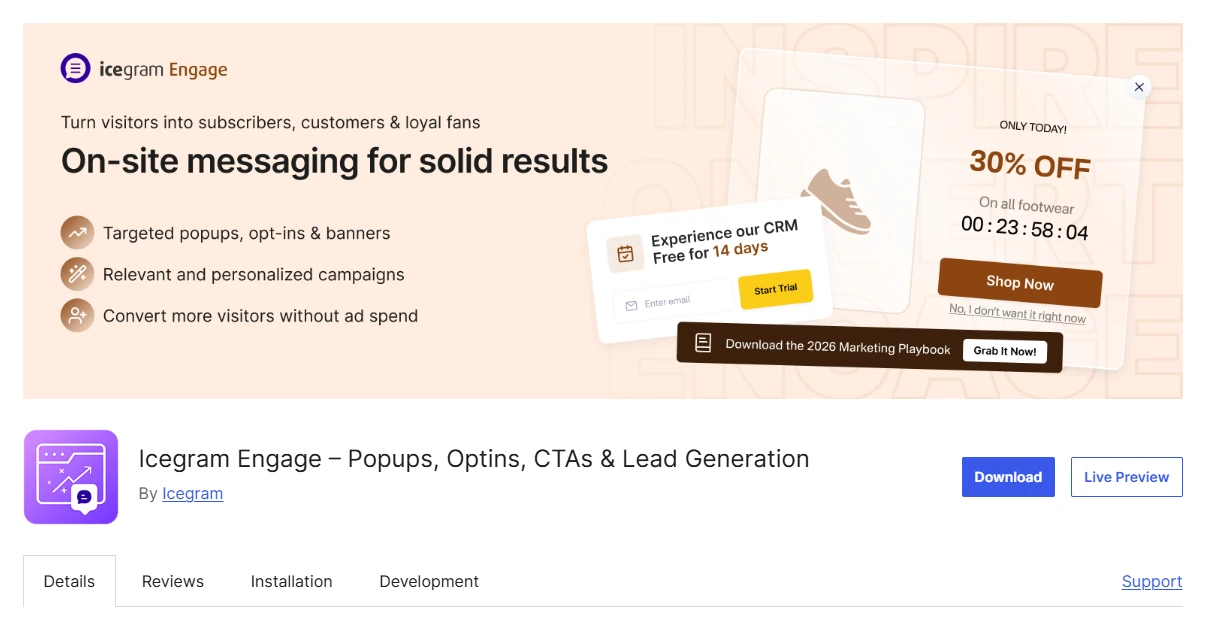
Its main distinction is format flexibility. Instead of creating every announcement as a popup box, website owners can select the presentation appropriate to a specific message and configure design themes, targeting, and triggers.
Key Features of Icegram Engage
- Twelve documented onsite message formats.
- Popups, action bars, toasts, overlays, and inline messages.
- WordPress content editing with configurable design themes.
- Exit-intent, scrolling, and time-based display triggers.
- Page, device, geographic, and visitor targeting conditions.
- Retargeting options and email-service form embedding.
- A/B testing with campaign views, clicks, and conversions.
Where Icegram Engage Works Best
Icegram Engage works when a website needs several presentation styles for different announcements. A smaller promotion might suit an action bar, while a more detailed signup invitation could justify a popup.
A theatre could announce upcoming ticket availability through a sitewide bar and use a targeted subscription popup for visitors exploring a particular production. The formats serve separate purposes without requiring separate promotional plugins.
Icegram Engage Pricing
Icegram Engage pricing lists Max at $99 annually for up to three websites. The plan includes A/B testing and geographical targeting. Check license eligibility and renewal terms before using it across multiple client sites.
Who Should Use Icegram Engage?
Icegram Engage is relevant for websites that need varied promotional formats, targeting, and campaign measurement. Its theme-based design approach suits configured onsite messages better than campaigns requiring unrestricted control of every individual element.
7. Convert Pro – Best for Behavioral Targeting and Conversion Optimization
Convert Pro is a dedicated WordPress opt-in builder for designing and targeting lead-generation campaigns. It combines a drag-and-drop canvas with behavioral triggers, audience conditions, and native A/B testing.
The plugin focuses on opt-in campaigns rather than general website design. That distinction matters for marketers who already have a satisfactory page builder but need separate tools for signup forms and campaign comparisons.
Key Features of Convert Pro
- Drag-and-drop opt-in editor with ready-made templates.
- Popup, slide-in, inline, bar, and fullscreen formats.
- Exit-intent and click-based display triggers.
- Targeting by pages, content, devices, and referral sources.
- Responsive and mobile-specific design controls.
- Vendor advertises 30+ email-marketing integrations.
- Native A/B testing and Google Analytics integration.
Where Convert Pro Works Best
Convert Pro is suitable when marketers want to measure different opt-in designs for a defined audience. Its native testing tools help compare campaign variations without treating basic engagement reporting as an experiment.
A membership publisher could compare two renewal-related signup invitations aimed at the same eligible audience. The test would need a consistent success measure, such as completed submissions, rather than declaring a design successful from impressions alone.
Convert Pro Pricing
Convert Pro pricing lists an annual license at $89 for the first year, with a regular $99 renewal and unlimited website usage. The subscription includes one year of support and updates.
Who Should Use Convert Pro?
Convert Pro fits marketers who need a dedicated opt-in editor, behavioral targeting, email integrations, and split testing. It’s more relevant when those capabilities are missing from the site’s existing marketing tools.
Community Reviews: Design and WordPress Workflows
Selected WordPress.org reviews offer additional context about everyday use. These are individual experiences, not representative surveys or independent verification of product performance.
WowOptin: What the Reviewer Reported
WordPress.org user mikefury shared a review of WowOptin setup and design on August 31, 2026.
The reviewer described a quick setup process, easy operation, and popup designs that looked professional. The feedback is positive about initial usability, although individual reports cannot establish performance or subscriber-growth results across other websites.
Popup Maker: What the Reviewer Reported
WordPress.org reviewer ropr provided a review of Popup Maker in WordPress on October 1, 2026.
Their feedback indicates the plugin handled the popup task they needed and fitted their WordPress workflow. It’s a useful report about that specific experience, rather than evidence that every advanced feature was evaluated.
Poptin: What the Reviewer Reported
On July 21, 2026, WordPress.org user lysberth submitted a review of Poptin design and support.
The reviewer appreciated the ability to arrange design elements, add images, and create embedded forms. They also reported receiving helpful customer-service suggestions. Those observations are relevant to editing flexibility and assistance during setup.
How We Reviewed WordPress Popup Plugins
We examined official feature documentation, pricing pages, WordPress.org directory information, product updates, and selected user reviews. Each plugin was assessed against the same practical considerations.
- Editing tools and the level of design control.
- Display triggers, targeting rules, and repeat-visit settings.
- Form, email-marketing, and CRM integrations.
- A/B testing, analytics, and campaign reporting.
- Hosting model, subscription conditions, and license limits.
This is a documentation-based comparison, not a hands-on performance test. We did not install, benchmark, or independently audit these products. Recommendations reflect documented capabilities and suitability for different workflows.
FAQs About WordPress Popup Plugins
These answers address common concerns about website performance, email capture, data handling, existing tools, and licensing.
Q: Can WordPress Popup Plugins Affect Website Speed?
Yes. Popup tools may introduce scripts, styles, and external requests that affect page performance. Follow the PageSpeed Insights documentation to compare relevant pages before and after enabling your campaign.
Q: Do Popup Plugins Store Subscriber Information in WordPress?
Not always. Storage depends on the plugin, form configuration, and integrations. Some workflows send submissions to an email platform, while hosted services such as Poptin manage campaigns through an external account.
Q: Can a WordPress Popup Plugin Send Marketing Emails?
Some products offer broader email-marketing services, but collecting addresses doesn’t automatically include newsletter delivery. Verify whether you need a separate email service or an additional subscription for follow-up campaigns.
Q: Does a Popup Plugin Automatically Make My Forms GDPR Compliant?
No. A popup builder doesn’t establish legal compliance on its own. Review your processing purpose, legal grounds for personal-data processing, required disclosures, and where collected information goes.
Q: Should I Use My Existing Page Builder for Popups?
Use your existing builder when it supports the necessary designs, targeting, triggers, and forms. Elementor users should verify Popup Builder eligibility before purchasing another tool. A separate plugin makes sense when important campaign requirements remain unmet.
Q: Can One Popup Plugin License Cover Multiple Websites?
Some licenses support multiple websites, while others are limited to one domain or site. Confirm the exact activation allowance, client-use permissions, visitor restrictions, and renewal conditions before purchasing for several projects.
Q: Do I Need A/B Testing for Every Popup Campaign?
No. Basic campaign reporting may be sufficient when you’re checking whether a popup receives views and submissions. Native A/B testing becomes more useful when comparing defined variations for the same objective.
Shortlist WordPress Popup Plugins for Your Workflow
The right WordPress popup plugin depends on how your team builds campaigns, which integrations you already use, and how much targeting or measurement the campaign requires.
Start with the editor and form workflow. Then narrow your options by audience rules, available testing tools, and the subscription plan required for those capabilities.
WowOptin deserves consideration for customizable campaign designs and targeting, subject to checking its current availability. Popup Maker is useful for existing WordPress forms, while Poptin and Elementor Pro Popup Builder suit different hosted and page-builder workflows.
Before committing, select one real campaign and verify its mobile design, display conditions, form submission, and reporting needs against the exact plan you’re considering.