PostX takes the top position among WordPress post grid plugins in 2026, particularly for blogs, online magazines, and news websites with large amounts of content. Instead of offering only grids, it brings together post grids, lists, sliders, advanced query options, starter sites, and dynamic templates inside a Gutenberg-oriented publishing system. Content Views is our preferred free option, while Spectra is better suited to users who want a simpler Gutenberg setup.
The remaining plugins are more specialized. The Post Grid stands out for compatibility with several page builders, Smart Post provides a substantial collection of Gutenberg-based layouts, and ElementsKit is the more logical option for Elementor users. Kadence Blocks, Post Grid by PickPlugins, and WP Ultimate Post Grid are better choices when your priority is a particular design system, lower-cost setup, or more specialized filtering functionality.
We evaluated all nine plugins using the same factors: available layouts, query capabilities, front-end filtering, editor compatibility, usefulness of the free version, maintenance history, and pricing.
Quick Comparison of the Best WordPress Post Grid Plugins
The comparison below shows what each plugin is best suited for, which editors it supports, whether a free version is available, its primary limitation, and the verified starting price of the paid version.
| Rank | Plugin | Best for | Editor support | Free version | Main trade-off | Pro price starts at |
|---|---|---|---|---|---|---|
| 1 | PostX | Complete blog, news, and magazine sites | Gutenberg | Yes | Broad publication toolkit; excessive for one basic grid | $44/year |
| 2 | Content Views | Building a capable grid without paying first | Gutenberg, Elementor, shortcodes | Yes | Strong free package; advanced visitor filters require Pro | $39/year |
| 3 | Spectra | Lean Gutenberg websites | Gutenberg | Yes | Lightweight block toolkit; fewer publication-specific controls | $69/year |
| 4 | The Post Grid | Sites that use multiple builders | Gutenberg, Elementor, Divi, shortcodes | Yes | Broad builder support; stronger filters and templates require Pro | $31/year |
| 5 | Smart Post | Gutenberg sites that need many post layouts | Gutenberg | Yes | Large layout library; smaller full-site design system than PostX | $39/year |
| 6 | Kadence Blocks | Sites already using Kadence | Gutenberg | Yes | Fits the Kadence system; limited as a dedicated grid tool | $99/year bundle |
| 7 | Post Grid by PickPlugins | Budget grids, masonry, and filtering | Gutenberg, shortcodes | Yes | Many free controls; less polished interface and documentation | Not publicly listed |
| 8 | ElementsKit | Elementor websites | Elementor | Yes | Native Elementor workflow; oversized if you need only a grid | $39/year |
| 9 | WP Ultimate Post Grid | Taxonomy filters and custom templates | Gutenberg, Classic Editor, shortcodes | Yes | Flexible filtering; dated default designs and smaller user base | Not publicly listed |
Prices were checked in September 2026. Promotional offers and renewal rates may change, so review the latest pricing before purchasing.
How We Selected and Ranked These Post Grid Plugins
Every plugin in this list was evaluated using the same entry requirements and ranking methodology. The goal was to measure how useful each option is in a real WordPress publishing workflow rather than simply counting the number of features it advertises.
Eligibility Requirements
To qualify for consideration, a plugin needed to satisfy four basic requirements:
- Be currently available to download or purchase
- Demonstrate evidence of ongoing maintenance
- Be designed to display WordPress posts or related content
- Provide enough current official documentation to verify important features and pricing
We excluded products with uncertain availability, outdated information, or no clear practical reason to recommend them.
Ranking Criteria
Each qualifying plugin was reviewed across seven areas:
- Layout options: The quality and variety of grids, lists, masonry layouts, and sliders
- Query controls: How much control editors have over which content appears
- Reader controls: Front-end filters, pagination, load-more options, and similar navigation
- Editor compatibility: Availability for Gutenberg, Elementor, Divi, and shortcode workflows
- Free-version value: What can realistically be built without upgrading
- Maintenance and reputation: Recent updates and current WordPress.org ratings
- Paid-plan value: Entry pricing, site limits, and renewal conditions
The ranking represents the overall usefulness of each plugin for its intended audience. That does not mean a lower entry is automatically inferior. A plugin further down the list may be a more appropriate choice when it aligns better with your editor, filtering requirements, or site architecture.
1. PostX: Best for Blogs, News Sites, and Magazines
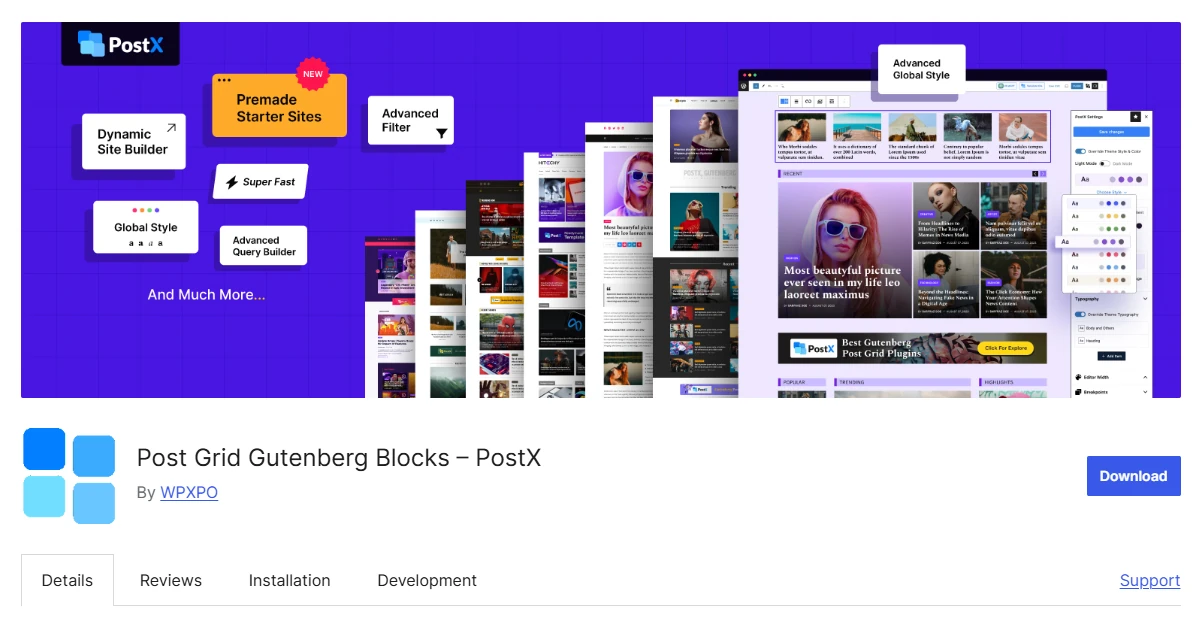
PostX is particularly well suited to publishing-heavy WordPress websites that require more than a single grid block. It brings seven Post Grid blocks, four Post List blocks, over 24 free patterns, three free starter sites, advanced query functionality, and dynamic template building into one Gutenberg-centered package. That level of functionality can be unnecessary, however, if your only goal is to display a basic row of posts.
Key Features of PostX
- Seven Post Grid blocks
- Four Post List blocks
- Post sliders, filters, and pagination
- Advanced post and taxonomy query controls
- Dynamic templates for posts, archives, authors, and search pages
- Three free starter sites and more than 24 free patterns
- More than 40 Pro starter sites, 366 page templates, and more than 250 patterns
Where PostX Works Best
PostX approaches post grids as one component of a wider publishing system. The seven Post Grid blocks cover both conventional card-based designs and more editorial layouts. Its four Post List blocks are useful for areas such as sidebars, breaking-news sections, compact archives, and latest-post displays.
The plugin also provides sliders, filtering, pagination, and detailed query settings, making it suitable for pages where readers need more than a fixed collection of posts.
Its design library is another important advantage. Free users receive more than 24 patterns and three starter sites. With PostX Pro, the library expands to more than 250 patterns, 366 page templates, and over 40 starter sites designed for niches such as food, travel, sports, gaming, and online news.
PostX’s Gutenberg site builder extends beyond individual content blocks. It can be used to design templates for single posts, categories, tags, authors, archives, and search results. The advanced query builder also lets editors include or exclude content according to criteria such as post type, author, taxonomy, category, or tag.
PostX Pricing
PostX Pro begins at an introductory rate of $44 per year for a single website based on the pricing reviewed for this article. The annual unlimited-site license starts at $104.
Because renewals are charged according to the listed full price, buyers should compare the renewal cost as well as the discounted first-year amount.
Who Should Use PostX?
Choose PostX if: you want seven Post Grid blocks, four Post List blocks, sliders, extensive queries, three free starter sites, and dynamic templates within a single Gutenberg publishing environment.
Choose another option if: your site requires only a straightforward grid or is built entirely with Elementor.
2. Content Views: Best for Flexible Content Displays
Content Views works particularly well when you need several content-display formats without committing to one editor. It provides five primary layout types and can be used through Gutenberg, Elementor, or shortcodes. That mix of layout flexibility, content-source controls, and editor compatibility places it second on this list. More advanced visitor-facing filtering and custom-field filters remain part of the Pro offering.
Key Features of Content Views
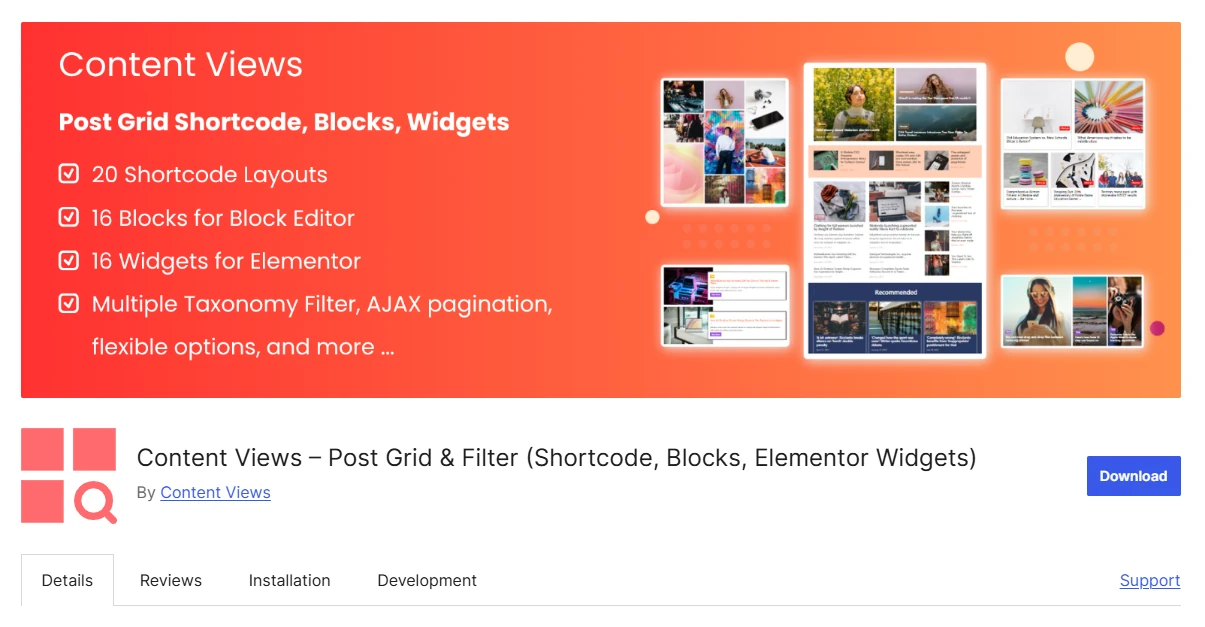
- Grid, list, slider, masonry, and timeline layouts
- 16 Gutenberg blocks, 16 Elementor widgets, and a shortcode-based View builder
- Queries by category, tag, author, keyword, and date
- Support for posts, pages, media, taxonomy terms, and custom post types
- Front-end and custom-field filters in Pro
Where Content Views Works Best
One of Content Views’ main advantages is its ability to place reusable content displays in different WordPress editing environments. Gutenberg users can work with its blocks, Elementor users receive dedicated widgets, and shortcode-based Views can be inserted into legacy templates or other builders.
The plugin is also not restricted to standard blog posts. It can display pages, media, taxonomy terms, and custom post types. Editors can then refine those results through common query conditions.
That makes Content Views useful for conventional blogs as well as resource hubs, directories, archives, and websites that combine several content types. It currently has more than 100,000 active installations and a 4.8 rating on WordPress.org.
Content Views Pricing
Content Views Pro starts at $39 per year for one website. The five-site plan costs $89 annually, while unlimited-site usage costs $199 per year.
Renewals receive a 50% discount. If the license expires, the plugin remains functional on the website, but access to updates and support ends.
Who Should Use Content Views?
Choose Content Views if: you need flexible layouts for posts and custom content that can be inserted through Gutenberg, Elementor, or shortcodes.
Choose another option if: Divi modules, advanced free front-end filtering, or a complete magazine and news-site design environment is more important.
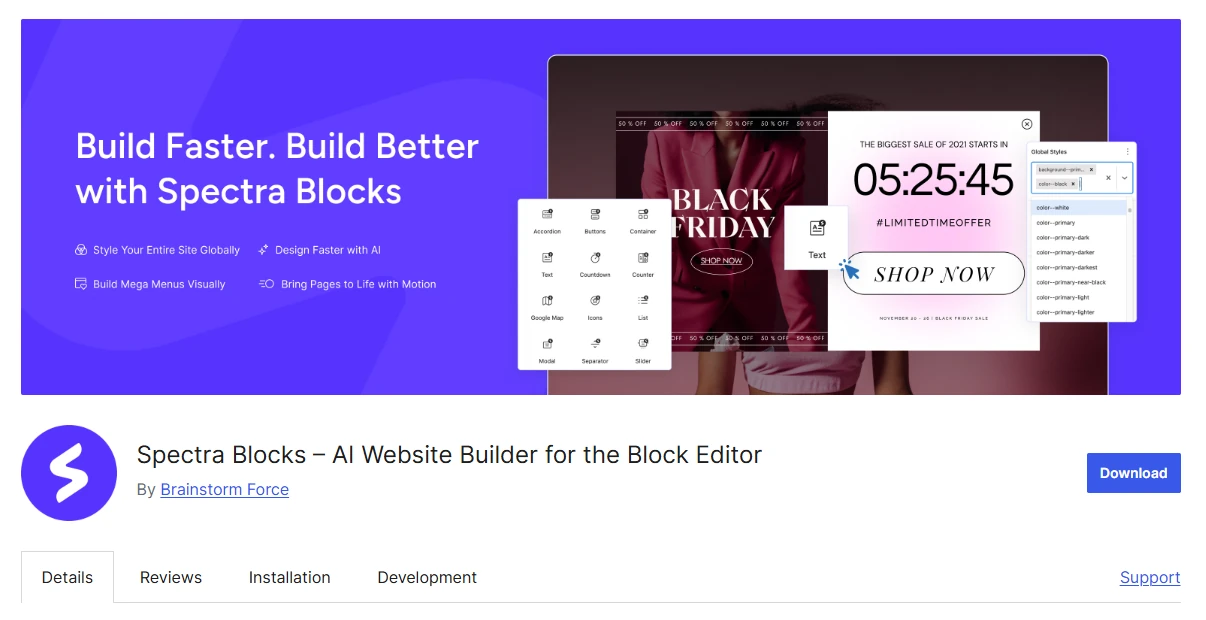
3. Spectra: Best for a Lean Gutenberg Website
Spectra is a good match for websites that need post grids as part of a broader Gutenberg block collection rather than a dedicated publishing platform. Its Post Grid block includes responsive layouts, metadata controls, excerpts, taxonomy options, and visual customization while keeping the workflow inside Gutenberg.
The trade-off is depth. Sites that depend on complex editorial templates, highly advanced query rules, or reader-facing filters may reach Spectra’s limits earlier than they would with a specialist post grid solution.
Key Features of Spectra
- Responsive Post Grid block
- Post Carousel and Post Timeline blocks
- Taxonomy, metadata, and excerpt controls
- Integrated Gutenberg styling controls
- Conditional asset loading
- Loop Builder and dynamic-content controls in Pro
Where Spectra Works Best
Spectra’s main strength is how naturally its grid functionality fits within a performance-conscious Gutenberg toolkit. Assets are loaded according to the blocks present on a page, while the same plugin also provides containers, forms, schema-related blocks, and other design components.
The free version includes Post Carousel and Post Timeline blocks in addition to Post Grid. For a small business site or straightforward blog, this can provide enough flexibility to create Grid, Carousel, and Timeline sections without introducing a full editorial publishing system.
Spectra Pricing
Spectra Pro starts at $69 per year for up to three websites. A one-time $319 license was also available when pricing was checked for this article.
There is an important 2026 product change to consider. Brainstorm Force renamed its existing product Spectra Legacy and shifted new feature development to a separate product called Spectra Blocks. Spectra Legacy continues receiving compatibility and security updates, but new users should verify which version fits their intended long-term setup.
Who Should Use Spectra?
Choose Spectra if: you need a straightforward post grid within a lightweight Gutenberg design toolkit.
Choose another option if: advanced editorial layouts, archive templating, or visitor-controlled filtering are essential.
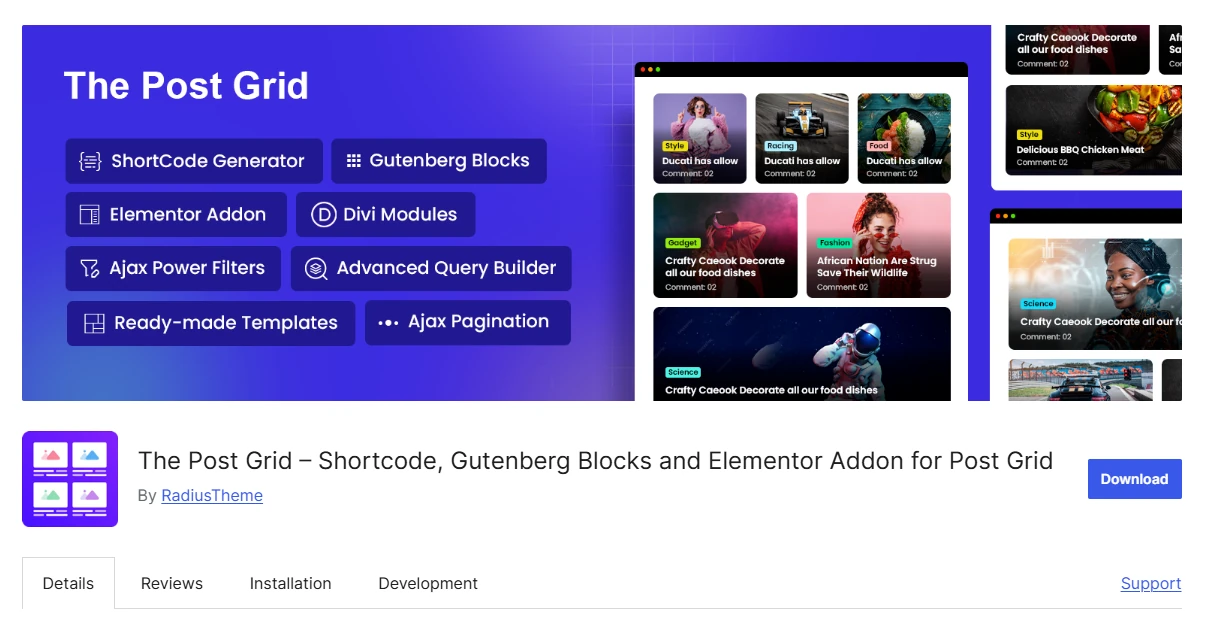
4. The Post Grid: Best for Sites Using Multiple Builders
The Post Grid is especially useful when a WordPress website or agency workflow uses more than one page-building system. It supports Gutenberg, Elementor, Divi, and shortcode-based implementations, so post displays do not have to be rebuilt around a single editor.
Its main limitation is that several of its more sophisticated template and filtering capabilities are reserved for Pro users.
Key Features of The Post Grid
- Nine Gutenberg blocks plus Elementor, Divi, and shortcode support
- Grid, list, masonry, hover, and slider layouts
- Queries by taxonomy, author, date, and post type
- Responsive typography, spacing, and metadata controls
- Ajax filters, load more, and infinite scrolling in Pro
- Archive, single-template, and ACF support in Pro
Where The Post Grid Works Best
The plugin provides dedicated Gutenberg blocks, Elementor widgets, Divi modules, and a shortcode generator that can be used with the Classic Editor and other page-building environments.
That flexibility is particularly useful for agencies, older WordPress installations, and websites where different sections have been built using different editors.
Available display styles include traditional grids, lists, masonry layouts, hover-based designs, and sliders. Through the query builder, content can be selected by taxonomy, category, tag, author, publication date, or custom post type.
Users can also adjust typography, spacing, responsive behavior, and post metadata through the interface instead of editing template files manually.
The Post Grid Pricing
The Pro edition begins at $31 per year for a single website. Five-site licensing costs $79 annually, while unlimited-site licensing is priced at $159 per year.
The plugin also reports more than 100,000 active installations, carries a 4.8 WordPress.org rating, and maintains an active changelog in 2026.
Who Should Use The Post Grid?
Choose The Post Grid if: your post grid solution needs to work across Gutenberg, Elementor, Divi, and shortcode-driven pages.
Choose another option if: receiving the largest possible feature set for free matters more than multi-builder compatibility.
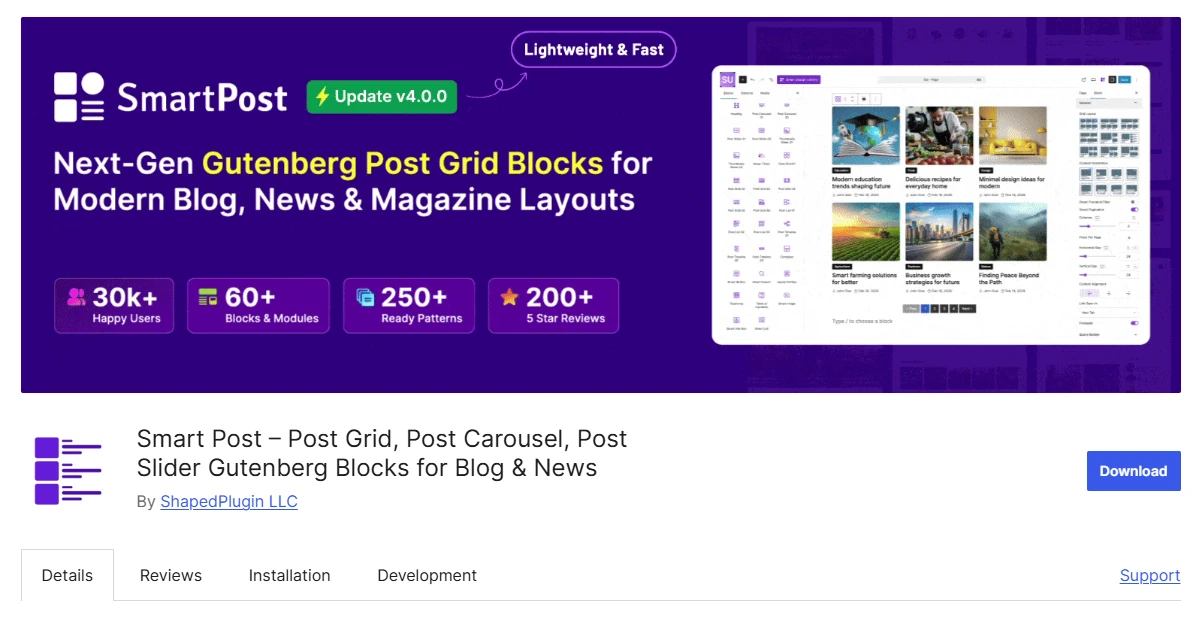
5. Smart Post: Best for Gutenberg Layout Variety
Smart Post targets Gutenberg users who want a large number of publication-oriented layouts without moving to a separate builder. The plugin includes six Post Grid blocks and more than 250 patterns across its free and premium offerings. It also covers lists, timelines, sliders, carousels, archive layouts, and news tickers.
Its primary limitation compared with PostX is that the surrounding full-site design ecosystem is smaller.
Key Features of Smart Post
- Six Post Grid blocks
- List, carousel, slider, timeline, and news ticker blocks
- Archive and single-page dynamic blocks
- More than 250 layout patterns across free and paid features
- Five grid designs in the free version
Where Smart Post Works Best
For Gutenberg-based blogs, magazines, and news sites, Smart Post is one of the closest alternatives to PostX. Its six Post Grid blocks are supplemented by several other publishing-oriented display formats, giving it significantly more variety than a typical general-purpose block collection.
The plugin also includes over 250 patterns and dynamic blocks that can be used when building single-page and archive templates.
ShapedPlugin continues to maintain Smart Post actively, and the plugin holds a 4.7 rating on WordPress.org.
Smart Post Pricing
A single-site Smart Post Pro license costs $39 per year. Five-site usage is priced at $99 annually, while the unlimited-site plan costs $199.
Lifetime plans were listed at $139, $239, and $399 when the pricing for this comparison was reviewed.
Who Should Use Smart Post?
Choose Smart Post if: you want a Gutenberg-native package containing grids, lists, carousels, sliders, and other publishing layouts at a competitive price.
Choose another option if: ready-made starter sites and a larger full-site building ecosystem are more important than the number of individual block layouts.
6. Kadence Blocks: Best for Sites Already Using Kadence
Kadence Blocks is most compelling when the rest of the website already relies on the Kadence theme and block ecosystem. Its Posts block can create clean post sections while inheriting the same responsive behavior, typography, and spacing system used elsewhere on the site.
As a dedicated post grid solution, however, it does not provide the same depth as more specialized publishing plugins.

Key Features of Kadence Blocks
- Gutenberg Posts block
- Responsive column and spacing controls
- Integration with Kadence global styles
- Conditional CSS and JavaScript loading
- Kadence theme, Kadence Blocks, and more than 200 starter templates in the Essentials plan
Where Kadence Blocks Works Best
The Posts block integrates naturally into Kadence-based landing pages, homepages, and archive-style designs. Because it follows the same design environment, users do not need to manage a separate visual system just for their post grids.
Kadence also conditionally loads CSS and JavaScript according to which blocks are used. This makes it appealing to website owners who prefer a unified Gutenberg toolkit and do not require a large collection of specialized post-grid layouts.
Kadence Blocks Pricing
The Kadence Essentials plan currently costs $99 per year. It combines Kadence Blocks, the Kadence theme, and more than 200 starter templates.
That bundle provides more value when the site will make use of the wider Kadence ecosystem. Paying for it primarily to gain additional control over a single post grid is harder to justify.
Who Should Use Kadence Blocks?
Choose Kadence Blocks if: you already use Kadence and want your post sections to remain visually consistent with the rest of the site.
Choose another option if: post presentation, sophisticated queries, or front-end filtering are the primary requirements.
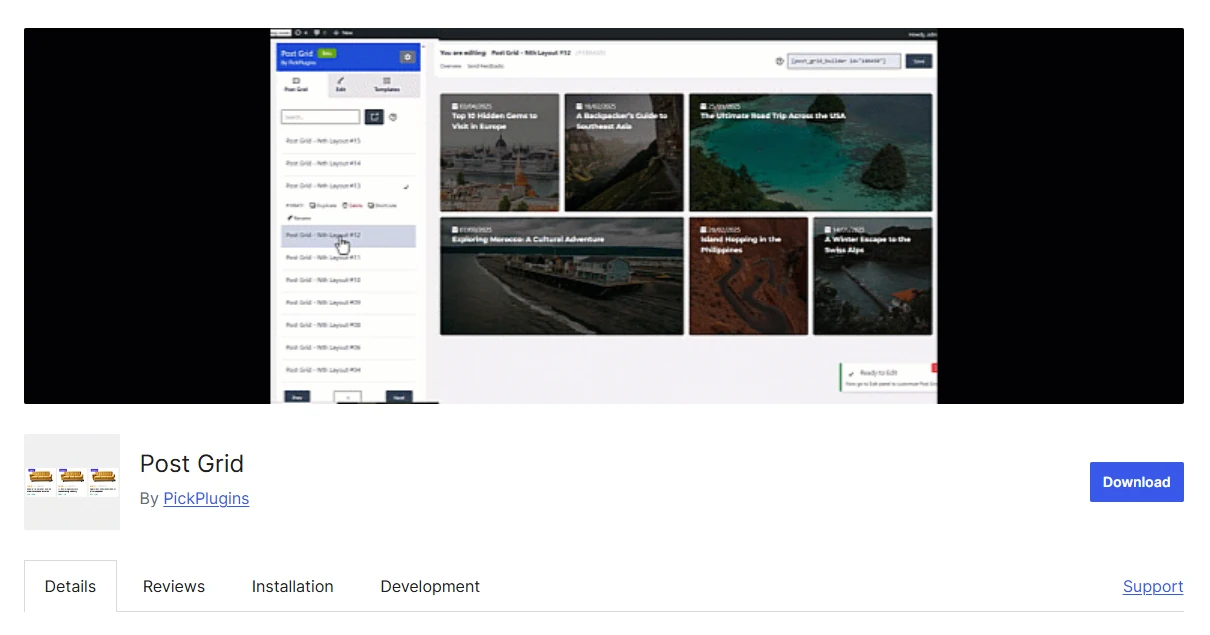
7. Post Grid by PickPlugins: Best for Masonry and Front-End Filters
Post Grid by PickPlugins is a focused option for users who need masonry layouts, visitor-facing filters, and custom post type support without immediately purchasing a premium license. These capabilities make it particularly relevant to directories, portfolios, product displays, and other content collections.
The disadvantages are a less polished user interface, more limited documentation, and weaker ratings than the highest-ranked alternatives.
Key Features of Post Grid by PickPlugins
- Grid, slider, and masonry layouts
- Posts, pages, WooCommerce products, and custom post types
- Category and tag filters
- Search and standard pagination
- Ajax pagination and load-more navigation
- Responsive visual builder and reusable templates
Where Post Grid by PickPlugins Works Best
The plugin can generate grid, slider, or masonry layouts for standard posts, WordPress pages, WooCommerce products, and other custom post types.
Its React-based visual builder provides responsive configuration, reusable templates, and per-element styling controls.
The free version is notable for the number of visitor controls it includes. Readers can use category and tag filters, search, traditional pagination, Ajax pagination, and load-more functionality.
That combination makes the plugin particularly practical when visitors need to explore and narrow a relatively large collection of posts, portfolio entries, directory listings, or products.
Post Grid by PickPlugins Pricing
A premium version is available, but we were unable to verify a current price from an official public pricing page. For that reason, this comparison lists the Pro price as not publicly available instead of relying on an unsupported figure.
Who Should Use Post Grid by PickPlugins?
Choose Post Grid by PickPlugins if: you need custom post types, front-end filters, or masonry layouts while keeping your initial software cost at zero.
Choose another option if: polished UX, stronger documentation, and higher overall user ratings are more important than the number of free controls.
8. ElementsKit: Best for Elementor Websites
ElementsKit is primarily relevant to WordPress sites already using Elementor. Its Blog Posts widget lets users create grid, list, and category-oriented post displays directly inside the familiar Elementor interface.
Because ElementsKit is a broad Elementor addon package rather than a dedicated grid plugin, it can be excessive for a website that needs only one simple post display.

Key Features of ElementsKit
- Elementor Blog Posts widget
- Grid, list, and category-based layouts
- Elementor typography, color, spacing, and column controls
- Post layouts inside the Elementor editor
- Broader Elementor widget and module suite
Where ElementsKit Works Best
ElementsKit’s Blog Posts widget allows Elementor users to configure columns, spacing, typography, color, and related presentation options without leaving the page builder.
The larger suite also contains modules and widgets for navigation, headers, footers, galleries, tables, and numerous other page components.
This broader functionality is useful when a website already depends heavily on Elementor and can take advantage of several ElementsKit features. It is less compelling for Gutenberg websites or projects primarily concerned with sophisticated content queries and filtering.
ElementsKit Pricing
ElementsKit Pro starts at $39 per year for one website. The five-site license costs $87 per year, while unlimited-site use starts at $179 annually based on the pricing checked for this article.
The premium plan becomes easier to justify when the website needs several widgets from the larger ElementsKit package. As a standalone grid solution, it lacks some of the query, archive, and publishing functionality available from more specialized plugins higher in the ranking.
Who Should Use ElementsKit?
Choose ElementsKit if: Elementor is your primary editor and you expect to use the plugin’s wider selection of widgets in addition to its post layouts.
Choose another option if: your website uses Gutenberg or requires a dedicated system for queries, archives, and front-end filtering.
9. WP Ultimate Post Grid: Best for Taxonomy Filters and Custom Templates
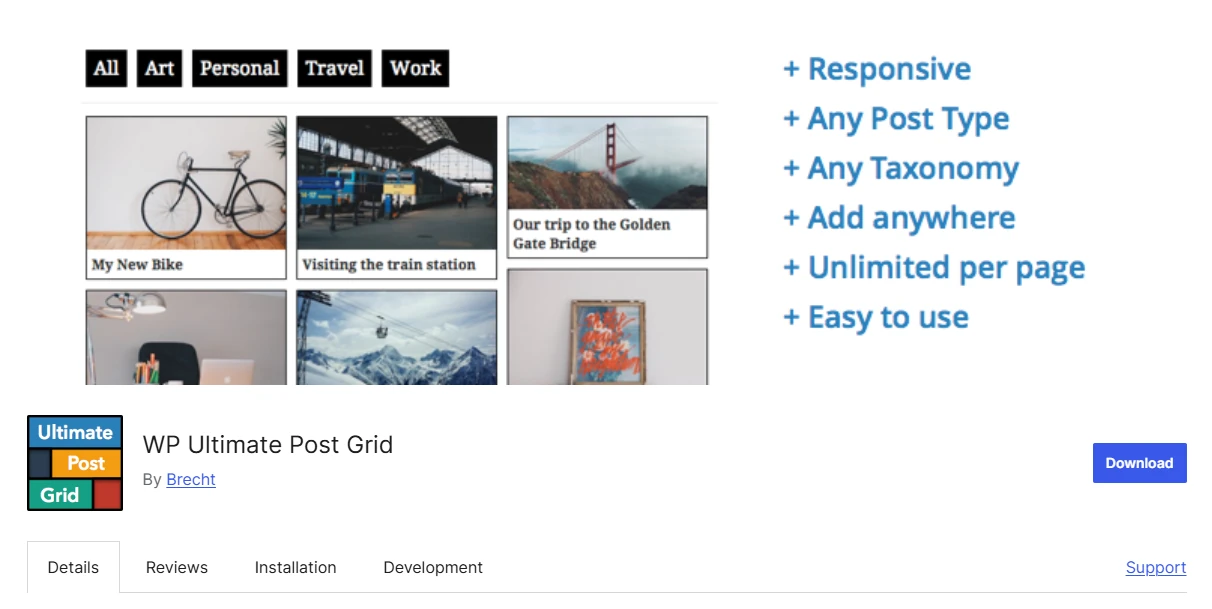
WP Ultimate Post Grid is designed for sites where taxonomy filtering, reusable filter states, and editable templates are more important than having a large collection of polished presets.
It can build responsive grids for standard posts, pages, and custom post types. Its disadvantages are a smaller user base and default styles that feel older than those of several competing products.
Key Features of WP Ultimate Post Grid
- Responsive grids for posts, pages, and custom post types
- Taxonomy and custom-field filters
- Deep links to prefiltered grid states
- Live preview and pagination
- Editable grid templates
- Gutenberg, Classic Editor, and shortcode support
Where WP Ultimate Post Grid Works Best
The plugin allows visitors to refine displayed items using taxonomy or custom-field filters. It can also create deep links representing a particular filter state.
This means a website can send users directly to a grid that is already narrowed to a particular selection, which can be useful for recipe collections, resource libraries, and structured directories.
WP Ultimate Post Grid also includes several grid templates and a template editor for users who want more control over the generated output.
It supports Gutenberg, the Classic Editor, and shortcodes, and can integrate with WP Recipe Maker when creating recipe-focused grids.
WP Ultimate Post Grid Pricing
The plugin remains actively maintained, but we could not verify a current premium price through an official public pricing page. For that reason, its paid pricing is shown as not publicly available.
Who Should Use WP Ultimate Post Grid?
Choose WP Ultimate Post Grid if: editable templates, taxonomy filtering, or deep links to predefined filter states are important to your project.
Choose another option if: you prefer contemporary designs that need very little manual customization.
Which Post Grid Plugin Should You Choose?
Your WordPress editor is often the fastest way to reduce the number of candidates.
If Elementor is the foundation of the site, ElementsKit provides the most natural editing experience. If you use Gutenberg and only require a reliable post grid as part of a broader block toolkit, Spectra or Kadence Blocks is generally more appropriate.
For users who want to begin without paying, Content Views is the first option worth testing. Its free package supports multiple editing methods and includes enough layouts and query functionality for many conventional blogs and archive pages.
PostX becomes more relevant when post grids are part of a wider publishing workflow. Its combination of grid and list blocks, sliders, starter sites, advanced queries, and dynamic templates can replace several separate tools when creating a content-heavy news or magazine website.
The Post Grid is worth considering when compatibility with multiple editors cannot be compromised. Smart Post is the nearest Gutenberg-centric alternative to PostX, while PickPlugins and WP Ultimate Post Grid are stronger fits for specialized requirements involving masonry layouts, custom post types, or advanced front-end filtering.
FAQs About WordPress Post Grid Plugins
These FAQs address common questions about post grid performance, category filtering, free plugin options, custom post types, and the difference between specialist grid plugins and general Gutenberg block libraries.
Q: Can a Post Grid Filter Articles by Category?
Yes. Category-based post selection is supported by most dedicated post grid plugins.
PostX, Content Views, The Post Grid, Post Grid by PickPlugins, and WP Ultimate Post Grid also include options for front-end category filtering. Depending on the plugin, some visitor-facing filters may only be available in the paid edition.
Q: Can I Display Custom Post Types or WooCommerce Products in a Grid?
Yes, although the exact functionality depends on the plugin and license level.
Content Views, The Post Grid Pro, Post Grid by PickPlugins, and WP Ultimate Post Grid support custom post types. PickPlugins also specifically documents support for displaying WooCommerce products.
Check the current free-versus-Pro feature boundaries before choosing a plugin if either capability is essential.
Q: Do Post Grid Plugins Slow Down WordPress?
They can affect site performance because displaying post grids may introduce additional database queries, HTML output, images, CSS, and JavaScript.
The actual impact depends on several factors, including the number of posts being queried, image dimensions, filtering functionality, and how the plugin loads its assets.
For a meaningful result, test the finished implementation on a staging website instead of relying solely on generic claims about plugin performance.
Q: Which Post Grid Plugin Has the Best Free Version?
For most users, Content Views provides the strongest free package. It includes multiple display formats, flexible query options, Gutenberg blocks, Elementor widgets, and shortcode support.
PostX and Smart Post provide stronger collections of blocks aimed specifically at publication websites, but a number of their more advanced capabilities are part of the paid editions.
Q: Is a Dedicated Post Grid Plugin Better Than a Gutenberg Block Suite?
A specialist post grid plugin is generally the better choice when you need multiple editorial layouts, complex query controls, Ajax filtering, archive templates, or reusable grid configurations.
For a basic post section on a homepage or landing page, a wider Gutenberg block suite such as Spectra or Kadence Blocks will often be sufficient.
Make the Shortlist Before Installing Anything
The right post grid plugin is the one that matches the website’s editor, content structure, and publishing requirements without forcing you to install a system that is larger than necessary.
Use four factors to reduce the list:
- Editor: Gutenberg, Elementor, Divi, or a shortcode-based workflow
- Content: a standard blog section, filtered content directory, or complete news and magazine presentation
- Controls: simple post selection, advanced querying, visitor filters, or archive templates
- Budget: what is included for free and what the ongoing renewal price will be
A relatively simple blog may be better served by Content Views, Spectra, or Kadence Blocks. A publication-style website such as a newsroom or magazine is more likely to take advantage of the broader layout and template systems offered by PostX, Smart Post, or The Post Grid.
Before committing, reduce the list to two candidates and recreate the same grid with real website content on a staging installation. Compare responsive behavior, query configuration, and front-end performance before deploying either plugin on the production website.