Want your products to show star ratings, prices, and stock status right in Google search? You need schema markup. The fastest way to add it to a WooCommerce store is with a plugin.
This guide covers the best schema markup plugins for WooCommerce. You will see what each one does, who it is best for, and where it falls short. You will also learn how to add schema, fix common errors, and pick the right tool for your store.
Quick Answer: Top Schema Plugins for WooCommerce
Here are the best picks at a glance:
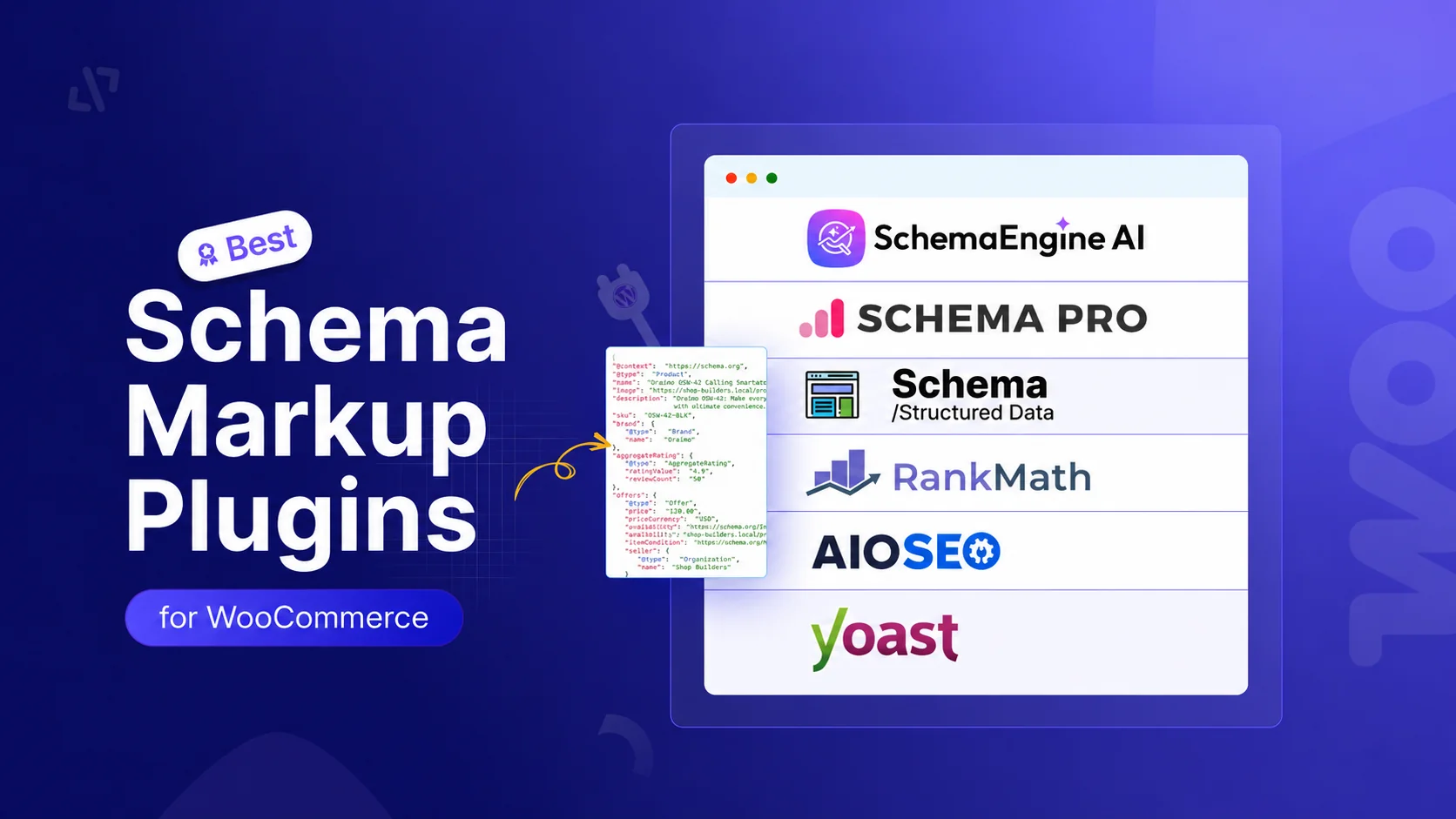
- Schema Engine AI is best for AI-driven schema and AEO/GEO visibility.
- Rank Math is best for a free, all-in-one SEO and schema tool.
- All in One SEO (AIOSEO) is best for beginners who want SEO plus schema in one place.
- Yoast SEO + WooCommerce SEO is best for stores already using Yoast.
- Schema Pro is best as a standalone schema tool next to your SEO plugin.
- Schema & Structured Data for WP & AMP is best for a free plugin with many schema types.
Comparison Table
| Plugin | Best For | Free Version | WooCommerce Product Schema | AI Features |
| Schema Engine AI | AI schema, AEO and GEO | Yes | Yes | Yes (Manual, Auto, AI modes) |
| Rank Math | Free all-in-one SEO | Yes | Yes (auto) | Limited |
| AIOSEO | Beginners, all-in-one | Yes | Yes | Smart schema |
| Yoast SEO | Existing Yoast users | Yes | Add-on needed | No |
| Schema Pro | Standalone schema | No | Yes | No |
| Schema & Structured Data (SASWP) | Free, many types | Yes | Add-on for full Woo | No |
What Is Schema Markup for WooCommerce?
Schema markup is a small block of code on your page. It uses a format called JSON-LD. This code is not visible to shoppers. But search engines read it to understand your product.
Schema tells Google the facts about your product. That means the name, price, stock status, and ratings. Google uses this to build rich results. Rich results are the listings with extra details like stars and price.
WooCommerce adds some basic product schema on its own. But it is limited. A good plugin adds more complete and accurate markup. It also helps you avoid errors that hide your rich results.
Why WooCommerce Stores Need Schema Markup
Schema markup helps your store in three big ways.
It boosts click-through rate. Rich results take up more space and look more trustworthy. One study by Milestone Research found pages with rich results earned a 58% click-through rate. Plain listings sat at 41%. More clicks mean more traffic and more sales.
It helps Google understand your store. Clear product data helps Google index your pages correctly. It can match your products to the right searches.
It helps you show up in AI search. AI tools like Google AI Overviews and ChatGPT rely on structured data. Schema makes your content easier for AI to read and cite. This is the base of AEO (Answer Engine Optimization) and GEO (Generative Engine Optimization).
Note: schema markup is not a direct ranking factor. It will not push you to page one by itself. But the higher click-through rate and better visibility give you a real edge.
The Best Schema Markup Plugins for WooCommerce
1. Schema Engine AI
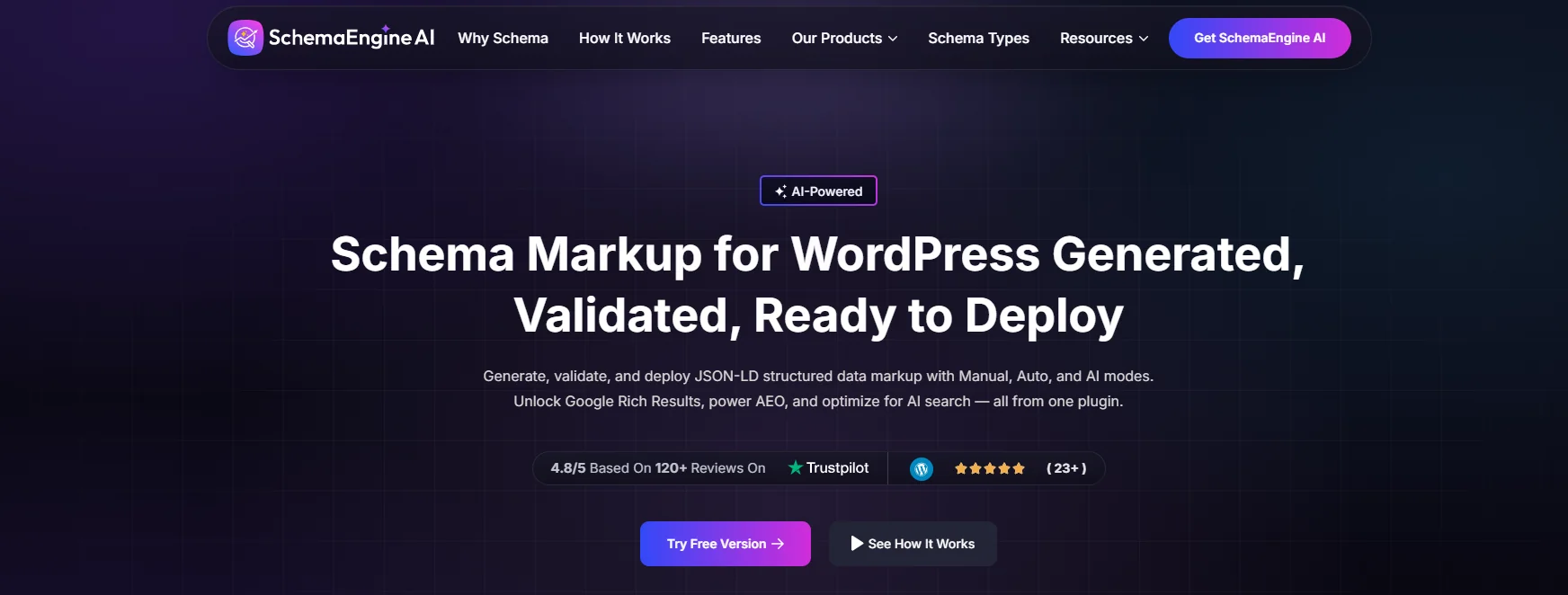
Schema Engine AI is a newer plugin built for modern search. It is made by RadiusTheme. The big draw is its three workflows: Manual, Auto, and AI. You pick the one that fits your skill level.
In AI mode, the plugin reads your content. Then it suggests the best schema type and fills in the fields. This saves a lot of time. In Auto mode, it applies schema by rules across your whole site. In Manual mode, you control every detail.
For WooCommerce, it auto-generates product schema with price, stock status, and ratings. It also supports merchant return policy and shipping schema. Google now wants these for store listings. It can generate FAQ schema with AI too, which helps with AEO.
It works next to Yoast SEO and Rank Math. It includes duplicate detection so you do not get two product blocks on one page. It supports 30+ schema types in total. It holds a 4.8 out of 5 rating from 120+ reviews.
Best for: Store owners who want AI to do the heavy lifting and care about AI search visibility.
Key features:
- Manual, Auto, and AI modes.
- AI-powered FAQ schema for AEO.
- WooCommerce product, return policy, and shipping schema.
- Real-time validation against Google rules.
- Works with Yoast and Rank Math, with duplicate detection.
- 30+ schema types.
Pros:
- AI mode is fast and beginner-friendly.
- Strong focus on AEO and GEO.
- Built-in validation reduces errors.
Cons:
- Newer plugin with a smaller user base than Yoast or Rank Math.
- AI mode needs an API key from OpenAI, Anthropic, or Google.
Price: Free version on WordPress.org (listed as Review Schema). Premium adds the full feature set.
2. Rank Math
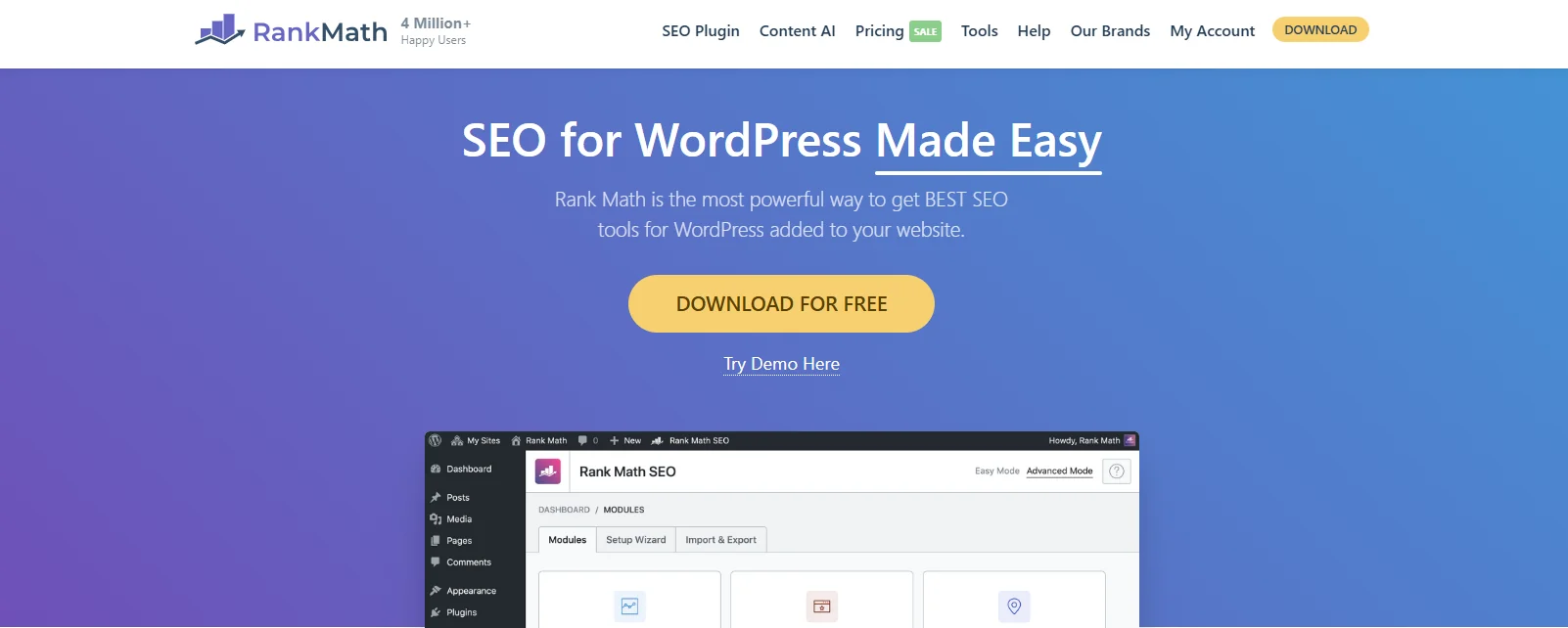
Rank Math is a popular all-in-one SEO plugin. Its free version includes strong schema support. It auto-detects WooCommerce products and adds the right markup. A setup wizard walks you through it step by step.
You can set global rules. For example, apply Product schema to all products at once. It also suggests schema types based on your content.
Best for: Stores that want one free tool for both SEO and schema.
Key features:
- Free WooCommerce product schema.
- Setup wizard for beginners.
- Global schema rules.
- Many schema types in the free version.
Pros:
- Generous free version.
- Easy to set up.
- Handles both SEO and schema.
Cons:
- The full feature set pushes you toward the Pro plan.
- Can feel heavy if you only want schema.
Price: Free version available. Pro plans add more.
3. All in One SEO (AIOSEO)
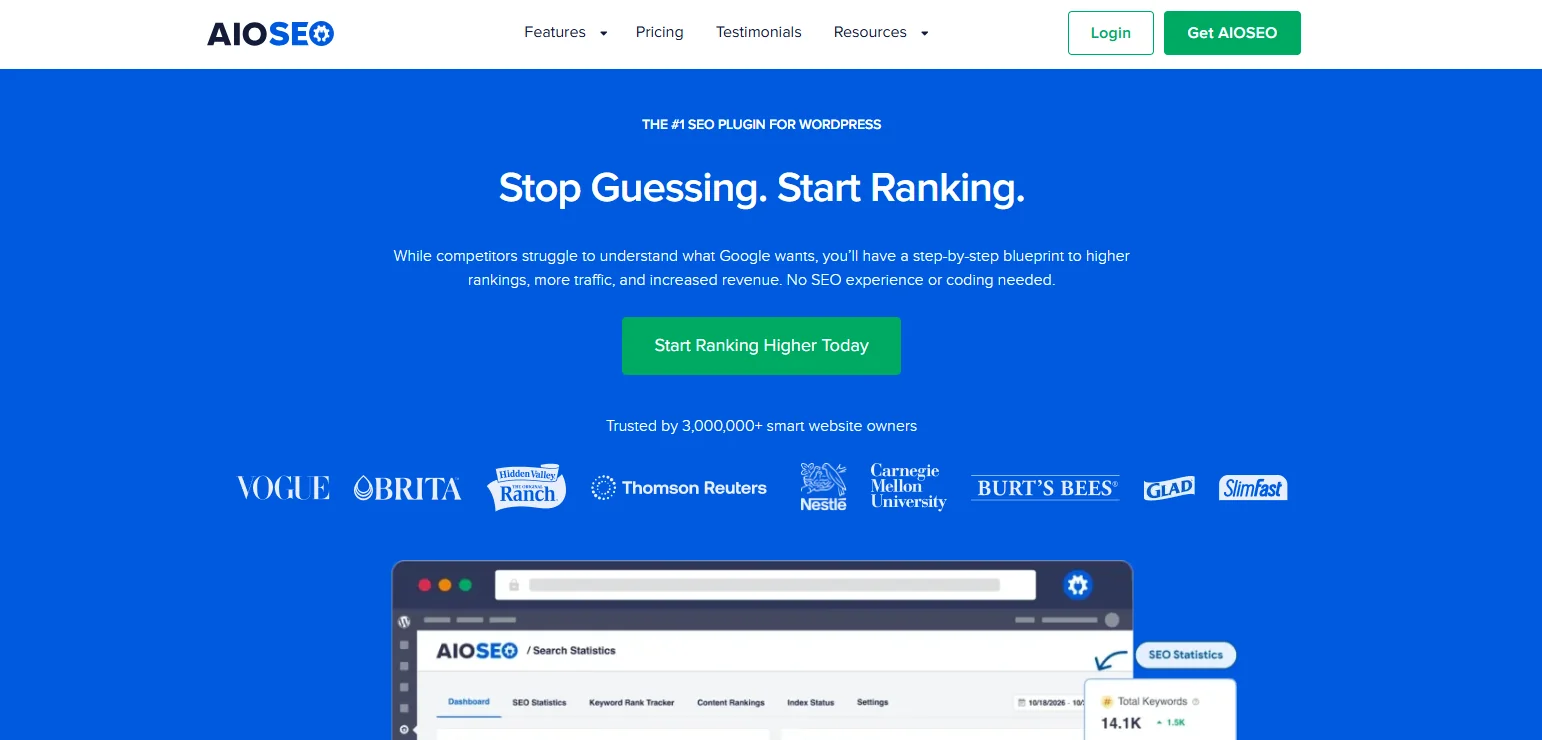
AIOSEO is one of the most trusted SEO plugins. It is used by over 3 million sites. Its Schema Generator lets you pick a type from a catalog and fill in the blanks. It handles the code for you.
Its Next-Gen Schema maps your content to the right markup. It also validates your schema so it stays Google-compliant. This is a good pick if you want SEO and schema in one clean dashboard.
Best for: Beginners who want SEO and schema together with little setup.
Key features:
- Schema Generator with a large catalog.
- Next-Gen Schema mapping.
- Built-in validation.
- Full SEO toolkit.
Pros:
- Beginner-friendly interface.
- Trusted by millions.
- Good schema variety.
Cons:
- Advanced schema needs a paid plan.
- Some features overlap with tools you may already use.
Price: Free version available. Premium plans add advanced schema.
4. Yoast SEO + WooCommerce SEO
Yoast SEO is the most installed SEO plugin in the world. On its own, it adds basic schema. For full WooCommerce support, you add the Yoast WooCommerce SEO add-on.
With the add-on, Yoast adds product schema, offer schema, and review schema. It detects product pages and applies the right markup. You do not need to write any code.
Best for: Stores that already run Yoast SEO.
Key features:
- Automatic product, offer, and review schema (with add-on).
- Detects product pages on its own.
- Clean integration with WooCommerce.
Pros:
- Familiar tool for many users.
- Reliable and well-supported.
- No coding needed.
Cons:
- Full WooCommerce schema needs a paid add-on.
- Less flexible than dedicated schema plugins.
Price: Free core plugin. WooCommerce SEO add-on is paid.
5. Schema Pro
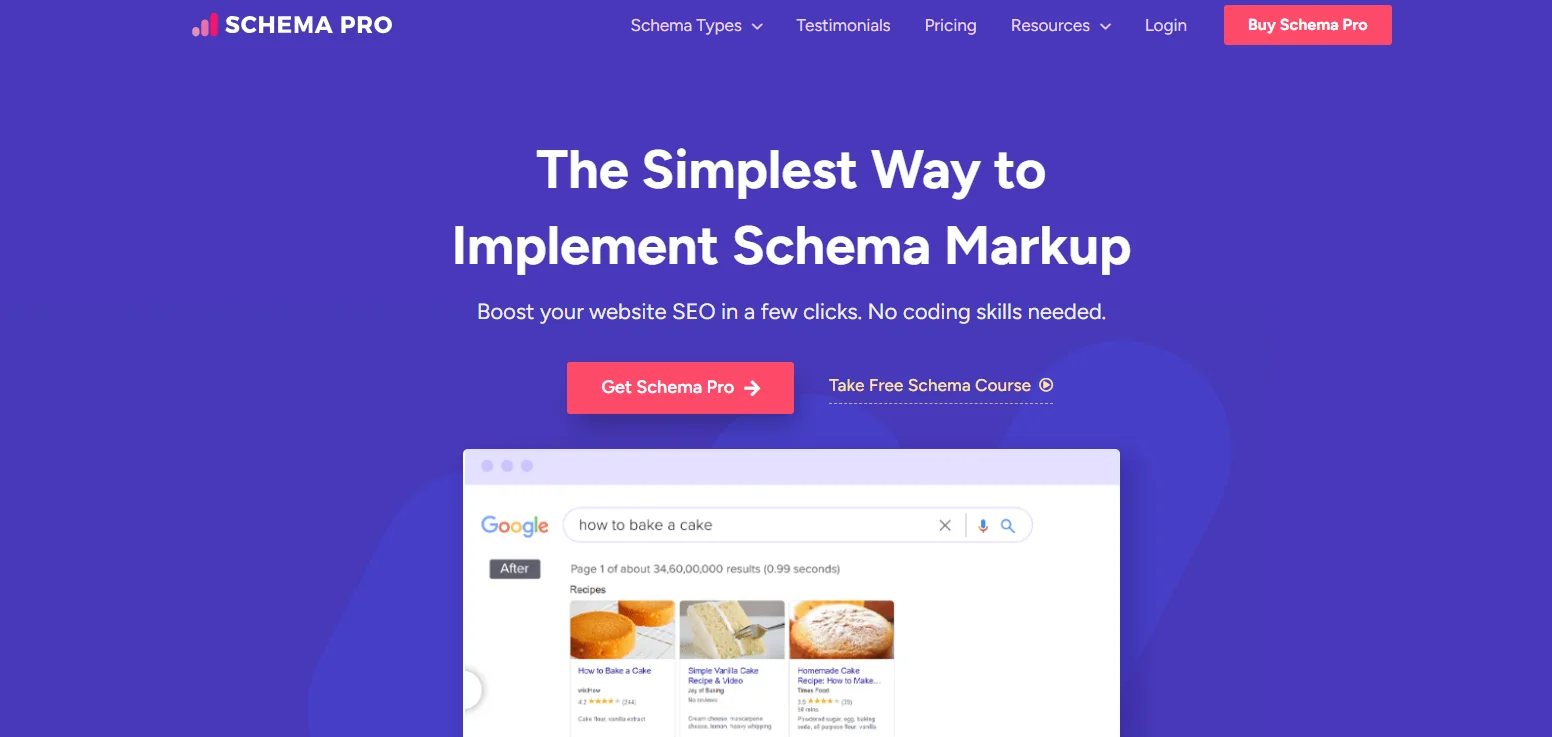
Schema Pro is a standalone schema plugin from Brainstorm Force. It supports 20+ schema types. It is built to add schema without touching code. Its field mapping is a standout. You map a field like price or image once, and it applies across your site.
It works alongside SEO plugins like Yoast. It also validates your markup in real time. This is a strong choice if you want schema handled separately from your SEO plugin.
Best for: Users who want a dedicated schema tool next to their SEO plugin.
Key features:
- 20+ schema types.
- Smart field mapping.
- Real-time validation.
- Works with Yoast and other SEO plugins.
Pros:
- Powerful and flexible mapping.
- Clean, focused tool.
- Works next to your SEO plugin.
Cons:
- No free version.
- You must disable WooCommerce default schema to avoid duplicates.
Price: Paid only.
6. Schema & Structured Data for WP & AMP (SASWP)
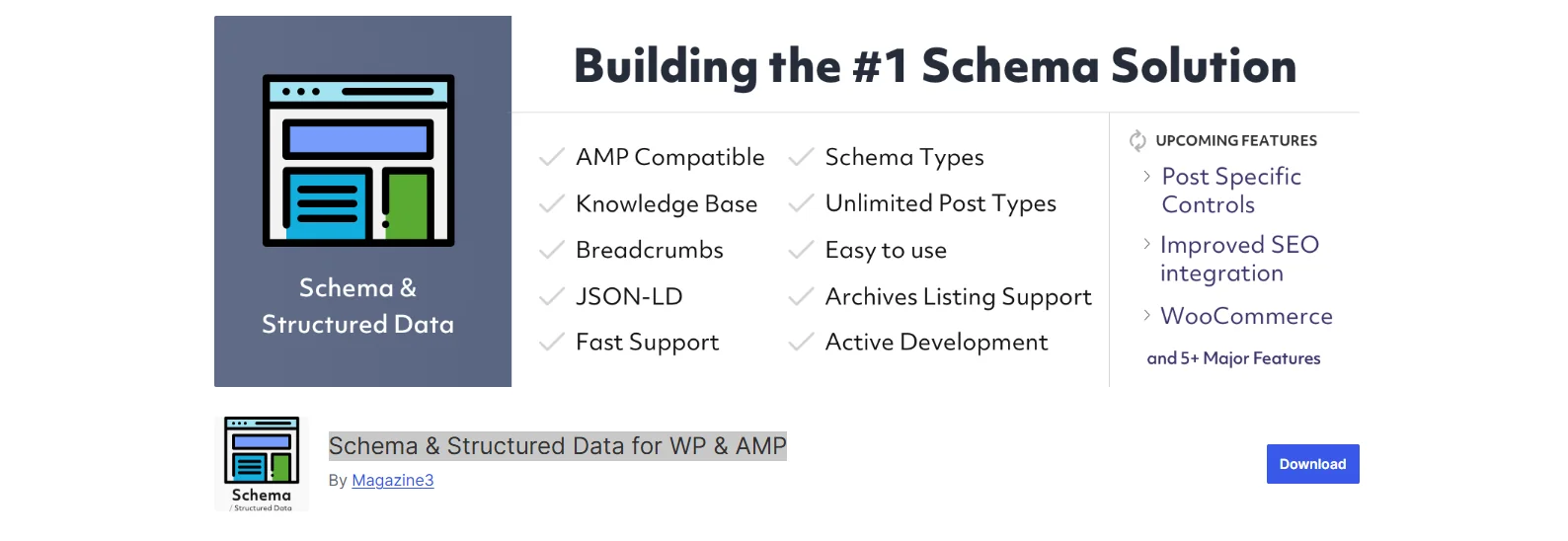
Schema & Structured Data for WP & AMP plugin supports over 35 schema types. It also works with AMP. The setup wizard makes it easy to start. You get conditional rules to control where schema shows.
The free version covers the basics well. For full WooCommerce features, you need the premium version or the WooCommerce add-on. It is a great budget pick with a lot of range.
Best for: Stores on a budget that need many schema types.
Key features:
- 35+ schema types.
- AMP support.
- Setup wizard.
- Conditional display rules.
Pros:
- Strong free version.
- Wide schema support.
- Good for non-Woo content too.
Cons:
- Full WooCommerce support needs premium.
- Interface can feel busy.
Price: Free version available. Premium unlocks more.
How to Choose the Right Plugin for Your Store
Pick based on your setup, not just the feature list. Here is a simple way to decide.
- You want AI to handle schema and care about AI search. Choose Schema Engine AI.
- You have no SEO plugin yet and want one free tool. Select Rank Math or AIOSEO.
- You already use Yoast SEO. Add the Yoast WooCommerce SEO add-on or pair it with Schema Pro or Schema Engine AI.
- You want a free plugin with many schema types. Go for Schema & Structured Data for WP & AMP.
One rule matters most. Use only one source for product schema. Two sources cause duplicate schema, which can break your rich results. More on that below.
Common WooCommerce Schema Problems (and How to Fix Them)
Most guides stop at the plugin list. But real stores hit the same problems. Here are the fixes.
- Duplicate product schema. WooCommerce, your SEO plugin, and your theme can each add product schema. Google then sees the markup two or three times and may ignore it all. Fix: use one source for product schema and turn off the rest. The Rich Results Test shows every type it finds.
- Self-assigned star ratings. Ratings you type in yourself can get flagged. Fix: only mark up ratings from real reviews shown on the page.
- Missing required fields. Stars and price will not show if price, currency, image, or stock status are empty. A missing priceValidUntil also throws warnings. Fix: fill in every field, add a SKU, and keep the price and stock visible on the page.
- Changes do not show. This is almost always a cache issue. Fix: clear your site, plugin, and browser cache, then test again.
- Theme overrides the schema. Some themes strip out the markup. Fix: update your theme and WooCommerce, or switch to a dedicated schema plugin.
- Rich results still missing. Passing the test makes you eligible, not guaranteed. Fix: give it time. Google can take days or weeks and decides on its own whether to show a rich result.
Schema Types Every WooCommerce Store Should Use
Set these up for the best results:
- Product schema: Name, image, description, SKU, and brand.
- Offer schema: Price, currency, and stock status. This powers the price in search.
- Review and AggregateRating schema: Star ratings from real reviews.
- Organization schema: Your store name, logo, and contact info. This builds trust.
- Merchant return policy and shipping schema: Newer fields Google wants for stores. These add trust signals to your listings.
- FAQ schema: Common questions and answers. Great for AEO and AI search.
Frequently Asked Questions
Does WooCommerce add schema by default?
Yes. WooCommerce adds basic product schema on its own. But it is limited. A schema plugin adds more complete and accurate markup. It also helps you avoid errors. Just remember to use one source to prevent duplicates.
Does schema markup improve SEO rankings?
Not directly. Schema is not a ranking factor. But it powers rich results like star ratings and price. These boost your click-through rate. Higher clicks and better AI visibility give you a real edge.
Can I use two schema plugins at once?
It is not a good idea. Two plugins can add the same schema twice. This creates duplicate markup, and Google may ignore it. Use one source for each schema type.
How do I test my WooCommerce schema?
Use Google’s Rich Results Test or the Schema Markup Validator. Paste your product URL. The tool shows which schema types are found and lists any errors. Fix the errors, clear your cache, and test again.
What schema helps with AI search and AI Overviews?
Clear, valid structured data helps the most. Product, Organization, and FAQ schema are key. Tools built for AEO and GEO, like Schema Engine AI, focus on this. They make your content easier for AI tools to read and cite.
Do I need a paid plugin for WooCommerce schema?
No. Free plugins like Rank Math cover the basics well. Paid plugins add more control, more schema types, and features like AI generation, return policy schema, and field mapping. Choose based on how much control your store needs.
Final Thoughts
Schema markup turns plain product links into rich results. That means stars, prices, and stock status in search. Those listings get more clicks.
For most stores, Rank Math or AIOSEO covers the basics for free. If you already use Yoast, pair it with an add-on or a standalone tool. If you want AI to do the work and care about AI search, Schema Engine AI is the modern pick.
Whatever you choose, follow one rule. Use one source for product schema. Test with Google’s Rich Results Test. Then watch your products stand out in search.