
The WowRevenue interface gives you quick access to creating campaigns, managing existing offers, and tracking their performance.
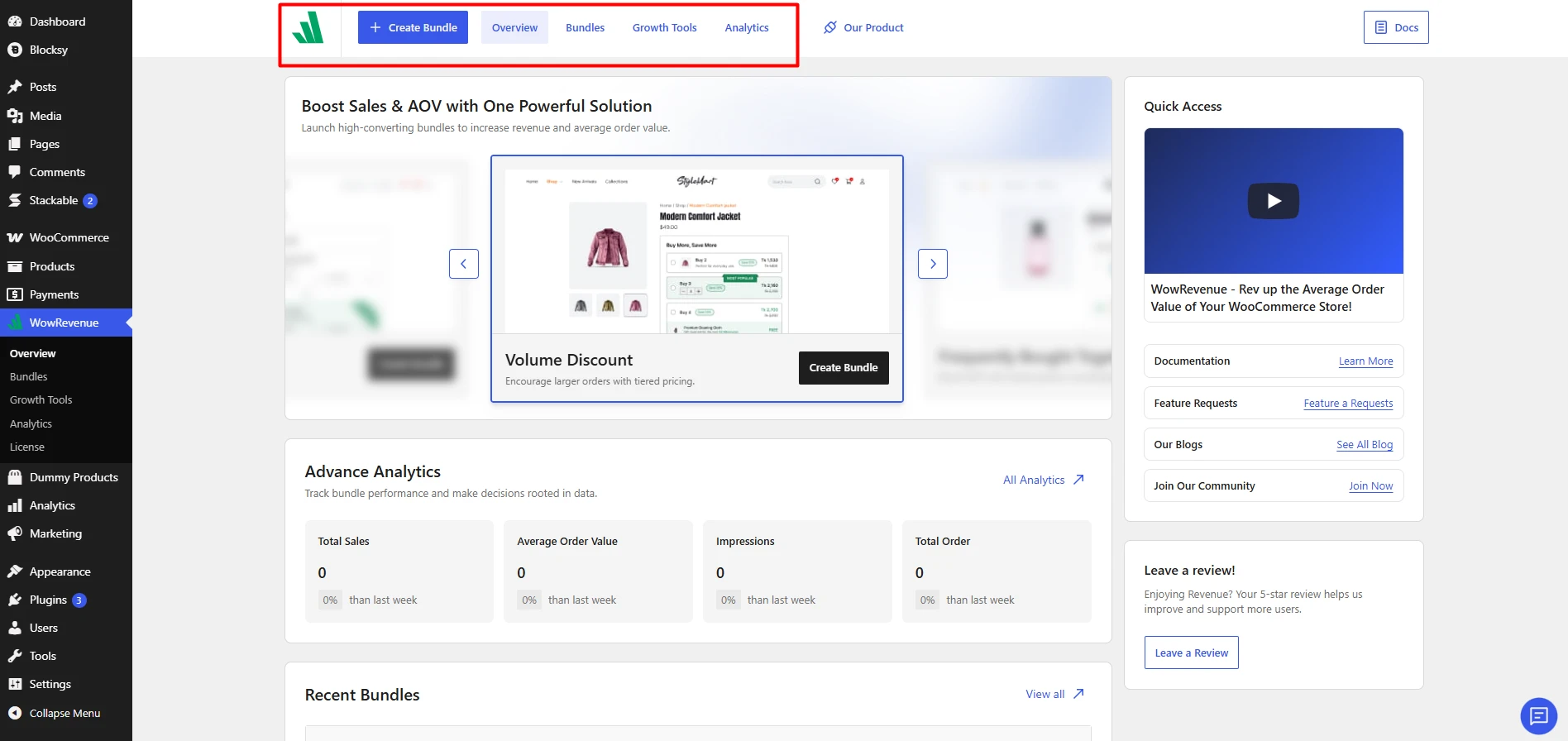
Create Bundle
Click Create Bundle to start a new WowRevenue campaign.
This opens the template library, where you can choose from available campaign types such as Product Bundles, Volume Discounts, Frequently Bought Together, Buy X Get Y, and Mix and Match offers.
Overview Page
The Overview page gives you a quick snapshot of your WowRevenue activity.
From here, you can:
- Quickly create a new campaign.
- Access existing bundle types.
- View key performance metrics such as Total Sales, Average Order Value, Impressions, and Total Orders.
- See recently created campaigns.
- Access documentation and other helpful resources.
Bundles Page
The Bundles page lets you manage all the campaigns you have created.
You can search campaigns and filter them by type or status. The table also shows useful information such as:
- Bundle name
- Bundle type
- Display page
- Status
- Trigger products
- Add to Cart count
- Conversions
- Revenue
You can also enable or disable campaigns and access additional actions for each offer from this page.
Analytics Page
The Analytics page gives you a more detailed view of how your WowRevenue campaigns are performing.
You can track key metrics such as:
- Total Sales
- Average Order Value
- Impressions
- Total Orders
- Conversion Rate
The Sales and Data Statistics section lets you analyze performance over a selected date range and filter the data by individual campaigns or all bundles.
You can also find the best performing bundles from your store on this page.